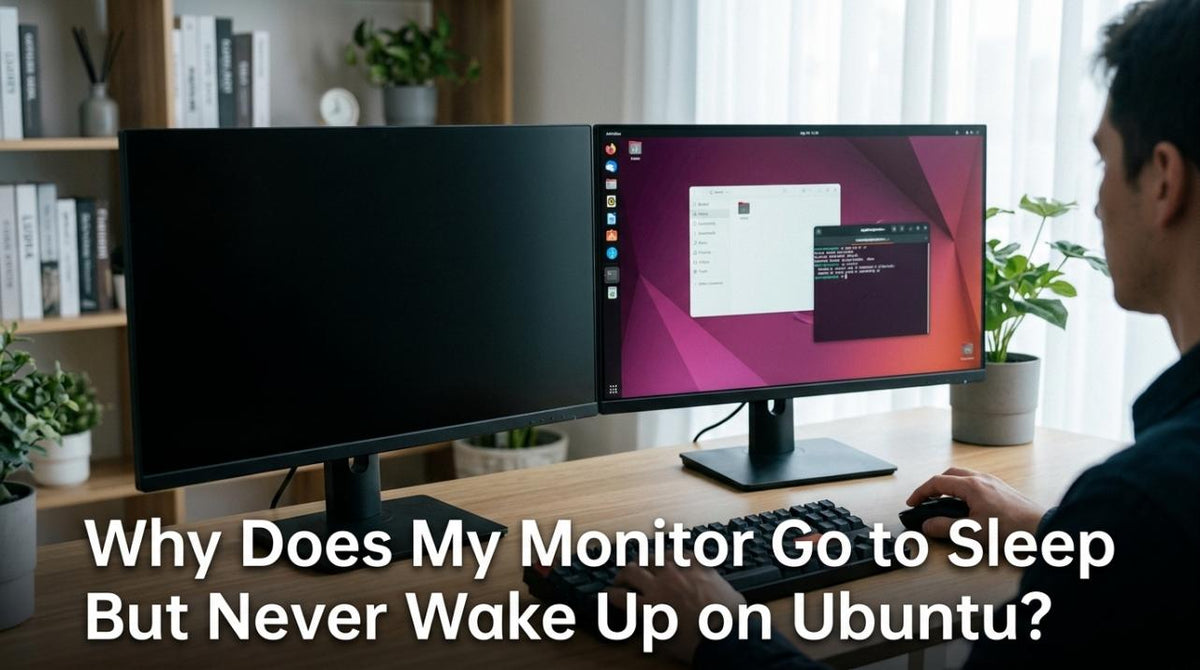
Featured storyWhy Does My Monitor Go to Sleep But Never Wake Up on Ubuntu?An Ubuntu monitor that won't wake up is a common issue. This guide provides solutions for failed wake signals, from aggressive power settings to GPU driver conflicts.May 22, 2026/4 min read
How to Stop Custom Scaling from Resetting Every Time You Disconnect Your MonitorCustom scaling resetting when you reconnect your monitor? This usually happens when Windows detects a changed display layout. Get stable settings that stick by using extended mode, selecting the correct monitor before changing scale, and using native resolution.May 22, 2026/9 min read
Why Does My Monitor Look Blurry After an Operating System Update?A blurry monitor after an OS update is often due to incorrect resolution or scaling settings. This guide provides steps to fix sharpness by adjusting display settings, checking graphics drivers, and configuring multi-monitor setups correctly.May 22, 2026/4 min read
How to Set Different Refresh Rates for Each Monitor in a Multi-Display SetupSet different refresh rates for each monitor to get smooth gaming on one screen and efficiency on another. This guide provides steps for Windows advanced display settings.May 22, 2026/9 min read
Why Does macOS Keep Rearranging My Monitor Positions Every Time I Restart?macOS rearranges monitors after restart due to confused display identity, common with docks or identical screens. Get a stable layout with correct settings and tools.May 22, 2026/4 min read
How to Create Separate Display Presets for Windowed and Fullscreen Modes in the Same ApplicationSeparate display presets for windowed and fullscreen modes give you consistent color, brightness, and performance. Build two distinct monitor profiles for repeatable results.May 22, 2026/11 min read
How to Stop Your PC From Changing Your Monitor’s Color Profile After Driver UpdatesA monitor color profile reset by driver updates can wash out your display. Restore accurate color by locking your ICC profile in Color Management and resetting GPU settings.May 22, 2026/10 min read