Featured storyHow to Resolve a Monitor That Works Fine on One Computer but Not AnotherA monitor that works on one computer but not another usually points to the PC, not the screen. Resolve the issue by checking video output, cables, display modes, and drivers.May 22, 2026/10 min read
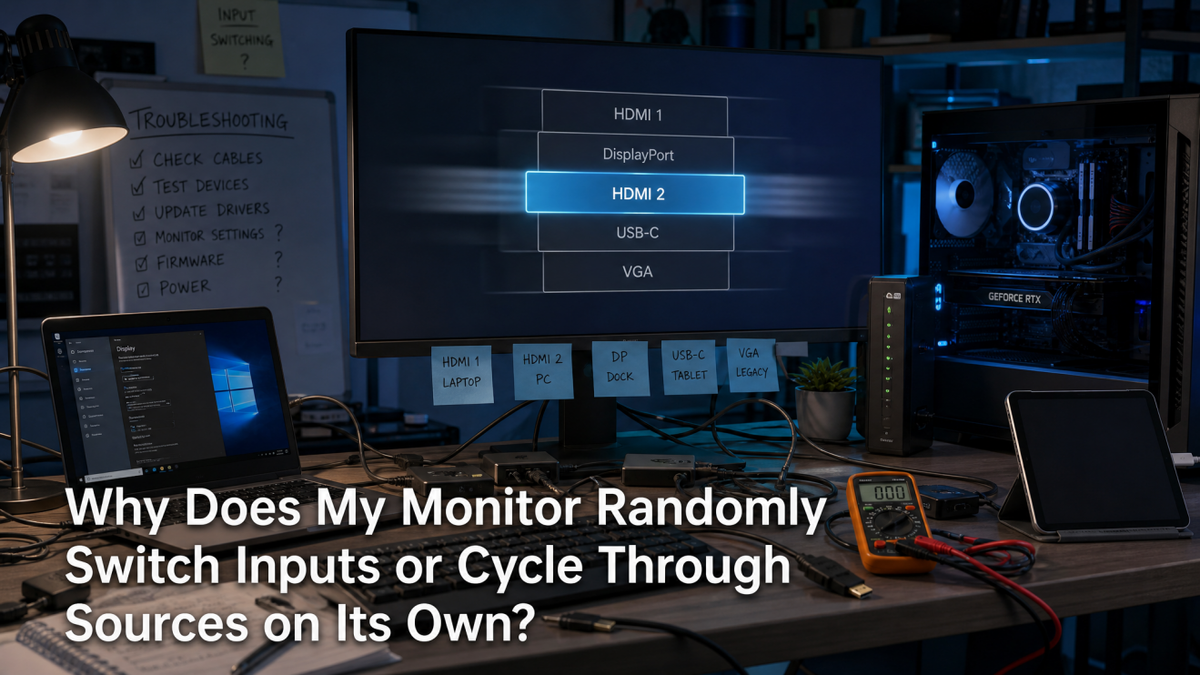
Why Does My Monitor Randomly Switch Inputs or Cycle Through Sources on Its Own?A monitor randomly switching inputs is often a reaction to signal loss or an auto-source feature. Stop the cycling by securing cables and adjusting your OSD settings.May 22, 2026/4 min read
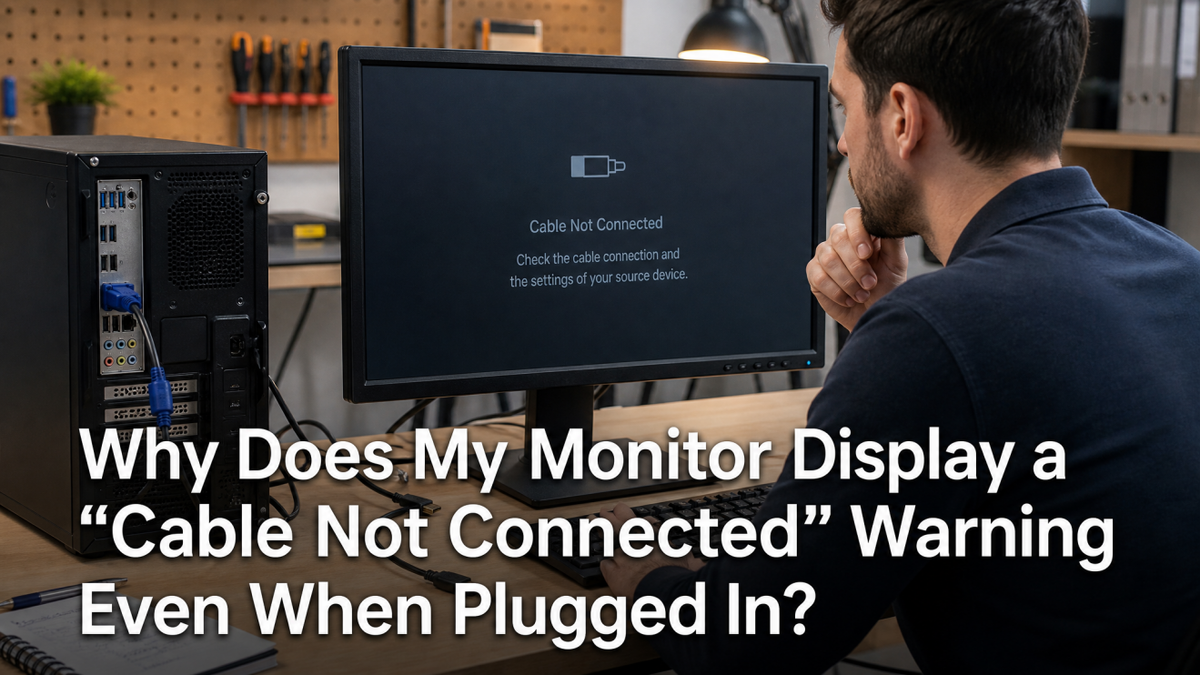
Why Does My Monitor Display a “Cable Not Connected” Warning Even When Plugged In?A 'Cable Not Connected' warning on a plugged-in monitor often means a signal issue. Follow our steps to check your cables, ports, input source, and GPU connection to fix the error.May 22, 2026/4 min read
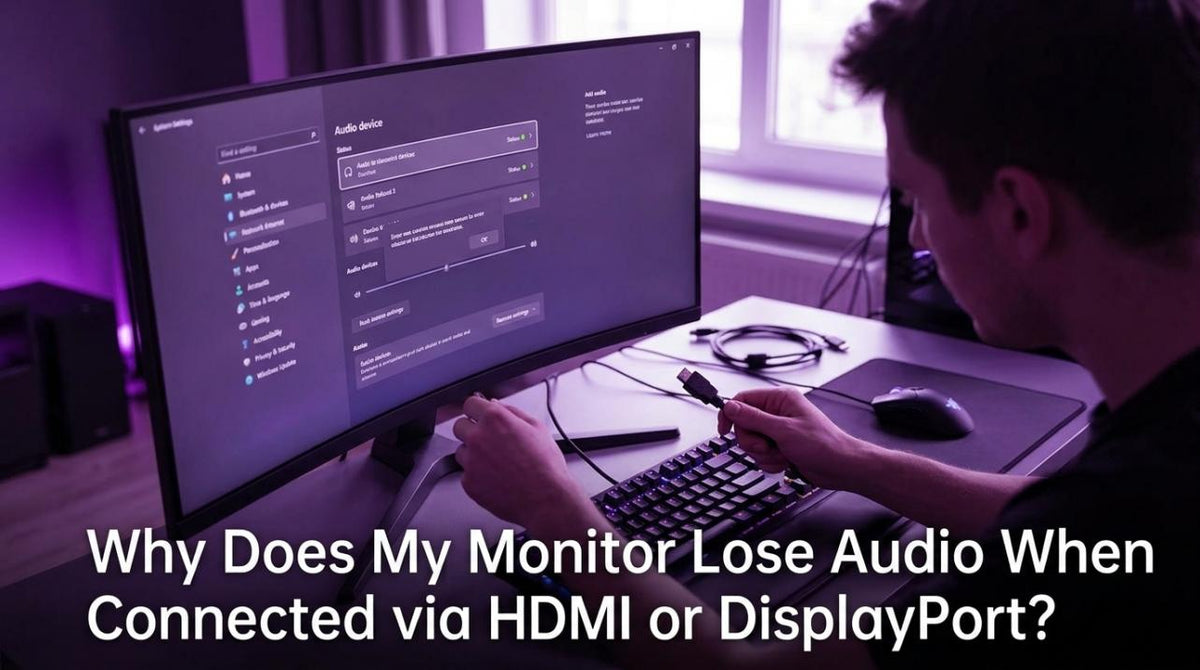
Why Does My Monitor Lose Audio When Connected via HDMI or DisplayPort?Monitor has no audio via HDMI or DisplayPort when the wrong output is selected. Check your PC's sound settings, inspect your cables, and update graphics drivers to fix the issue.May 22, 2026/4 min read
Why Does My Monitor Display an “Out of Range” or “Frequency Out of Range” Error?A monitor 'out of range' error happens when your PC sends a signal the screen can't display. Get simple steps to fix resolution, refresh rate, and cable issues fast.May 22, 2026/4 min read
How to Diagnose and Fix a Monitor That Only Works at Lower Refresh Rates Than AdvertisedA monitor only working at a lower refresh rate like 60Hz has a common cause. It's often a bad cable, setting, or driver. Get steps to fix flickering and restore 144Hz+.May 22, 2026/11 min read
Why Does Your Gaming Preset Look Washed Out When You Switch from HDR Content Back to SDR?Washed out colors after switching from HDR to SDR are caused by incorrect tone mapping, gamma, and RGB range settings. Get your vibrant gaming preset back with these fixes.May 22, 2026/4 min read