Drivers & Manuals

Firmware for available models is already the latest version: Self - installation isn't supported.

Game Monitor

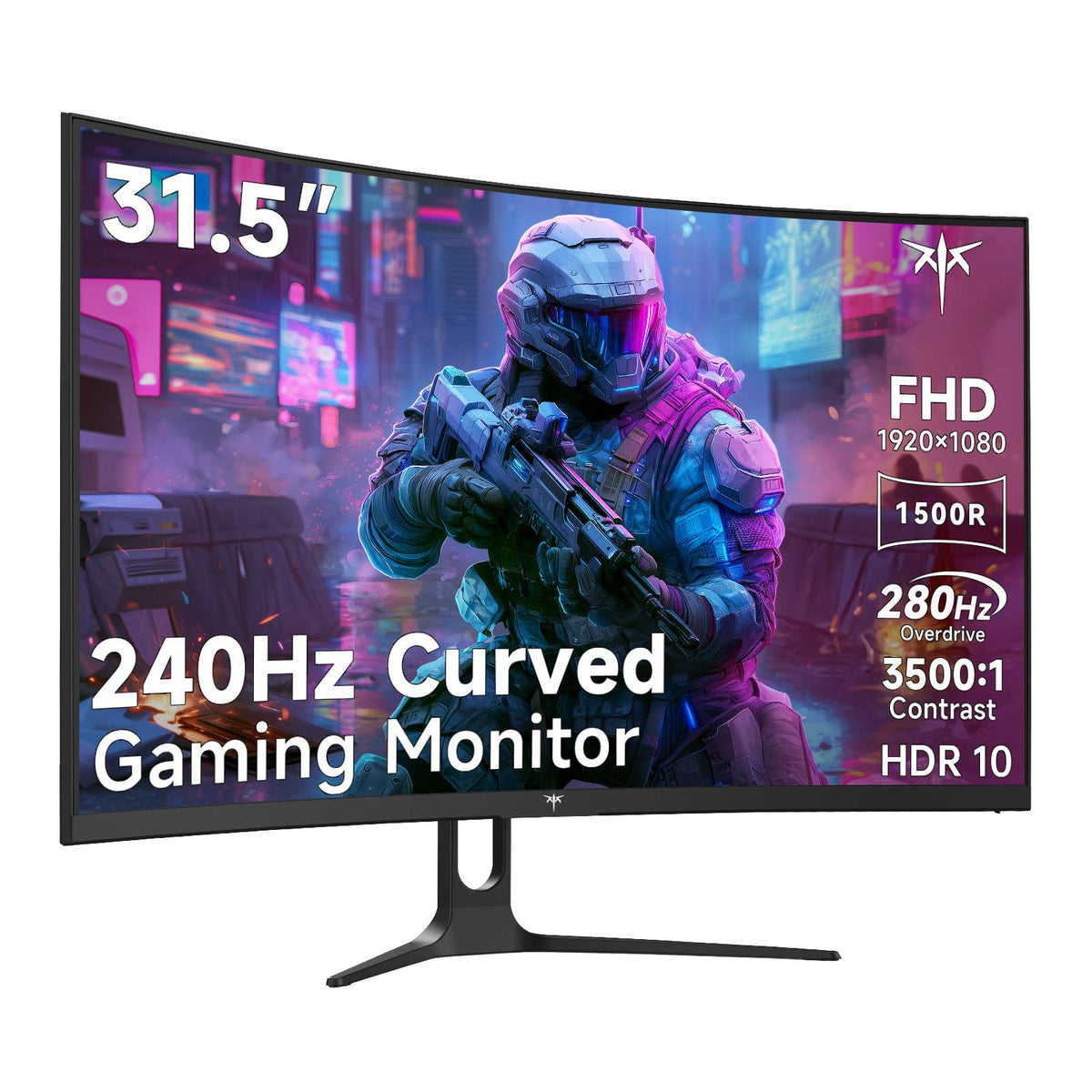
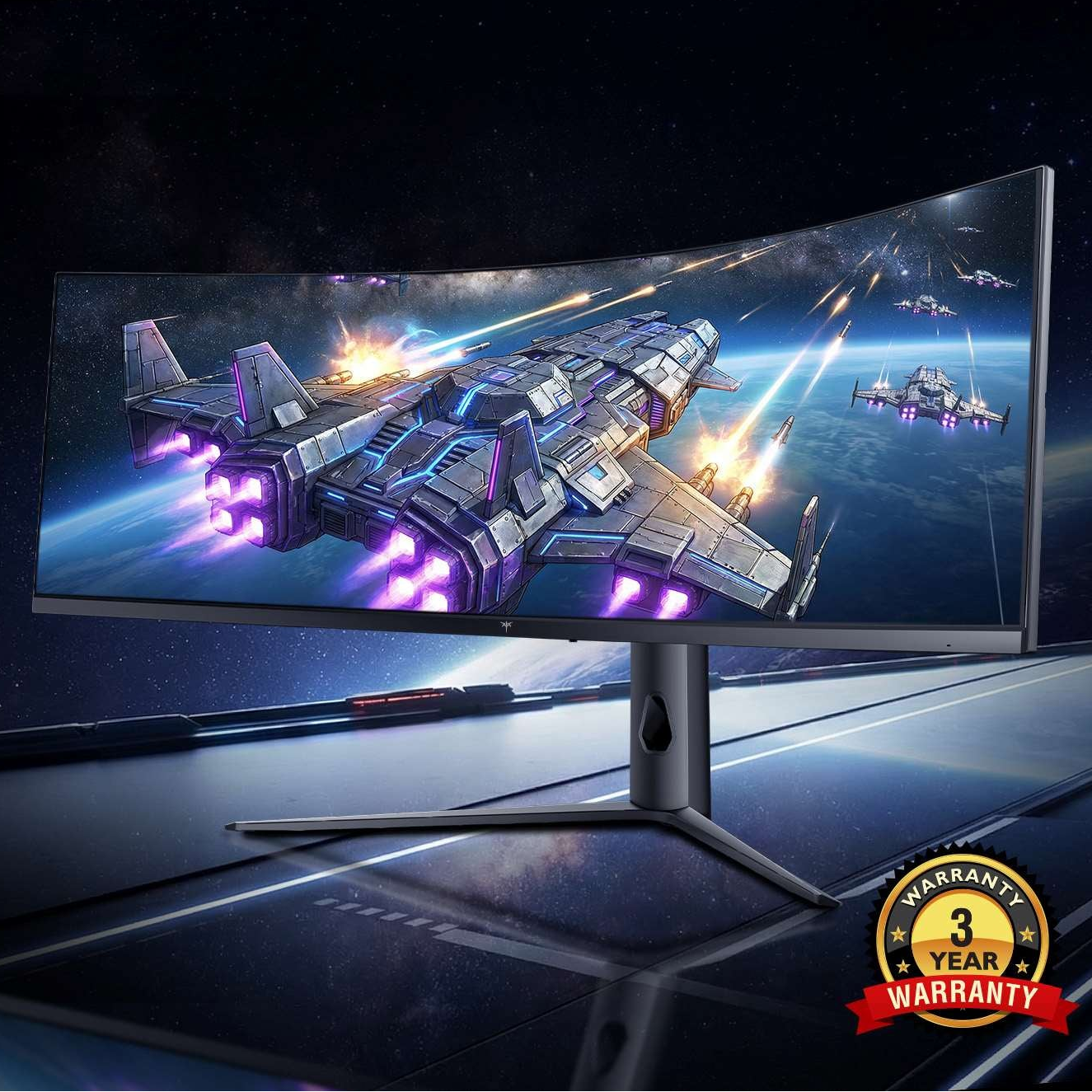
KTC 34 inch curved gaming monitor with 165Hz refresh rate and 1ms response time, WQHD+ display.

H34S18S

H32S25E

H32S17F

G27P6S

USA-1.0.1

User Manual

H27E6

H27S17

H27E22P

H27P22S

H24S17

H24F8

USA-2.0.1

User Manual

White scalloped ceramic bowl with pedestal base and gold trim

H27T22C-3

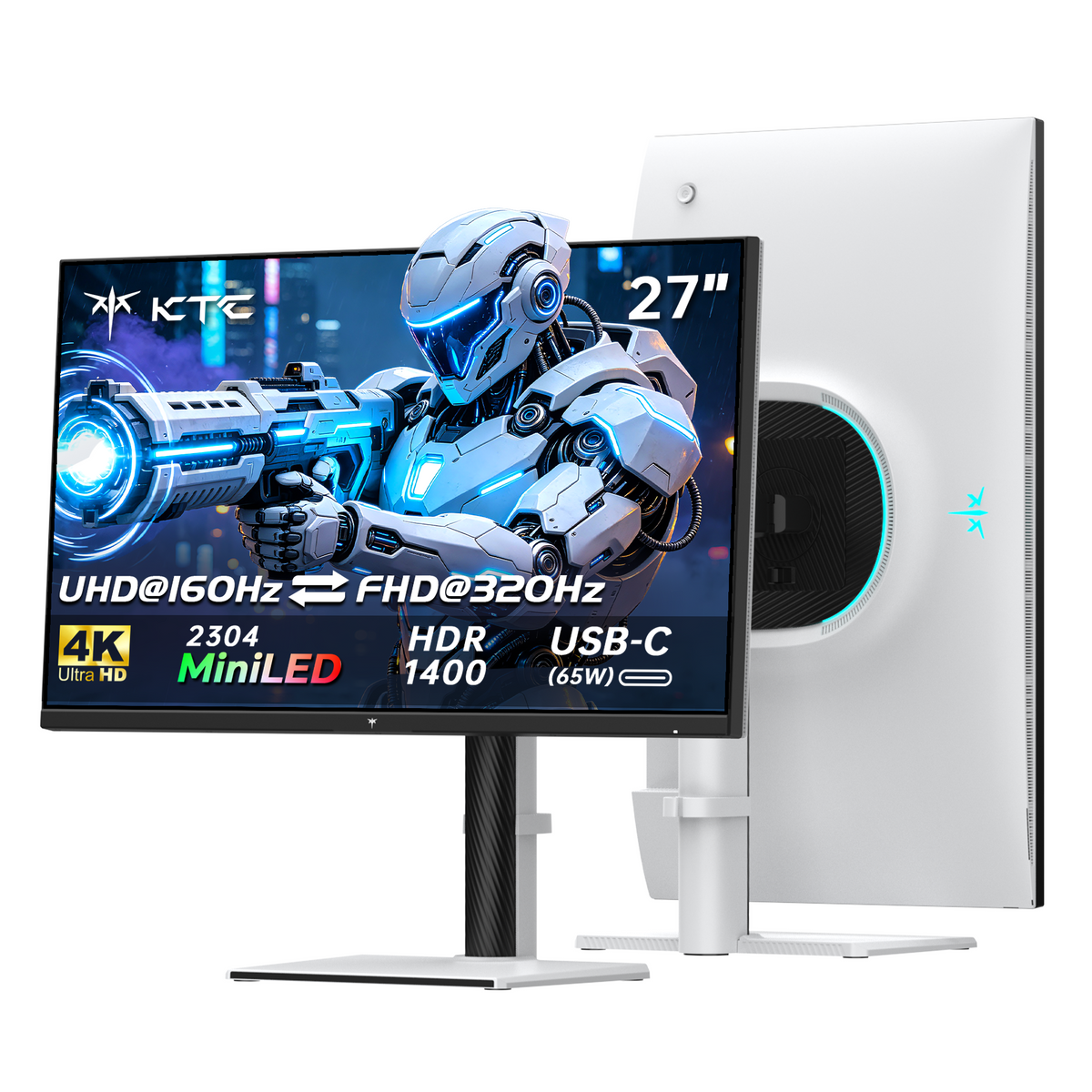
KTC 27" 4K 160Hz Gaming Monitor with Mini LED, HDR1400, and USB-C port

M27P6

Orange floral print tote bag with dark handles and a rectangular shape

H24T7

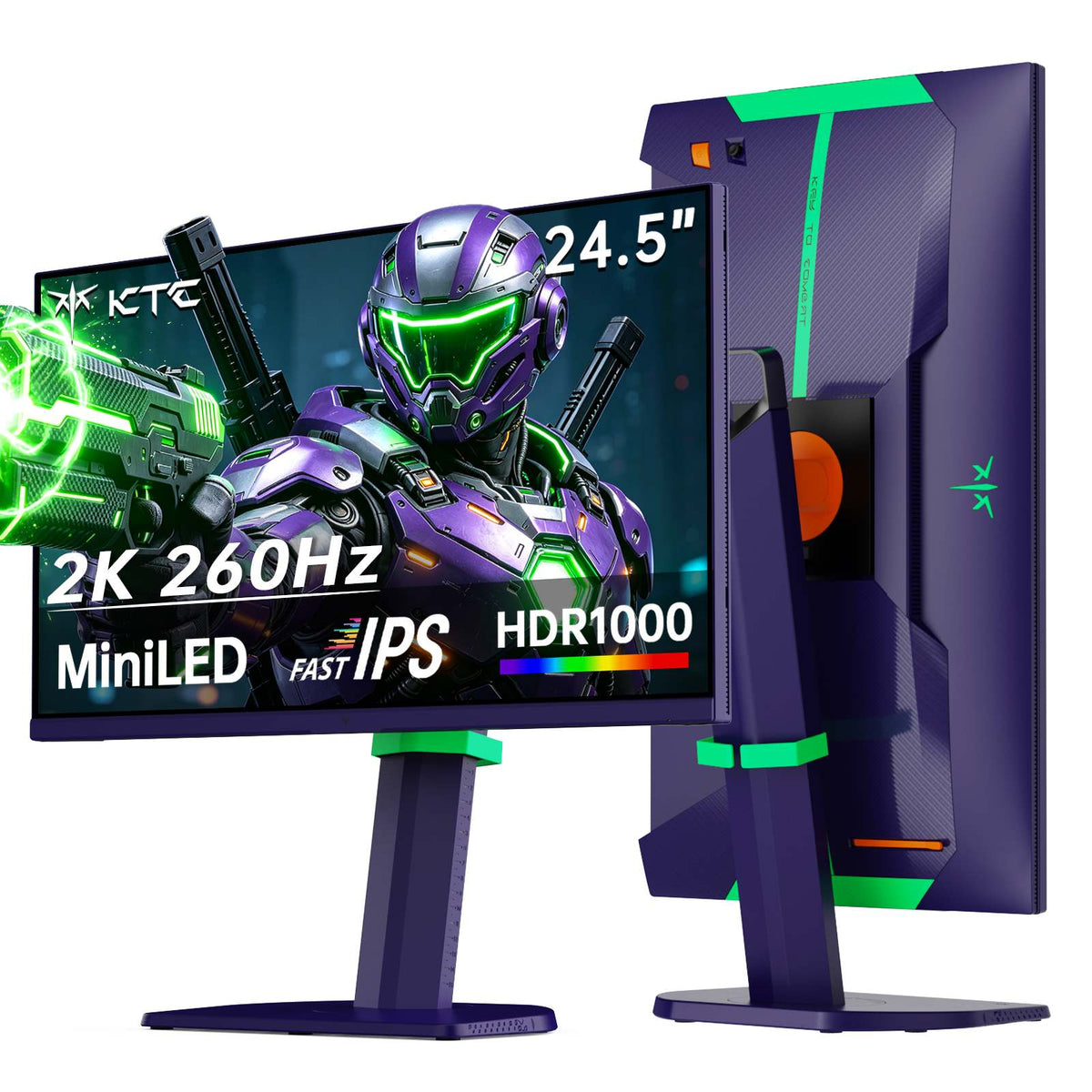
KTC 27 inch Mini LED Gaming Monitor - HDR1400 with white stand, 180Hz refresh rate, and WQHD resolution

M27T6

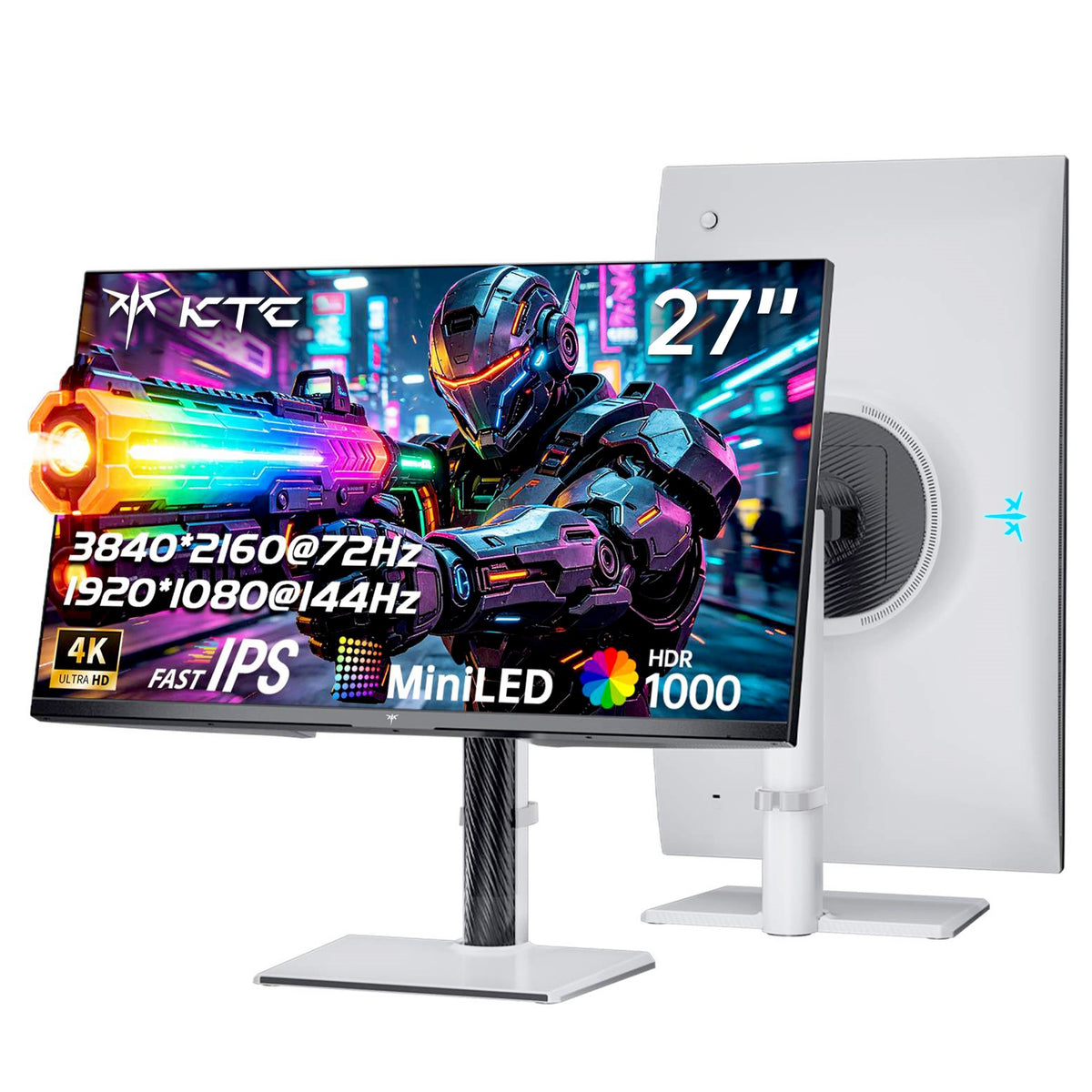
White KTC Mini LED 27-inch gaming monitor with HDR1000, 200Hz, and 2K display

M27T6S

KTC 27-inch 2K gaming monitor with narrow bezels, HDR400 and built-in speakers

H27T6

KTC 27-inch 4K 160Hz/320Hz gaming monitor with slim bezels and centered stand

H27P6

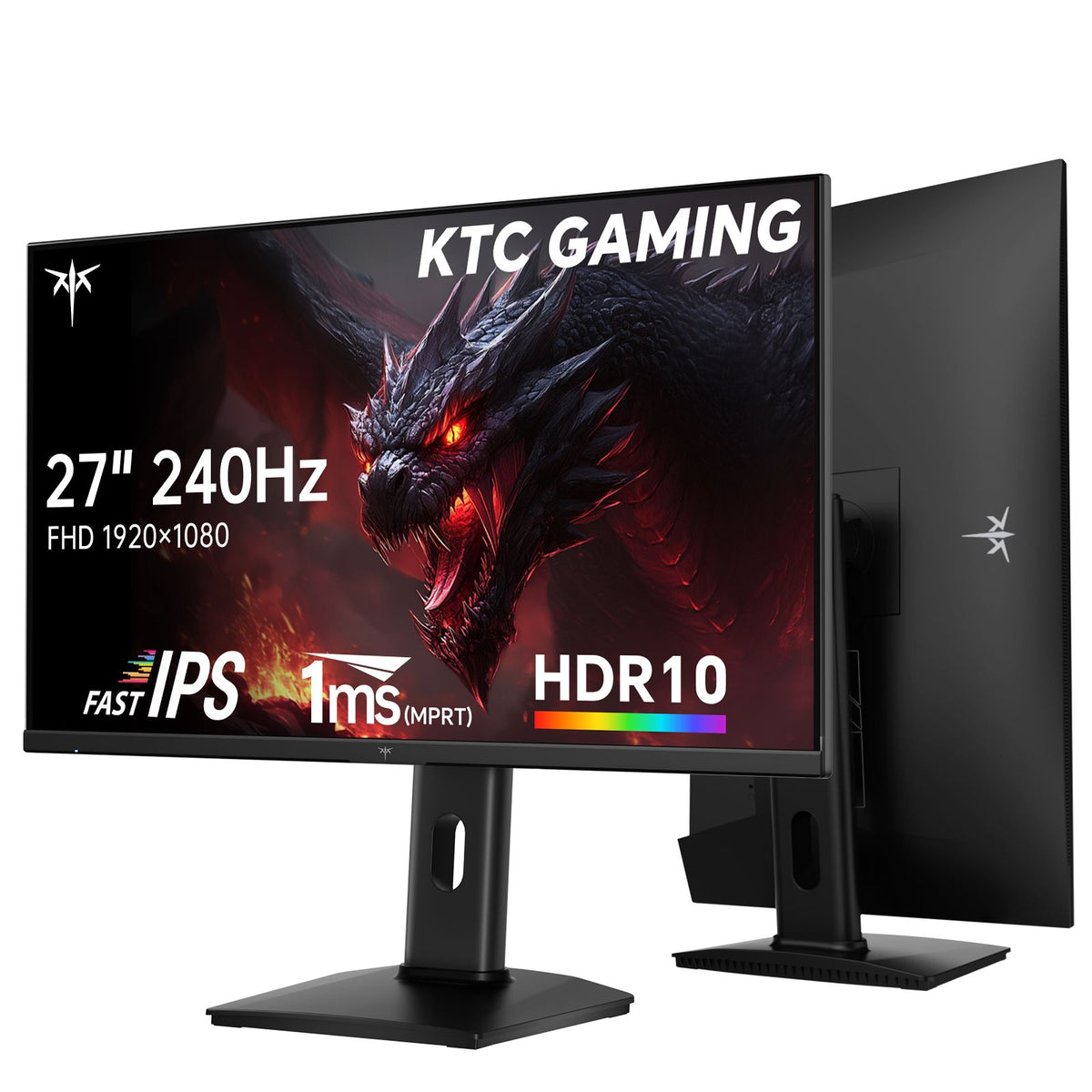
KTC 25-inch FHD gaming monitor in vertical orientation, 300Hz/320Hz OC, Fast IPS, 1ms, HDR10

H25Y7

Clear plastic zip pouch with white print and black zipper

H25X7

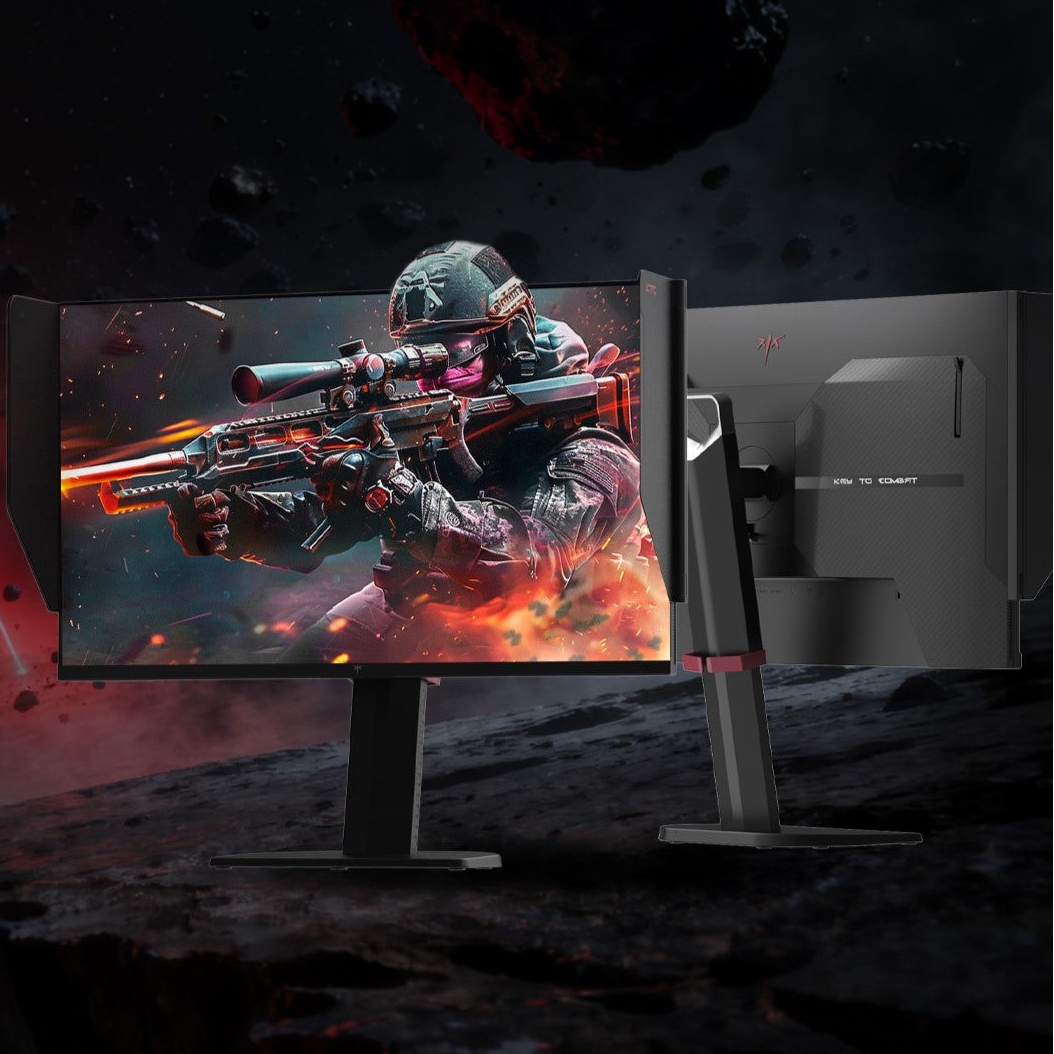
27-inch 2K gaming monitor with detachable side shields, slim bezel, and adjustable stand

27M1

Black faceted metal lighter with engraved geometric pattern

H25T7

KTC 32-inch 4K gaming monitor, Fast IPS, 165Hz, 1ms, VESA mount

H32P22P

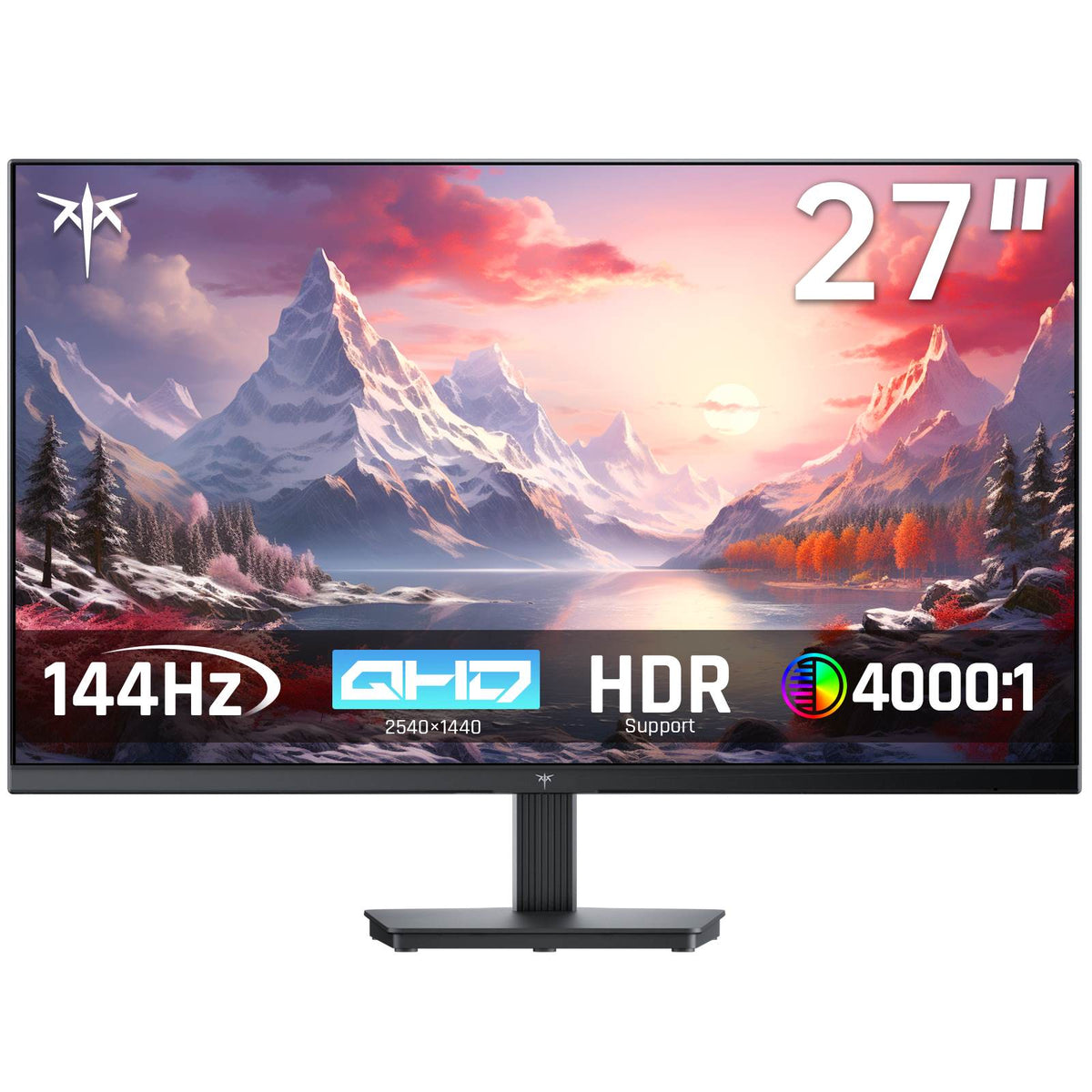
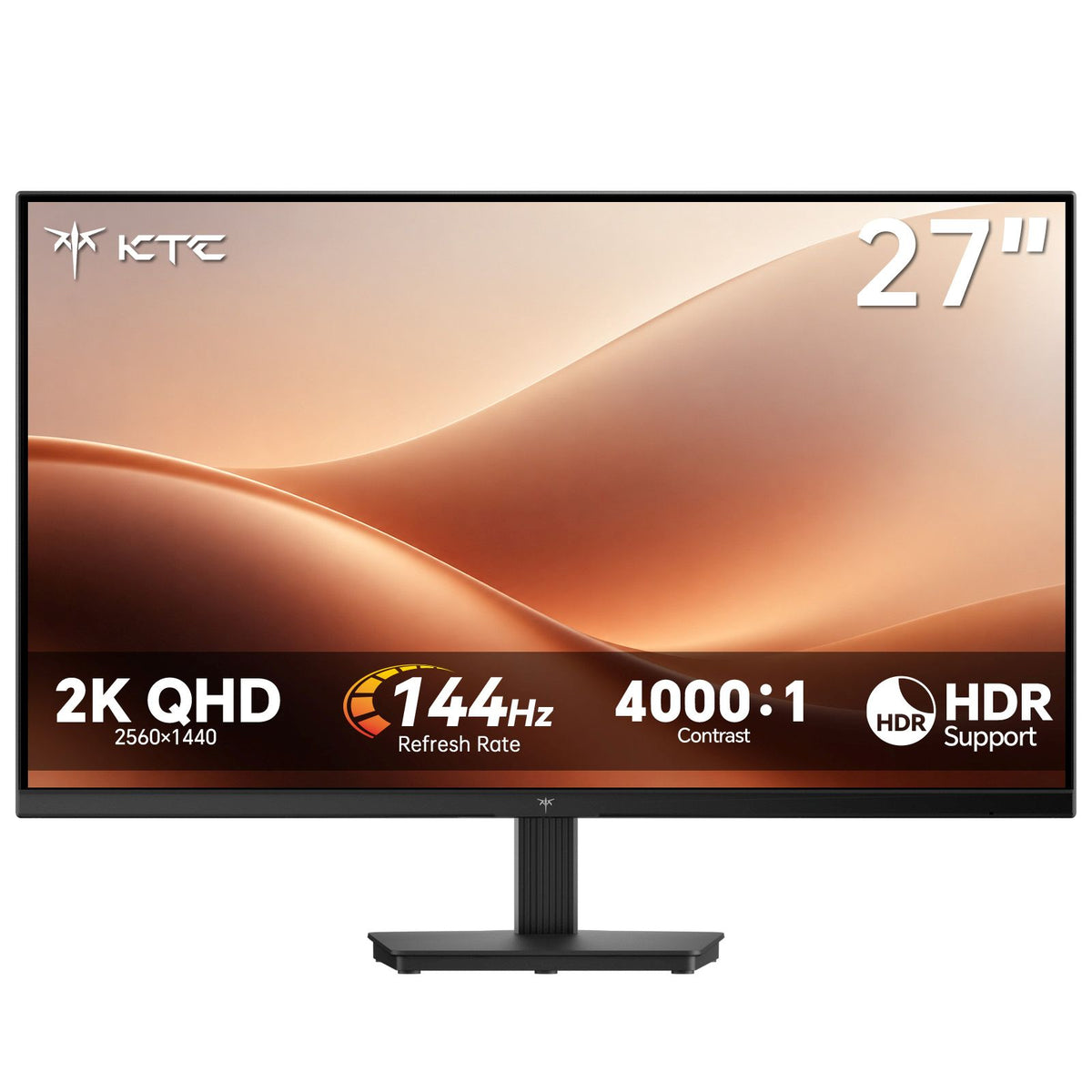
KTC 27-inch FHD gaming monitor with slim bezel and VESA wall mount support

H27F22

KTC 49-inch DQHD 180Hz 1000R curved gaming monitor H49S66

H49S66

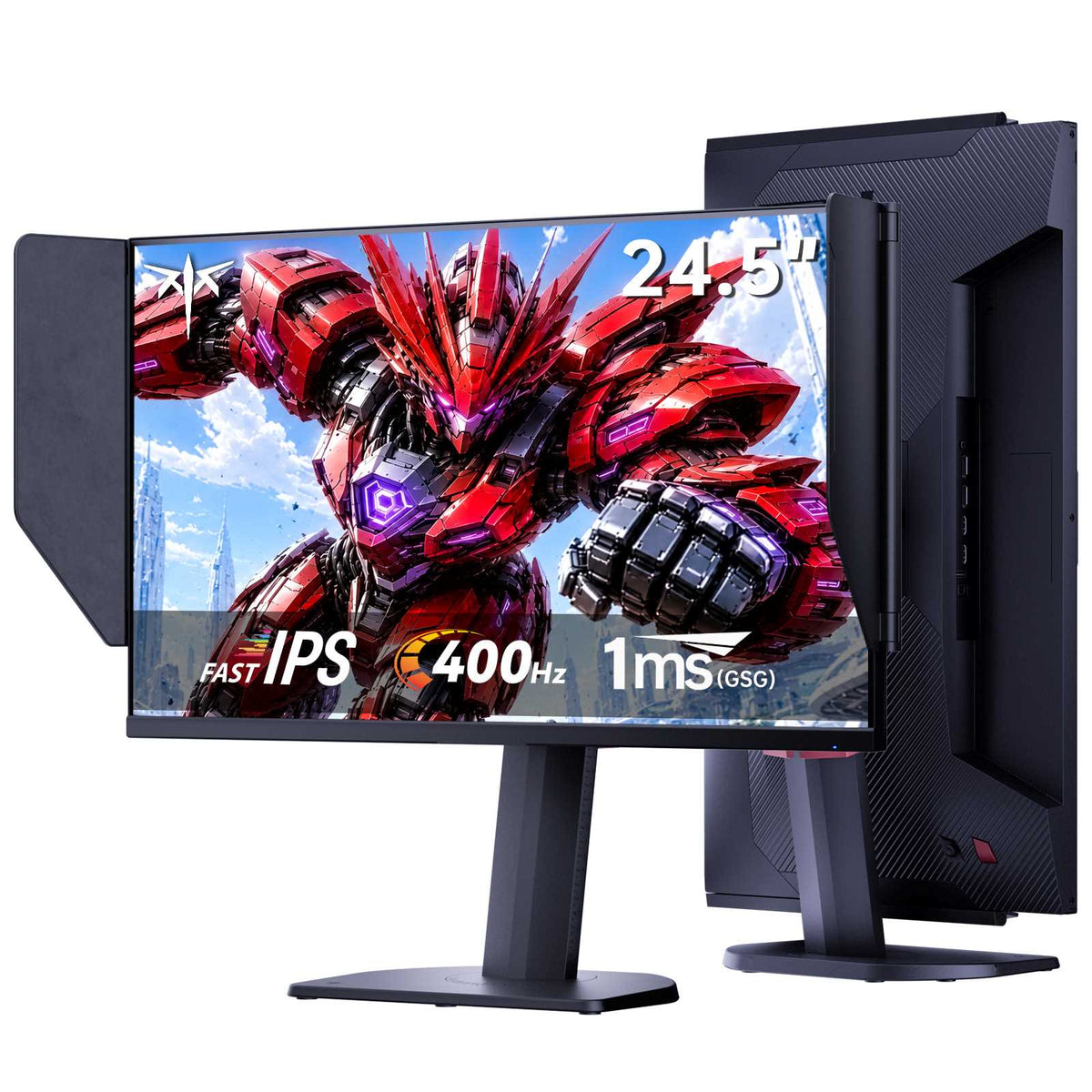
KTC 24.5-inch gaming monitor with shielding hood, Fast IPS, 400Hz, 1ms

25M2 Pro(H25X8)

KTC 32-inch 2K 180Hz curved gaming monitor with slim bezel and silver stand

H32S17

USA-1.0.1

User Manual

Office Monitor

KTC 24.5-inch FHD IPS monitor with 100Hz refresh rate and slim bezels

H25B7

H27T27

H24T27

H32T13

H27D9橱窗图主图.jpg__PID:1437d744-a6a7-402e-9c4d-c6cef427ee9a

H27D9

White lace crop top with long sleeves and scalloped hem

H27P3

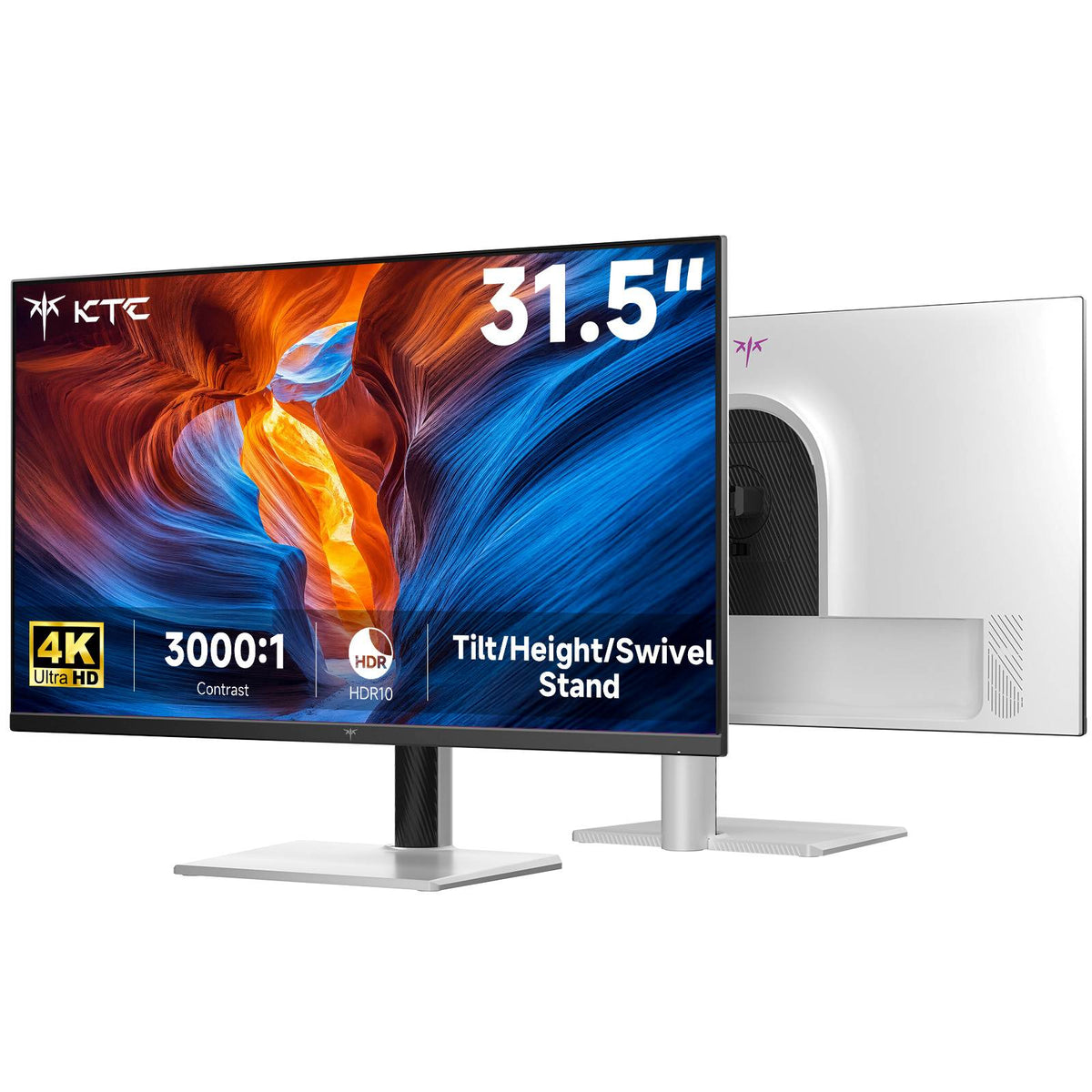
KTC 27-inch 4K IPS monitor with slim bezel and adjustable stand for home and office use

H27P27

H32D6

H32U6

M27U6

Take full control of your display

KTC Monitor Control Center

Lets you easily adjust monitor settings—such as brightness, contrast, color temperature, and scenario presets—directly on your Windows PC using your mouse, eliminating the need to use physical OSD buttons.

Access password: KTCMCC

⚠️ Note: Some older KTC models may not support this software. If you encounter any issues opening the app after downloading, please contact KTC customer support at support@ktcplay.com.

👉 For more details, check out the Installation Instructions.