

Protect your portable monitor battery by treating travel days as power-management days: avoid heat, deep discharges, and long stretches at 100%. Across time zones, keep your charging rhythm flexible while keeping the battery mostly in its lower-stress middle range.
Build a Travel Charging Window
Lithium-ion batteries age faster when they sit empty, full, or hot for too long. For most travel setups, the practical target is a 20% to 80% charge range, especially during multi-leg flights, airport layovers, and hotel work sessions; several battery-care sources recommend this middle charge range.
When crossing time zones, do not charge by your old bedtime. Charge by your next work block. If you land at 7:00 AM and need a client deck at 10:00 AM, top up to about 80% at the airport, then unplug.

A good travel rhythm:
- Before departure: charge to 80% to 90% if outlets may be scarce.
- During layovers: use short top-ups, not full cycles.
- Overnight: avoid leaving the monitor or power bank pinned at 100%.
- Before storage: leave batteries around half full.
- After arrival: reset charging around local work hours.
Control Heat Before You Control Watts
Heat is the fastest way to turn a reliable screen into a shorter-lived one. Battery guidance puts the best operating range for many devices at 32°F to 95°F, which is a useful benchmark for portable monitors, laptops, and power banks.
Travel creates hidden heat traps: a black backpack by a window, a rental car trunk, a hotel desk in direct sun, or a monitor running at high brightness while charging. If the casing feels unusually warm, reduce brightness, disconnect charging for a few minutes, or improve airflow around the setup.

Cold airports may temporarily reduce runtime, but heat is usually the bigger long-term battery-health threat.
Use Passthrough Power Strategically
A portable monitor can be efficient, but it still adds load to your laptop. Many portable displays draw roughly 5W to 15W, far less than many desktop monitors, and that lower draw is one reason they support sustainable workspaces.
The issue is not only the monitor battery. If the monitor pulls power directly from your laptop over USB-C, your laptop battery may cycle faster. For longer sessions, use USB-C Power Delivery passthrough when available: connect a power bank or wall charger to the monitor, then connect the monitor to the laptop.

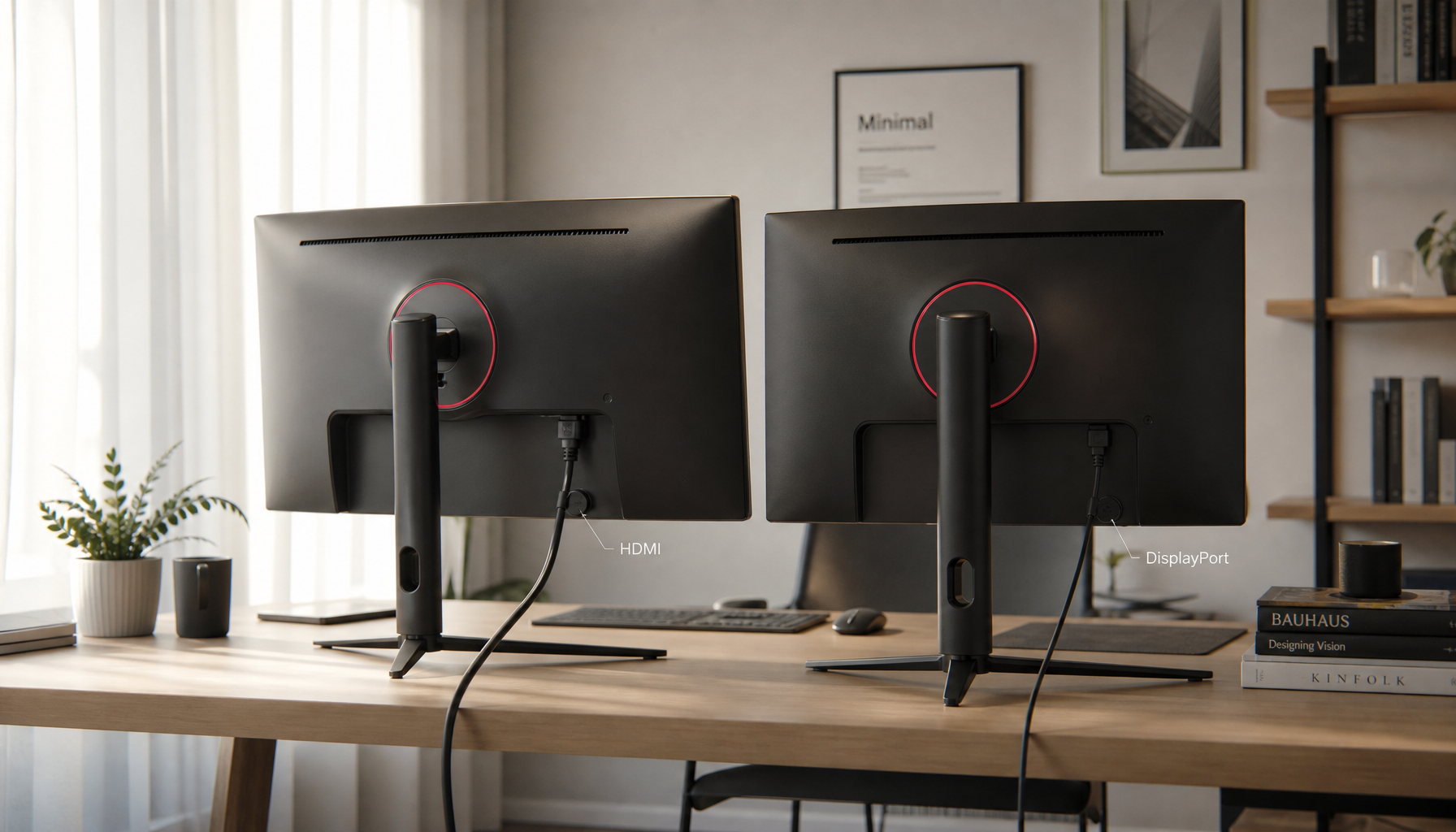
For travel, pack a 65W or higher USB-C PD charger and a cable rated for your setup. A weak cell phone cable can cause flicker, slow charging, or unstable power handoff.
If your monitor draws 10W for a 4-hour airport work block, that is 40Wh before laptop workload. A 74Wh power bank can cover much of that session, but brightness, speakers, touch, and refresh rate will affect the real result.
Tune the Display for the Room
Brightness is the battery dial that matters most. Portable monitor power use can jump sharply at maximum brightness, and lowering brightness is one of the simplest ways to extend runtime; portable monitor power analyses consistently identify screen brightness as a major draw.
Use 40% to 60% brightness indoors when comfortable. Save maximum brightness for sunlit gates, bright cafes, and quick visual review. If you are working on documents, spreadsheets, code, or email, 60Hz refresh is usually enough.

For gaming or color work, spend power intentionally. Raise brightness and refresh only when the task benefits from it, then step back down when returning to productivity work.
Pack for Battery Health, Not Just Runtime
A reliable travel display kit is small but deliberate. Use a protective sleeve, avoid pressure on the panel, and keep the battery away from heat pockets in your bag.
Bring a power bank you maintain, not one you rediscover once per year. Portable charger care guidance recommends recharging stored units at least every few months and watching for warning signs like swelling, unusual heat, odor, cracked casing, or liquid near ports; those are reasons to stop using the portable charger.
The best setup is boring in the right way: efficient brightness, short top-ups, cool storage, quality USB-C PD, and no unnecessary overnight charging. That keeps your portable screen ready for the next time zone without burning through battery health to get there.