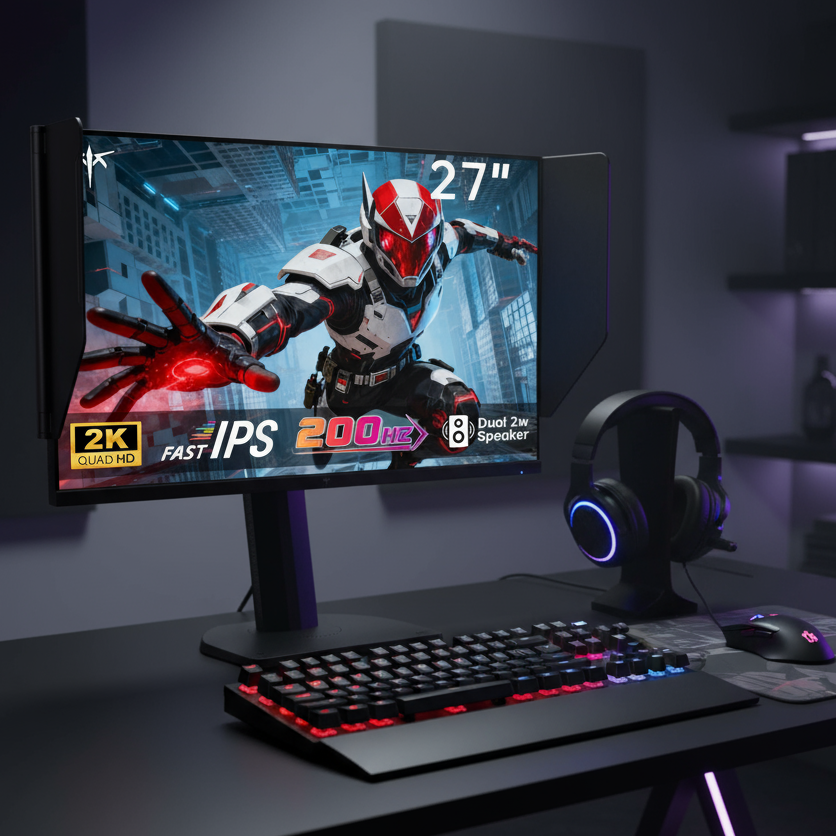
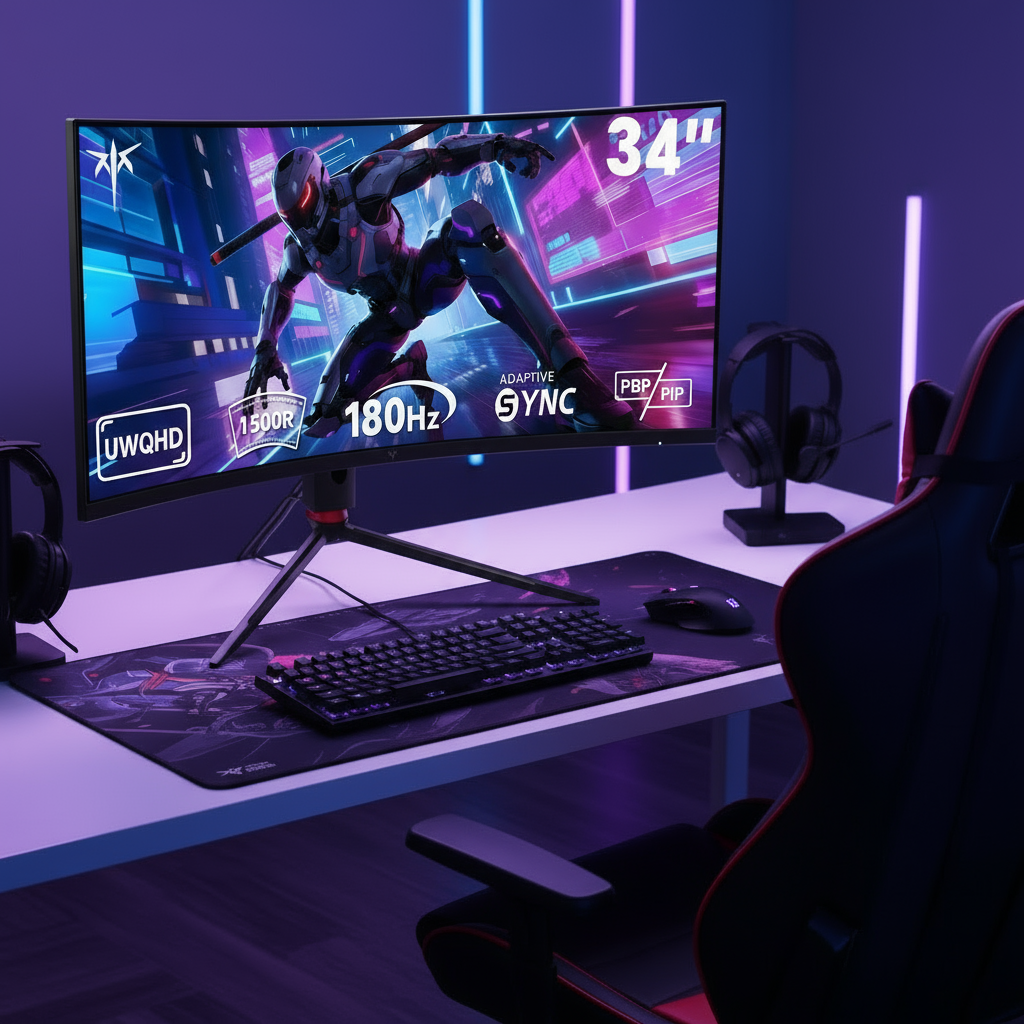


For smooth gaming, your monitor’s Adaptive Sync range should cover most of the FPS your PC actually produces, with the low end ideally at 48Hz or lower and the high end matching the panel’s maximum refresh rate. A wider range keeps variable frame rates inside the tear-free zone longer, especially in demanding games.
Why Adaptive Sync Range Matters
Adaptive Sync works by matching the monitor’s refresh rate to the GPU’s changing frame output, which helps reduce tearing and stutter during gameplay Adaptive Sync. The range is the window where that matching can happen, such as 48Hz to 144Hz, 48Hz to 240Hz, or higher.
If your FPS stays inside that window, motion feels cleaner because the display is not forced into fixed-refresh behavior. If your FPS drops below the minimum or rises above the maximum, you may see stutter, tearing, flicker, or added latency, depending on your settings.

The practical goal is simple: choose a monitor whose VRR range covers your real gameplay, not just its advertised peak refresh rate.
The Ideal Range for Most Gamers
For a 144Hz gaming monitor, a strong Adaptive Sync range is roughly 48Hz to 144Hz. For a 240Hz monitor, look for something around 48Hz to 240Hz or wider, since high-refresh displays still need proper VRR tuning to stay tear-free.
The lower number matters more than many shoppers expect. If a monitor only supports VRR from 60Hz upward, a game dipping to 52 FPS may leave the smooth-sync window. A 48Hz minimum gives more breathing room for demanding games, open-world titles, and midrange GPUs.

The upper number matters too. A 165Hz panel with VRR only up to 144Hz is less flexible than one that syncs all the way to 165Hz.
As a practical target, casual 100Hz displays should reach about 48Hz to 100Hz, mainstream 144Hz displays should reach about 48Hz to 144Hz, and 165Hz displays should reach about 48Hz to 165Hz. For esports-focused 240Hz displays, look for about 48Hz to 240Hz. On 360Hz or faster panels, the best range starts as low as possible and extends to the full maximum refresh rate.
Match the Range to Your Real FPS
The best range depends on your GPU, resolution, and games. A 1440p RPG that swings between 55 and 120 FPS benefits more from a low VRR floor than a competitive shooter locked near 240 FPS.

If your system usually runs at 80 to 140 FPS, a 48Hz to 144Hz range is excellent. If it swings from 45 to 165 FPS, a wider 40Hz to 165Hz range is better, especially if the monitor supports low frame rate compensation.
High refresh rates only matter when your PC can feed them; a 144Hz monitor works best when the GPU can deliver near that frame rate in real play. For value, do not overpay for 240Hz if your favorite games usually run around 70 to 110 FPS.
Some monitors advertise VRR support, but the actual range can vary, so check the spec sheet before buying.
Settings That Keep Gameplay Smooth
A wide range helps, but settings decide whether you stay inside it. The cleanest setup is usually Adaptive Sync on, vertical sync enabled in the graphics driver, and an FPS cap slightly below the monitor’s maximum refresh rate.
For a 144Hz monitor, cap around 141 FPS. For 240Hz, cap around 237 FPS. This keeps frames inside the VRR window and avoids bumping into the refresh ceiling, where traditional sync behavior can add latency.
Use these quick checks:

- Enable Adaptive Sync or VRR in the monitor menu.
- Turn VRR on in your graphics or operating system settings.
- Set the monitor to its maximum refresh rate in the operating system.
- Cap FPS 2 to 3 frames below the maximum refresh rate.
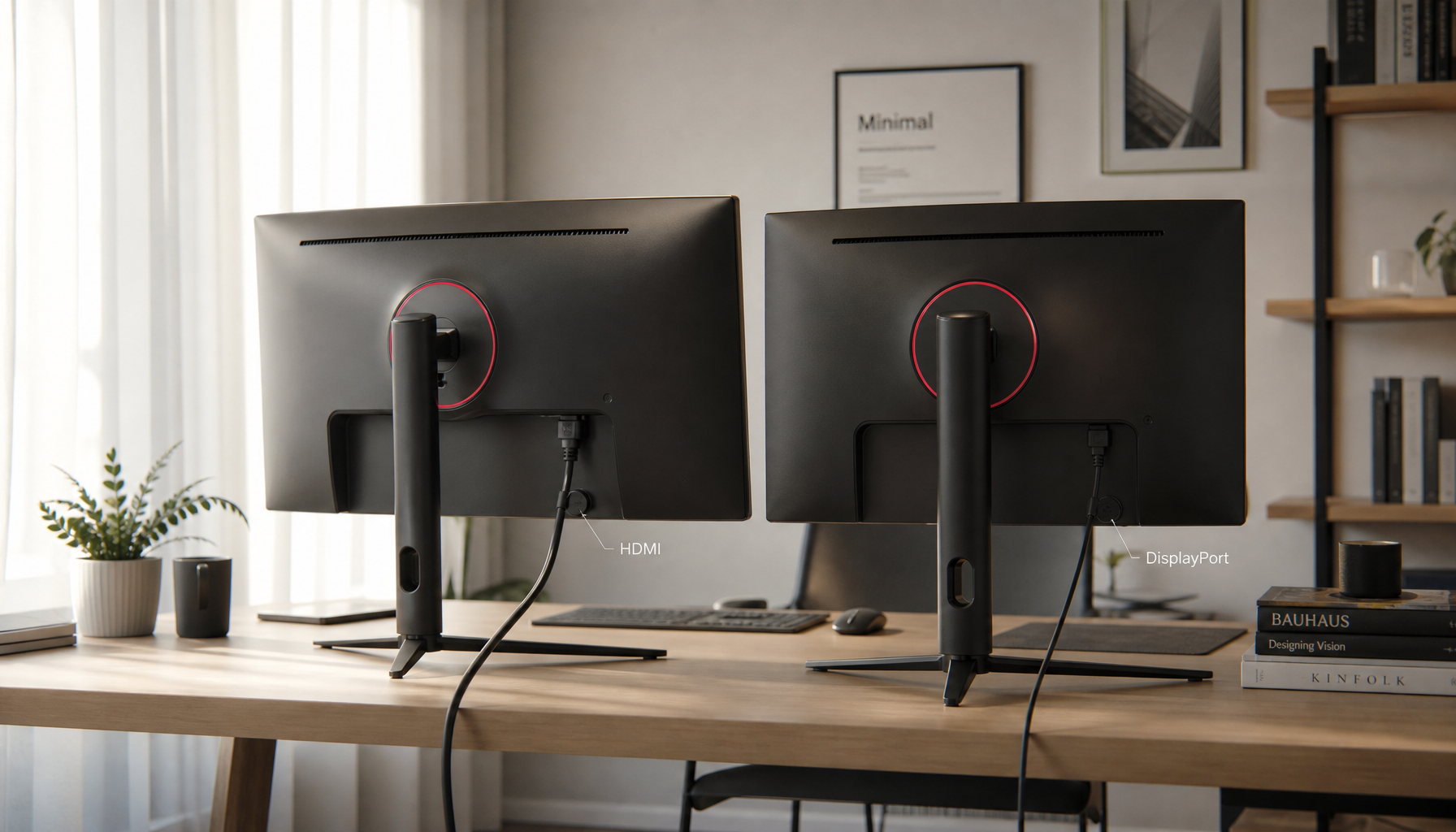
- Use DisplayPort or the right HDMI version for your target refresh rate.
Bottom Line: Wider Is Better, but Useful Width Wins
For smooth gaming, choose the widest Adaptive Sync range you can get within budget, especially one that starts at 48Hz or lower and reaches the monitor’s full refresh rate. That range gives your GPU room to fluctuate while the screen stays responsive, immersive, and clean.
For most players, 48Hz to 144Hz or 48Hz to 165Hz is the value sweet spot. For competitive players, 48Hz to 240Hz or wider keeps high-speed motion sharp without wasting performance headroom.