



Featured story
KTC Monitor for MacBook Users Guide
A practical MacBook monitor guide covering USB-C power, macOS scaling, KVM switching, and which KTC monitor fits different desk setups.

KTC Journal
Monitor reviews, gaming guides, productivity advice, and practical display know-how from the KTC team.
A practical MacBook monitor guide covering USB-C power, macOS scaling, KVM switching, and which KTC monitor fits different desk setups.

Mini-LED is often the more practical choice for bright desks because it keeps more brightness headroom and readable contrast when ambient light is high. This guide compares KTC Mini-LED options against OLED and shows how to judge the best fit for a window-side office.
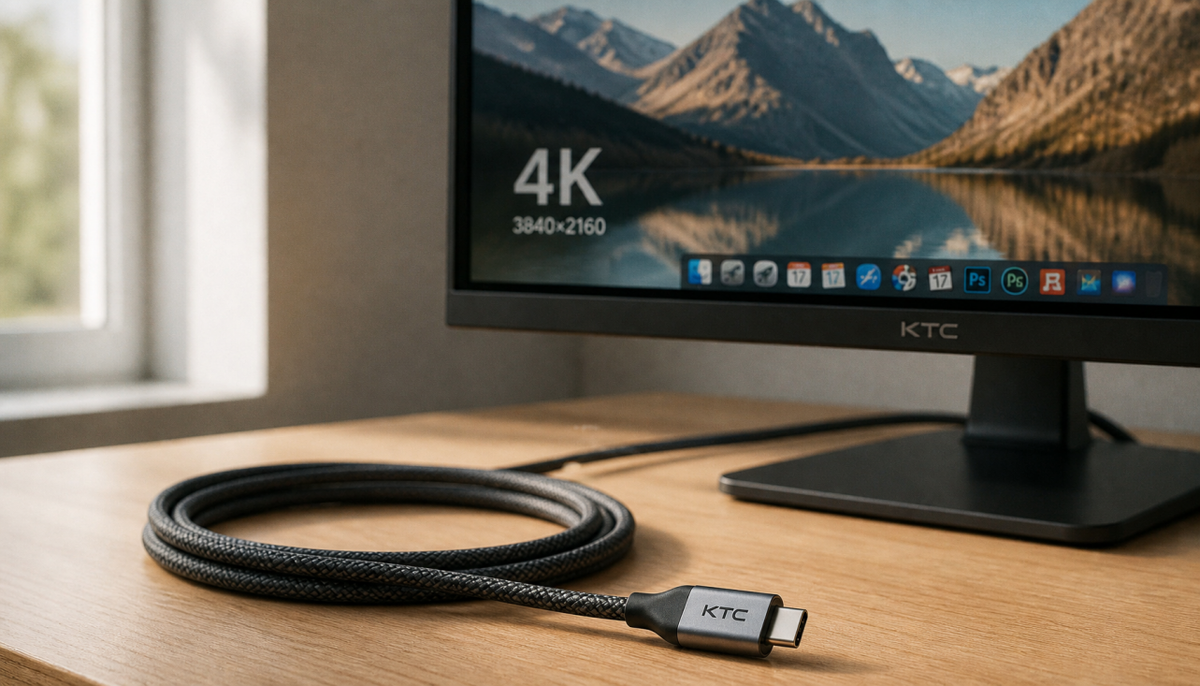
A USB-C cable for 4K video requires specific specs like DisplayPort Alt Mode, USB4, or Thunderbolt. Many cables are for charging only and won't work for displays.
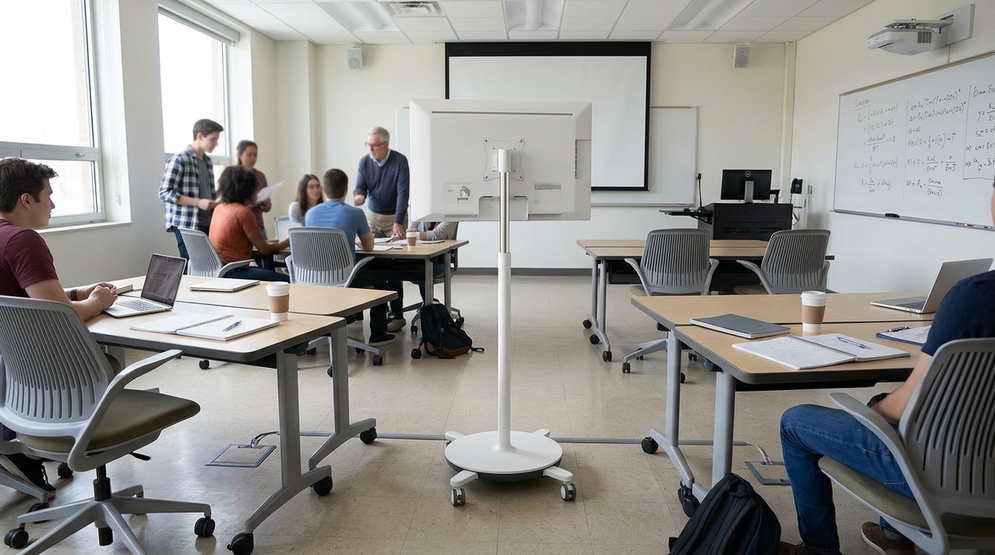
Rolling smart displays make the most sense when classrooms, training rooms, and shared campus spaces change often. This guide explains where they fit, what to compare, how to roll them out, and when a fixed display is still the better call.
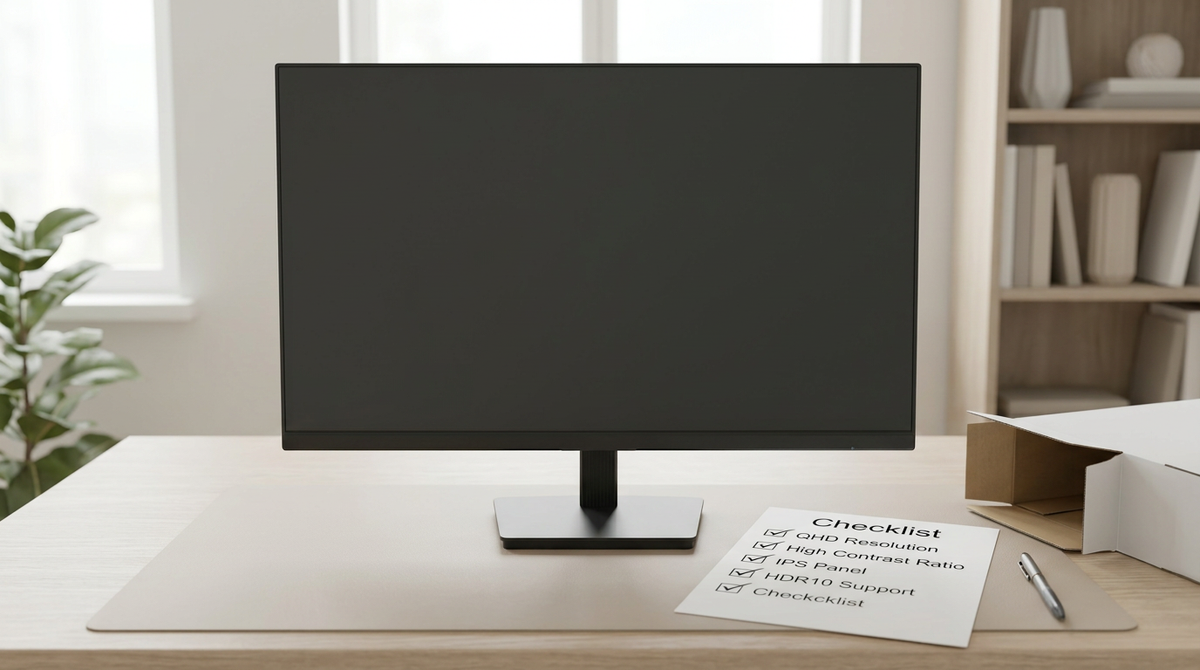
A neutral buyer's guide to KTC monitor trust signals, QC checks, return policy details, warranty terms, and fit-by-use-case decisions before checkout.
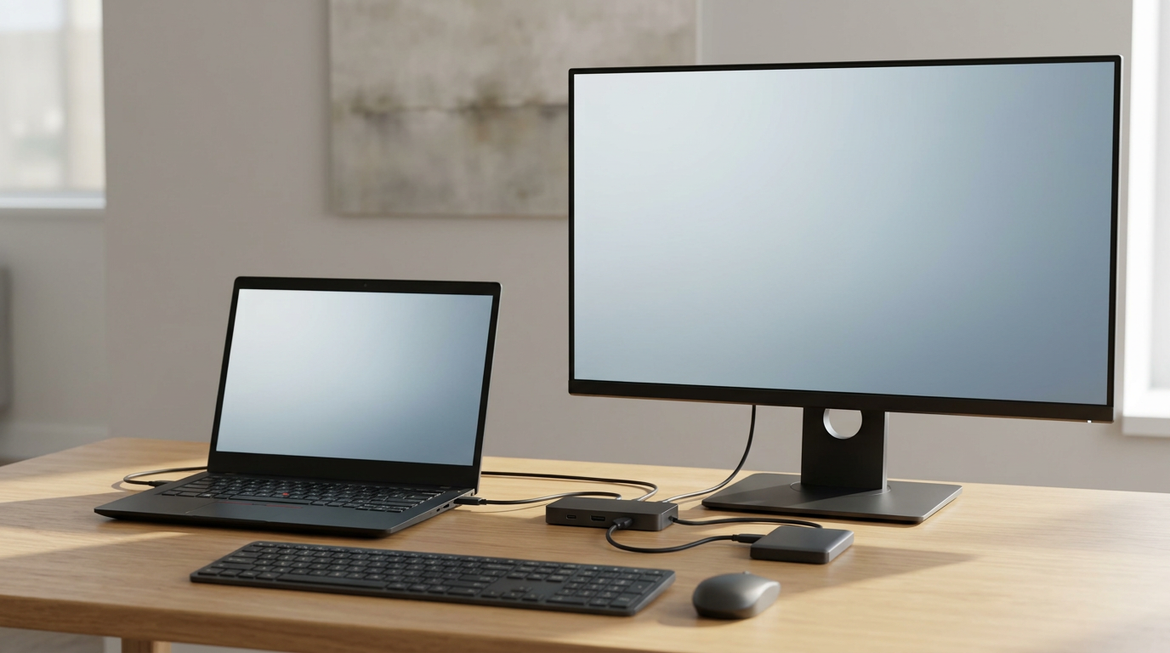
A practical guide to real-world USB-C docking monitor performance, focused on the specs that affect charging stability, video output, peripherals, and setup reliability.
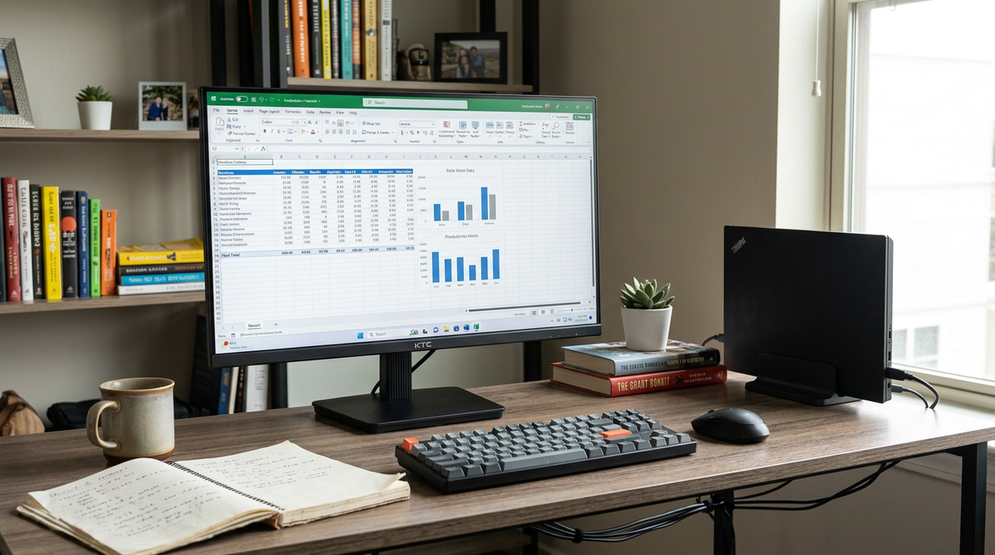
A practical buying framework for hybrid home-office shoppers who want comfort, text clarity, and real-world value without paying for specs they will not use.