OEM monitor value explained starts with a simple rule: the label alone does not tell you whether a monitor is a good buy. In the US market, the real test is the model in front of you, plus the seller's support, warranty, return handling, firmware maturity, and desk fit.

What OEM Means in the Monitor Market
OEM usually means the monitor comes through a factory-led production path, while the buyer experience can still differ from a traditional retail-brand purchase. In plain language, the factory, the brand name, and the support channel do not always line up the way shoppers expect. OEM vs ODM manufacturing is a useful starting point for that distinction.
That matters because OEM monitor value is not the same thing as "cheap." A lower sticker price can come from a leaner channel, fewer marketing layers, or a simpler bundle, not from magically better hardware. The LCD panel manufacturing cost structure helps explain why the price can move without telling you much about ownership comfort.
The other thing buyers miss is that panel origin and final monitor behavior are not identical. A concentrated panel supply chain means many products share upstream hardware sources, but panel sorting still affects consistency from unit to unit. For a skeptical shopper, that means the OEM label is not a quality verdict. It is a cue to verify the specific model and support path, and then check a monitor quality review framework before buying.

Where the Real Value Comes From
For most buyers, the question is not "Is OEM good or bad?" It is "Which part of the deal is actually doing the work?" The answer is usually a mix of price, panel specs, firmware behavior, support clarity, and ergonomics. The table below is a quick buyer-fit map, not a scorecard.
OEM Monitor Value: Where the Trade-offs Usually Sit
A conservative decision aid for comparing OEM monitor buys by price, support clarity, firmware maturity, ergonomics, and spec-per-dollar.
View chart data
| Scenario | Lower price | Clearer support / warranty | More mature firmware | Better ergonomics | Higher spec-per-dollar |
|---|---|---|---|---|---|
| OEM / ODM model fit | 2.0 | 1.0 | 1.0 | 1.0 | 2.0 |
If the model you are comparing has weak return handling or vague firmware support, the apparent savings can shrink fast. If it has strong specs, clear warranty terms, and a stand that fits your desk, the value picture can improve a lot. The best OEM monitor value usually comes from a specific model with transparent ownership details, not from the category label itself.
A useful check is this: if you would still want the monitor after removing the brand-name halo, it may be a good OEM candidate. If you need the easiest possible support path, the safest assumption is that a traditional retail brand may still be the lower-friction choice.
Which KTC Models Fit Different Buyer Needs
This is where the neutral framework turns into a real shopping decision. If your use case is clear, a direct-from-OEM model can make sense. If your use case is fuzzy, pause and compare support, firmware, and return terms first.
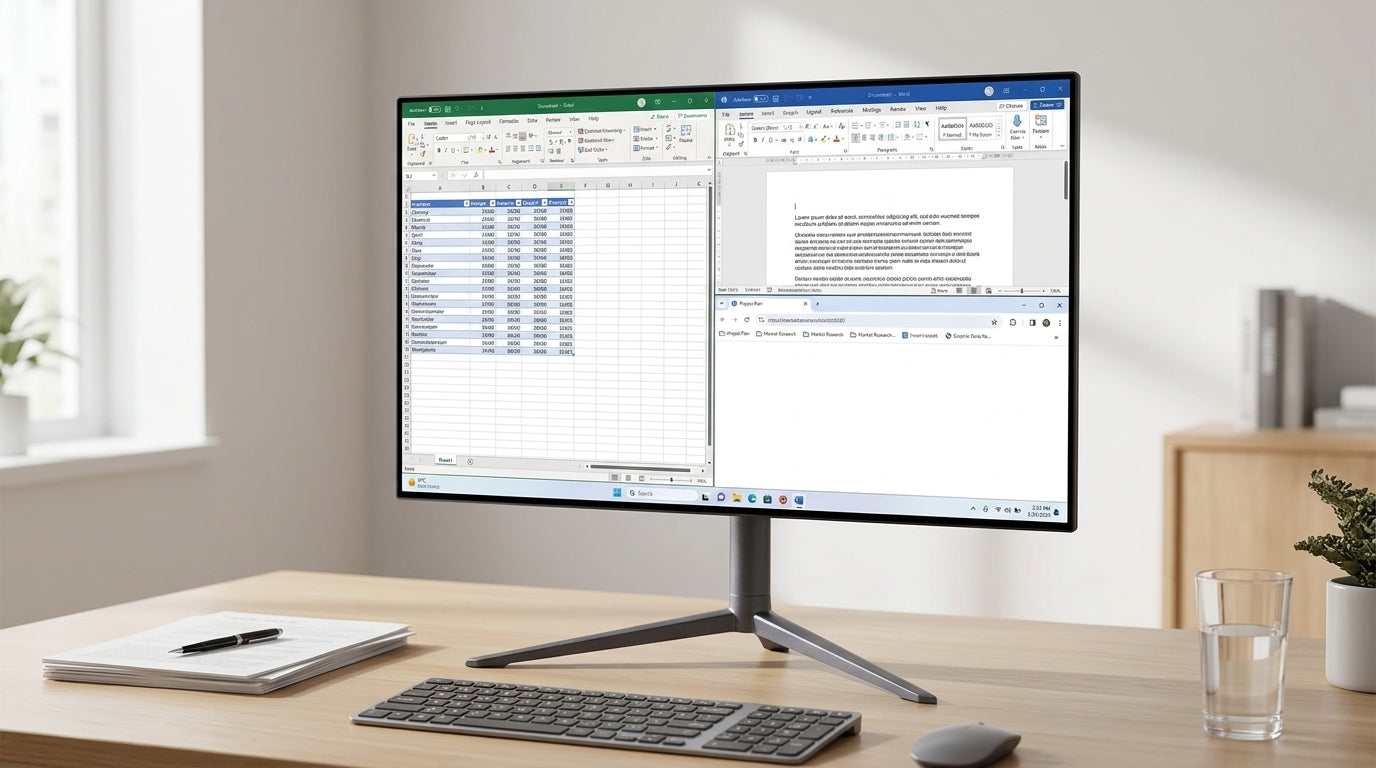
For creator and office buyers, the KTC 27" 5K@60Hz 2K@120Hz Home&Office Monitor | H27P3 is the cleaner fit when sharp text and color coverage matter more than gaming speed. It offers 5K resolution, dual-mode 2K@120Hz, 100% sRGB coverage, and 99% DCI-P3 coverage, which is the kind of setup that helps if you spend most of the day in documents, creative tools, or mixed productivity work. Its tilt-only stand is fine for fixed desks, but buyers who need height or swivel flexibility should plan on a monitor arm.
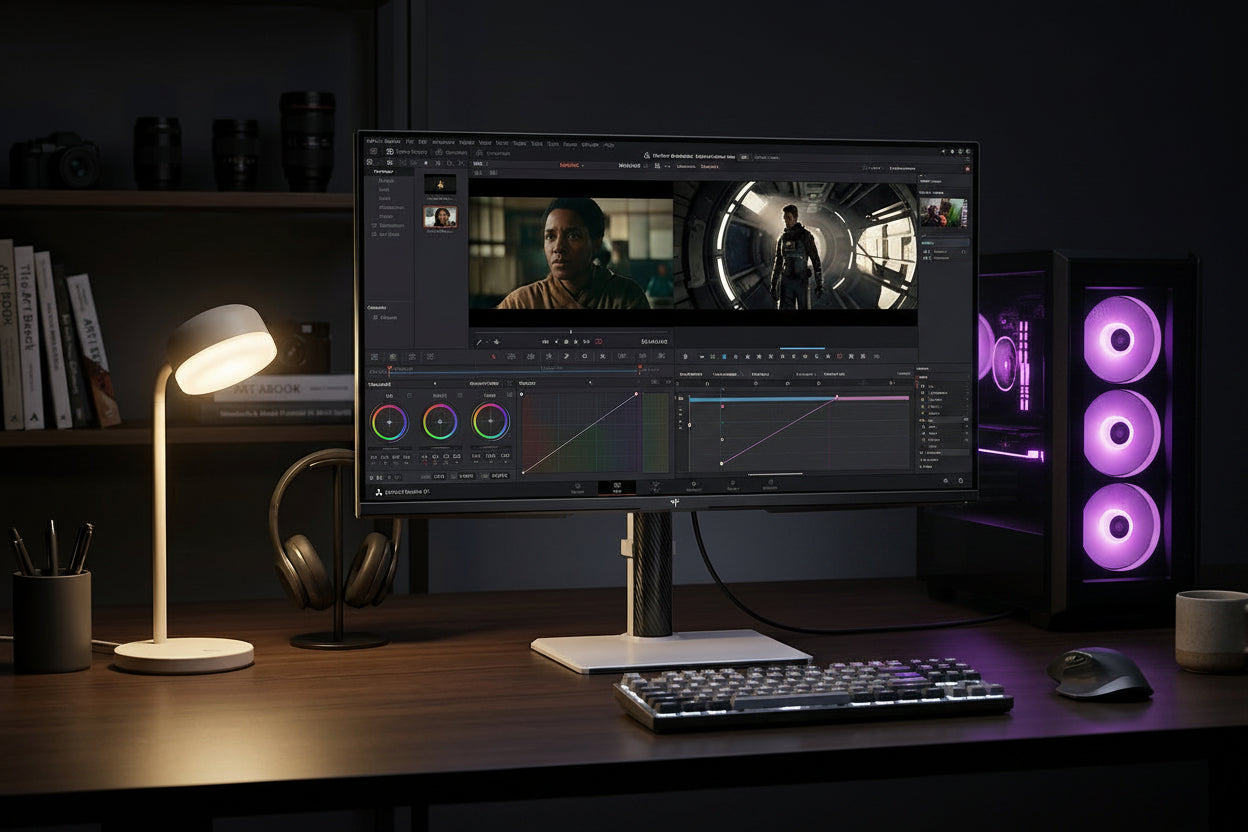
For value-focused gaming buyers, the KTC Mini LED 27" 200Hz 2K HDR1000 Gaming Monitor | M27T6S is the more balanced pick when you want HDR impact, 1440p sharpness, and a faster refresh rate without jumping to a more expensive 4K setup. It pairs a Fast IPS panel with 200Hz, HDR1000 positioning, and full ergonomic adjustment, so it suits long desk sessions better than a fixed-height display. If you care about motion smoothness and desk comfort together, this is one of the more practical OEM monitor value choices.
For fast competitive buyers, the KTC 24.5 inch 360Hz/400Hz OC Fast IPS FHD Gaming Monitor HDR 400 | H25X7 is the speed-first option. The 1080p, 360Hz native, 400Hz overclocked profile fits players who care more about responsiveness and clean motion than resolution. That makes it a better fit for esports-style play than for mixed creator work. The tradeoff is straightforward: if you want maximum frame rate on a compact desk, it makes sense; if you want all-purpose clarity, it does not.
If you want to browse by use case rather than by model, the Office Monitor and Gaming Monitor collections can help narrow the lane quickly.
How to Judge an OEM Monitor Before You Buy
This is the pass/fail section. If the answer is weak on any of these steps, the bargain is probably weaker than it looks.
- Confirm the exact use case first. A monitor can be great for text work, competitive gaming, or mixed use, but not all three at once. If you do not know which task matters most, OEM monitor value is hard to judge fairly.
- Check the panel and firmware evidence. A display with good specs can still feel rough if firmware is immature or the image behavior is inconsistent. A firmware maturity checklist is worth reading before you trust the spec sheet.
- Read the warranty and return terms carefully. The FTC's federal warranty guidance is a reminder that warranty language should be clear, but the service experience still depends on the seller and model.
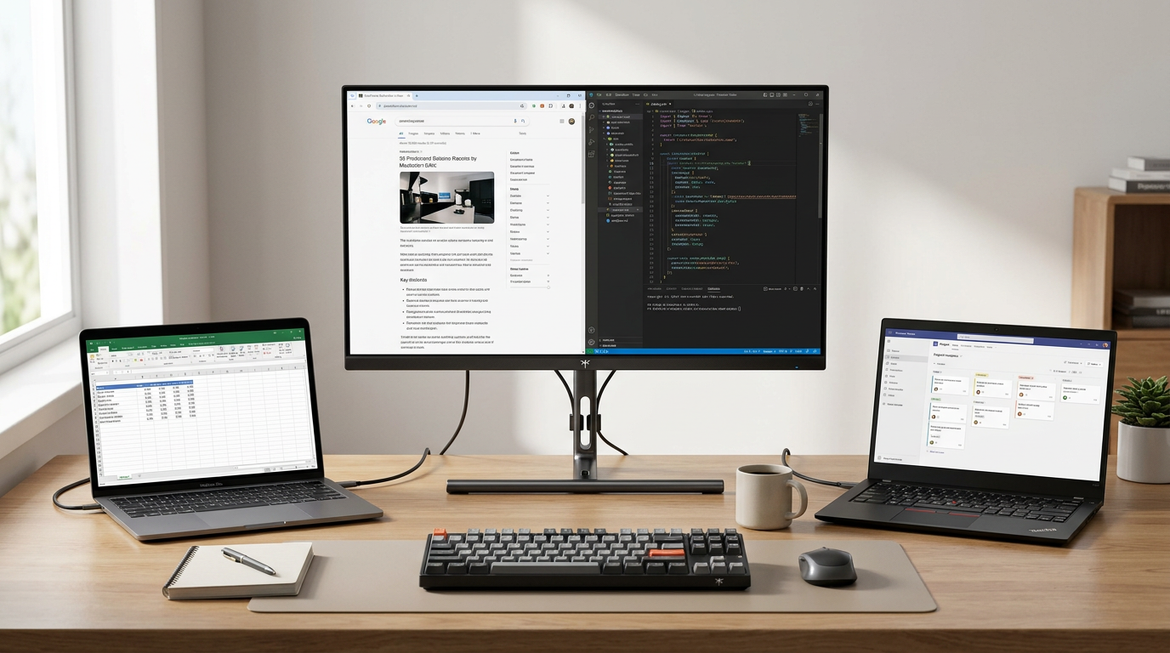
- Check ports, stand, and desk fit. If the included stand does not fit your posture or desk depth, the monitor can become a maintenance project instead of a value buy.
- Compare the total cost against a comparable retail option. A cheap factory-direct model is only a good deal if it still makes sense after shipping, returns, and any support friction.
A good rule of thumb: buy OEM when the tradeoff is visible and acceptable. Skip it when the seller's support path is vague, the return process is awkward, or you are buying mostly on spec-sheet excitement.
FAQs
Is Buying an OEM Monitor Safe?
It can be safe enough for many buyers, but "safe" depends on the specific model, seller, warranty terms, and return handling. The OEM label alone does not tell you whether the purchase will be smooth or frustrating.
What Tradeoffs Do I Accept With a Factory-Direct Monitor?
You may get stronger specs-per-dollar or a lower upfront price, but you usually need to verify support, firmware maturity, and service handling more carefully. That extra homework is the main tradeoff.
How Do I Tell Whether the Price Is Actually Good Value?
Compare the monitor's fit for your main use case, then add support and ownership friction to the total. If the screen solves the right problem and the post-purchase terms are clear, the price is easier to justify.
Can an OEM Monitor Be a Better Buy Than a Big-Brand Retail Model?
Yes, when the OEM model gives you the right specs at a better total cost and the support path is transparent. A retail brand can still be the better choice if you want the easiest returns or the least uncertainty.
Who Should Avoid Buying an OEM Monitor?
Buyers who want the least research, the most predictable service experience, or the easiest exchange process may be better off with a traditional retail option. OEM buys reward shoppers who are willing to verify details before checkout.
Bottom Line for Skeptical Buyers
OEM monitor value is real when the model fits your desk, the specs match your use case, and the support terms are clear enough to live with. It is not a shortcut around quality checks. If you are still deciding, compare the exact model against your needs, then browse all monitors only after the warranty and ergonomics questions are answered.