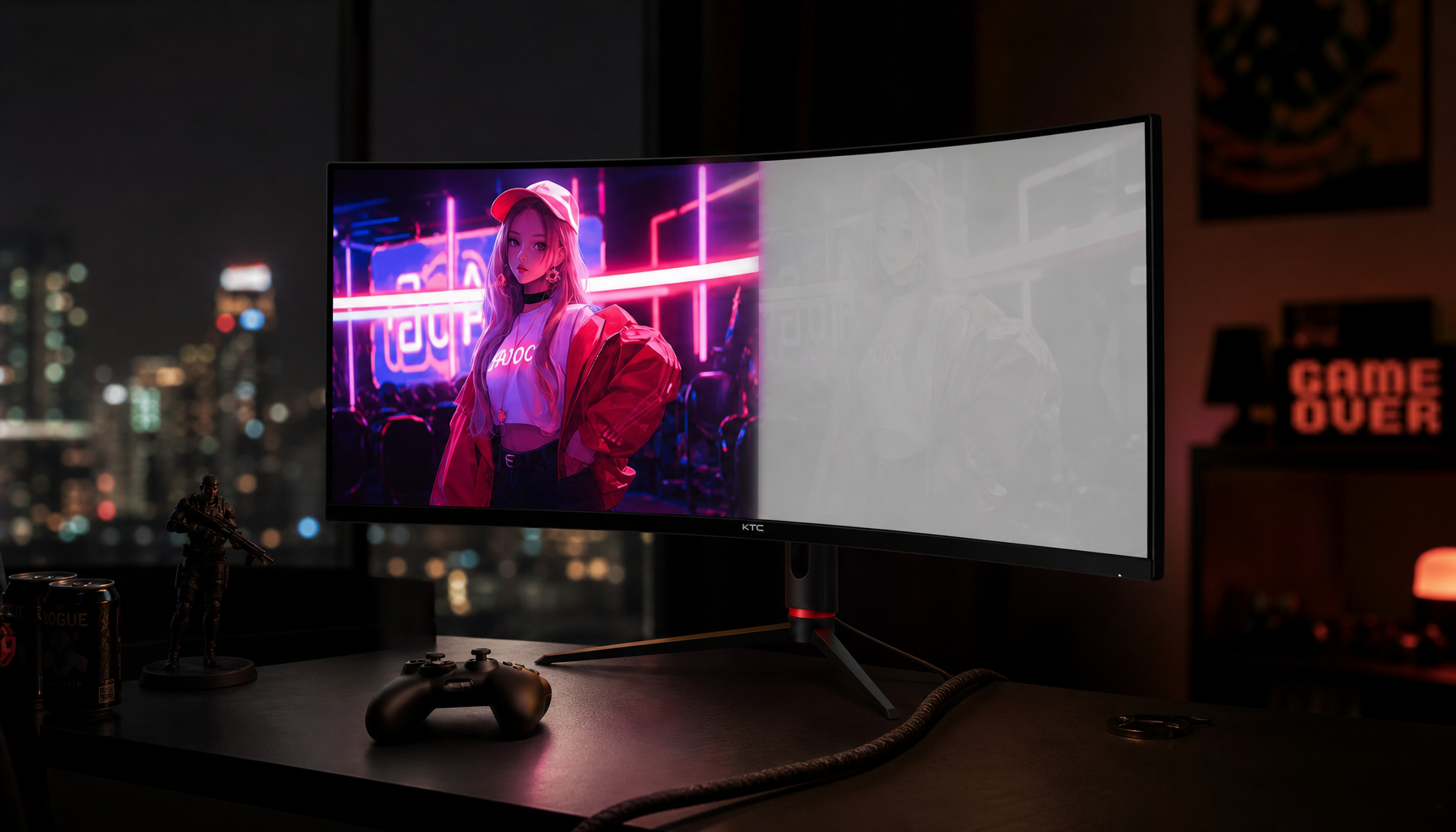
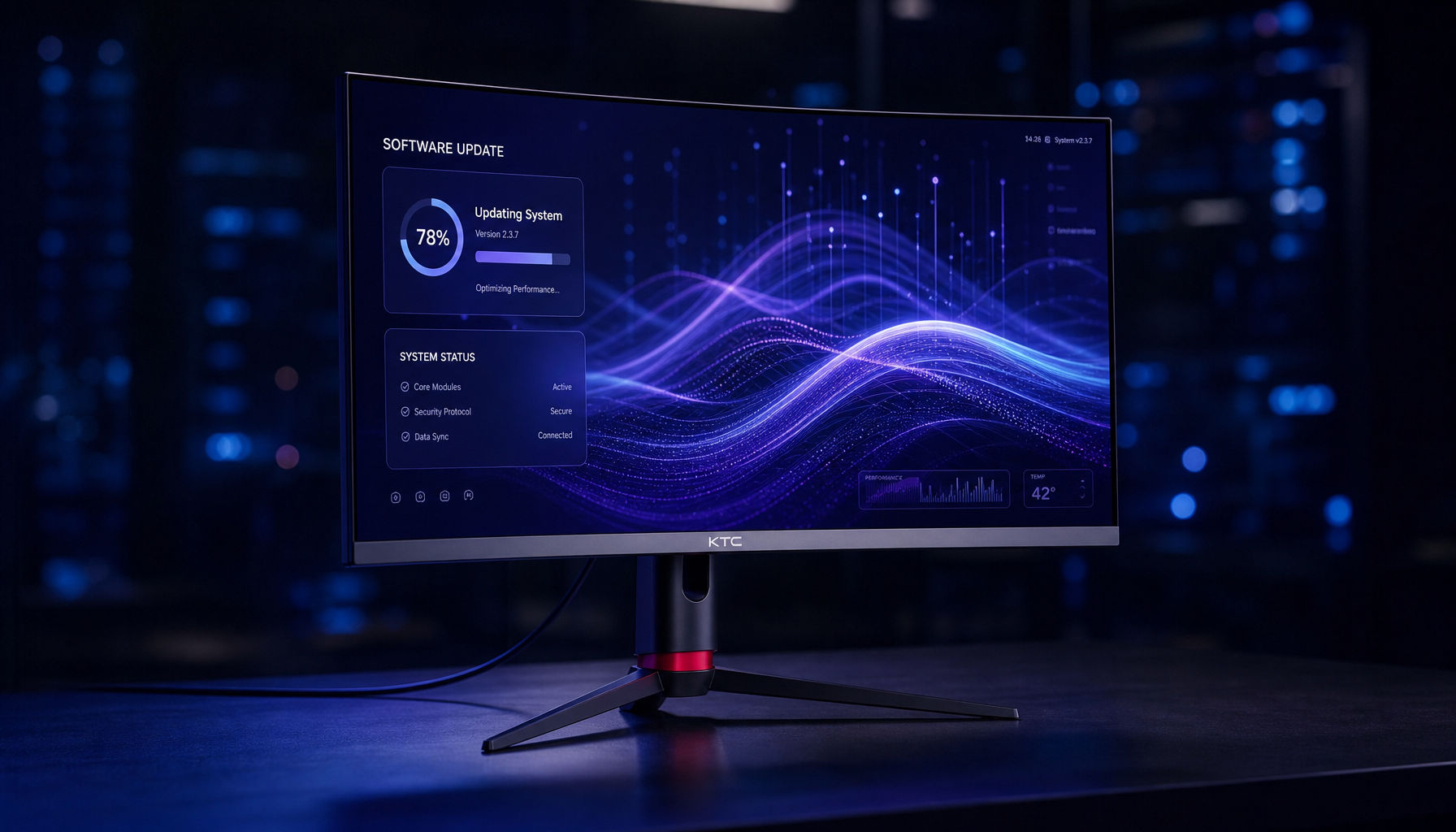
OLED compensation cycles help self-lit pixels age more evenly. These maintenance routines preserve uniform brightness, color balance, and clean image quality over time.
OLED Pixels Age Individually
Unlike LCDs, OLED panels do not use a separate backlight. Each pixel emits its own light, which is why OLED can deliver true blacks, fast response, and high contrast. That self-emissive design also means pixels accumulate wear based on what they display, not just how long the screen is powered on.
A white spreadsheet, static game HUD, Windows taskbar, health bar, or editing timeline can push the same pixels harder every day. Over time, those zones may dim or shift faster than neighboring pixels.

This is the foundation of burn-in: uneven pixel aging. OLED materials have a limited lifetime, and blue OLED emitters matter because color balance depends on how red, green, and blue output age together.
What Compensation Cycles Actually Do
A compensation cycle is not an erase button. It is a calibration and correction process that helps the panel understand how its pixels are aging, then adjusts drive behavior to keep the image looking more even.
In practical terms, the display can analyze pixel usage, compensate for threshold-voltage changes, and rebalance brightness output. Large OLED displays rely on compensation technologies because uniformity, degradation, and pixel-circuit variation are real engineering problems.
For the viewer, the goal is simple: reduce visible image retention, smooth out panel uniformity, and slow the appearance of permanent uneven wear. For pro display users, that means cleaner gray backgrounds, more consistent UI areas, and fewer distractions in dark scenes or full-screen workspaces.
Short Cycles vs. Long Cycles
Most OLED displays use more than one maintenance level. Short cycles typically run automatically after several hours of use when the screen enters standby. They are designed to be routine, quiet, and low-friction.
Longer cycles are deeper maintenance passes. They may run after hundreds or thousands of hours, take more time, and require the monitor or TV to stay off while the panel works.
Some pixel refresh processes can turn the monitor off for more than one hour while they run. That is normal behavior, not a failure.

For everyday ownership, the best habits are simple:
- Let the display enter standby instead of cutting power at the wall.
- Do not interrupt a pixel refresh once it starts.
- Keep OLED care features enabled in the OSD.
- Use sleep timers for office and desktop use.
- Avoid leaving static screens up overnight.
Why It Matters for Gaming and Work
Gamers stress OLED panels with static HUDs, minimaps, scoreboards, and crosshairs. Office users stress them with taskbars, menu ribbons, browser tabs, and white document windows. Portable smart screens may show dashboards, widgets, or mirrored phone interfaces for long sessions.

That does not mean OLED is fragile. It means OLED rewards smart operation. Modern panels combine pixel shifting, logo dimming, screen savers, brightness controls, and refresh routines to reduce uneven wear.
The practical move is to let the display maintain itself. Turning off compensation cycles to avoid downtime can allow uniformity to drift over months of heavy use.
Compensation can reduce temporary retention and improve uniformity, but it cannot fully reverse true burn-in once organic material has permanently aged unevenly.
The Bottom Line
OLED compensation cycles are routine panel maintenance for self-emissive screens. They track aging, correct output, and help preserve the qualities people buy OLED for: inky blacks, fast motion, punchy HDR, and immersive contrast.
For a gaming monitor, productivity display, or portable OLED screen, the right setup is straightforward: enable OLED care, use reasonable brightness, vary content, and let compensation cycles finish. That is how you keep the performance edge without treating the panel like a museum piece.