







Featured story
MegPad Home Fitness Screen Placement Guide
A practical placement guide for MegPad for home fitness workouts, with simple rules for height, tilt, glare control, room layout, and a final setup check.

KTC Journal
Monitor reviews, gaming guides, productivity advice, and practical display know-how from the KTC team.
A practical placement guide for MegPad for home fitness workouts, with simple rules for height, tilt, glare control, room layout, and a final setup check.
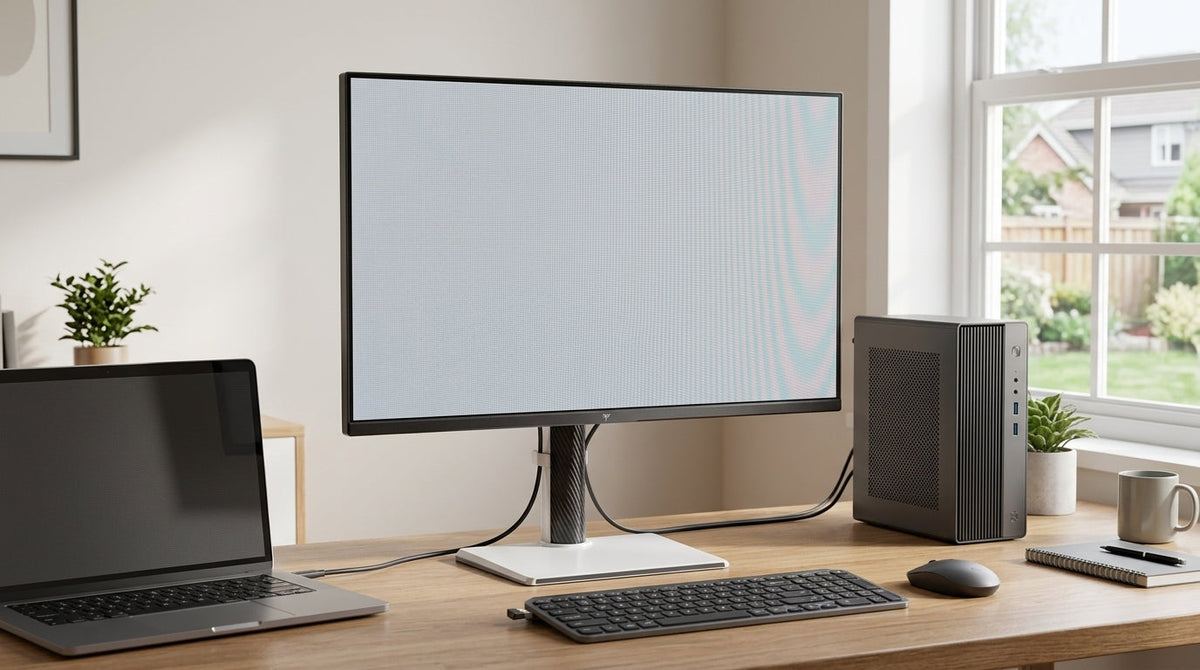
A USB-C KVM monitor can simplify a dual-computer desk, but only when the laptop or desktop port, the monitor, and the cable all support the same video, charging, and USB routing features.
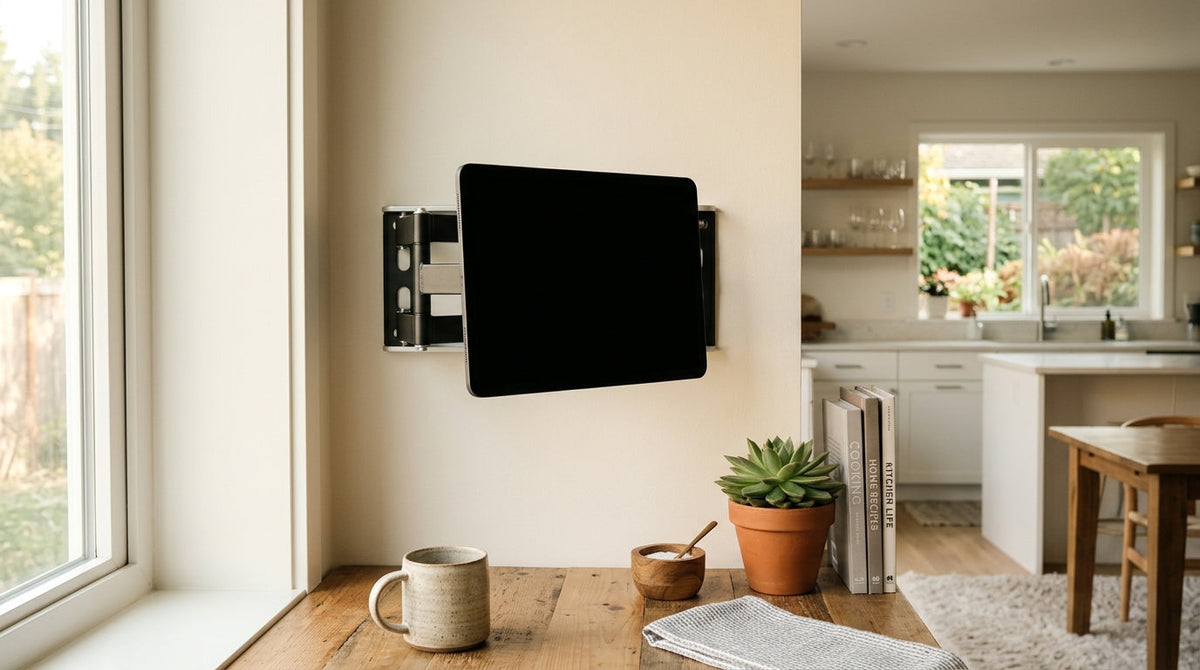
A neutral setup guide for homeowners using a rolling smart display as a shared kitchen-and-living-area dashboard for schedules, recipes, alerts, and basic smart home control.

Blooming on mini-LED gaming monitors is most distracting in dark scenes, but you usually can reduce halos without flattening HDR. This guide walks through the settings, desk tweaks, and device checks that matter most.
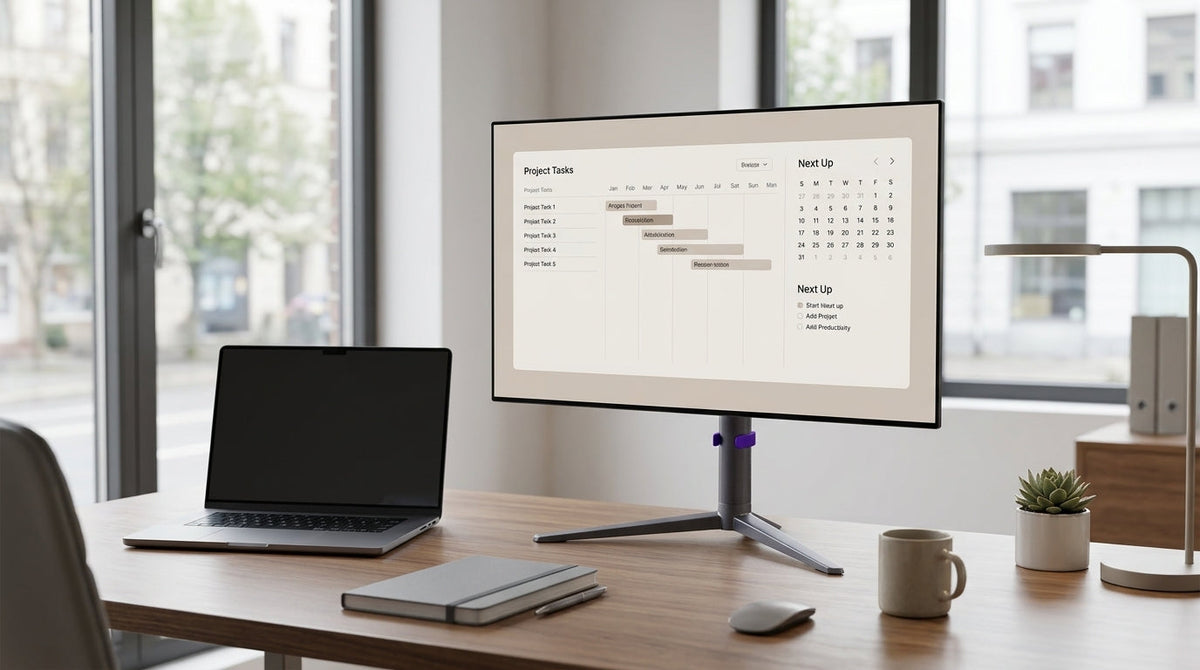
A practical guide for office buyers who want OLED contrast without unnecessary burn-in anxiety. Learn the habits, settings, and decision points that matter most, plus when Mini-LED is the simpler choice.
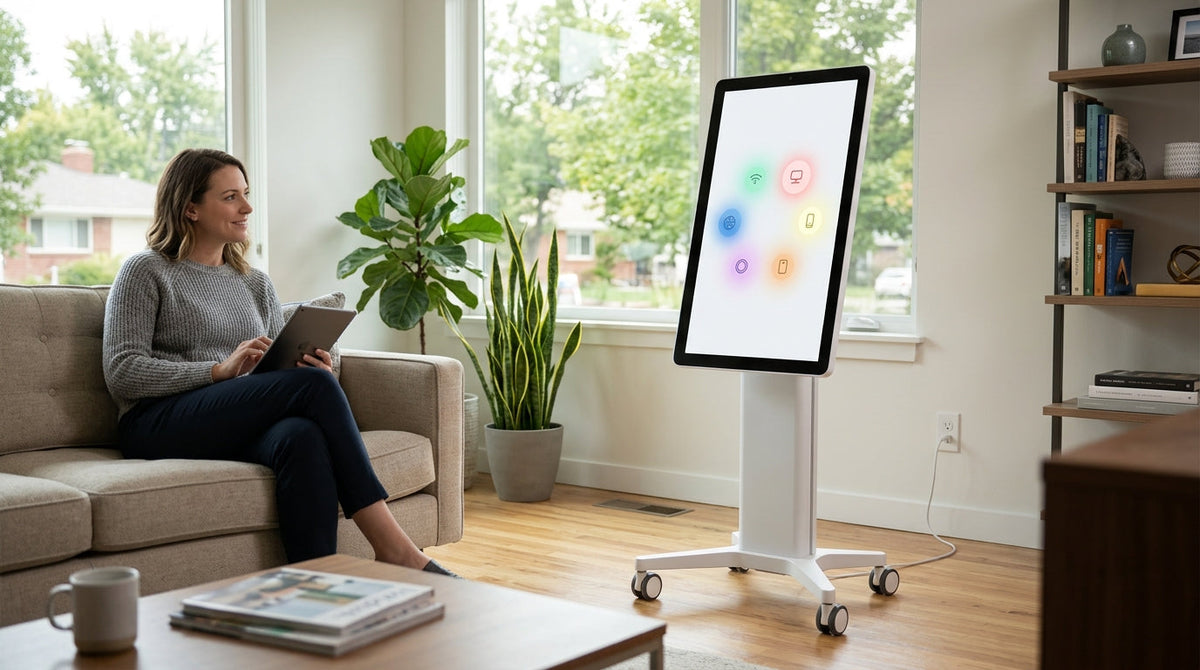
A rolling smart display can be a strong Matter hub candidate if you verify certification separately, keep it on stable Wi-Fi, and use a home app or bridge that actually supports your devices. It is not a fit if you want a guaranteed all-in-one controller without checking the home fabric, network, and app support first.
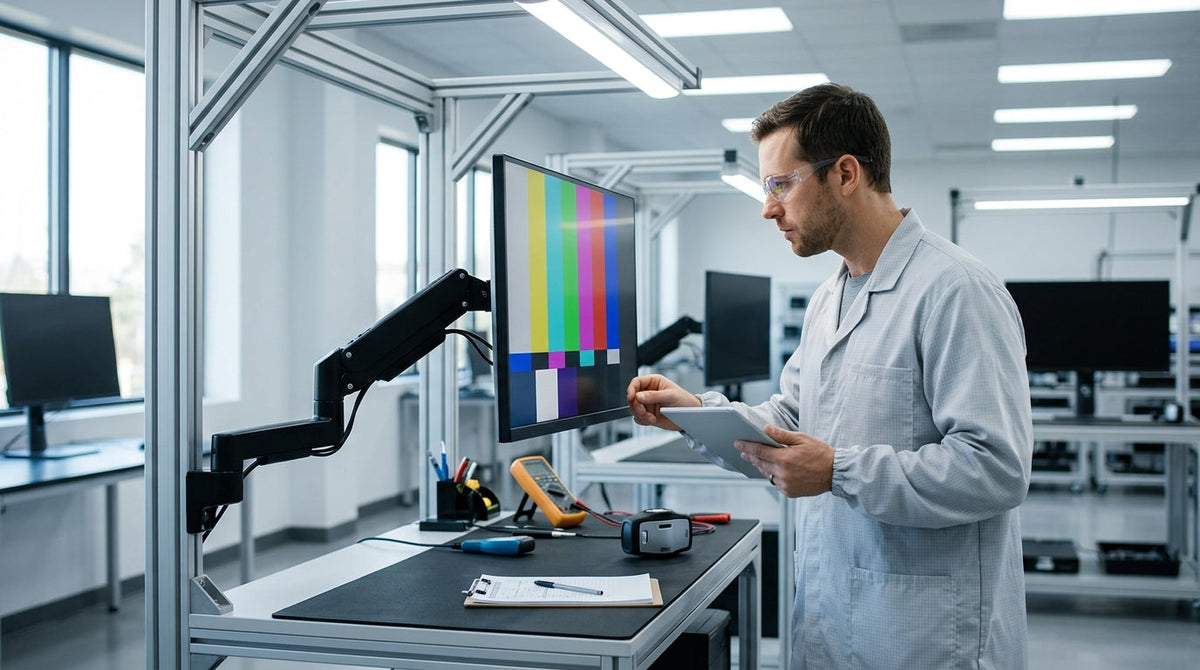
A practical first-hour checklist for checking a new KTC monitor's panel, interpreting common defects, and deciding whether to keep or return it.