Featured storyWhy Your Monitor’s Warm Preset Looks Orange Instead of Neutral WarmYour monitor's warm preset looks orange because it's not a calibrated standard and may stack with other blue-light filters. Get a natural warm image by reducing brightness first.Jun 5, 2026/11 min read
Can RGB Gain Fix Green or Magenta Tint in Monitor Whites?RGB gain adjustments can fix a green or magenta tint in your monitor's whites. Get practical steps to correct your display's white balance for neutral grays and whites.Jun 5, 2026/16 min read
How to Test a Monitor for Flicker Without Specialized EquipmentTest a monitor for flicker at home with no special equipment. Use a phone camera and a real-use comfort test at low brightness to identify the source of your eye strain.Jun 5, 2026/11 min read
How to Prevent High-Bandwidth Video Handshake Failures When Hot-Swapping Console Cables on Gaming MonitorsVideo handshake failures on gaming monitors cause black screens or 4K 120Hz signal loss. For a reliable console connection, use a certified cable, switch inputs deliberately, and let the devices renegotiate before enabling VRR and HDR.Jun 5, 2026/12 min read
Why Your Monitor Loses 4K 120Hz After a Console Update and How to Fix ItGet your 4K 120Hz signal back after a console update. An update can reset the HDMI handshake, causing a fallback to 60Hz. Follow our checklist to fix issues with your cable, ports, and monitor settings.Jun 5, 2026/11 min read
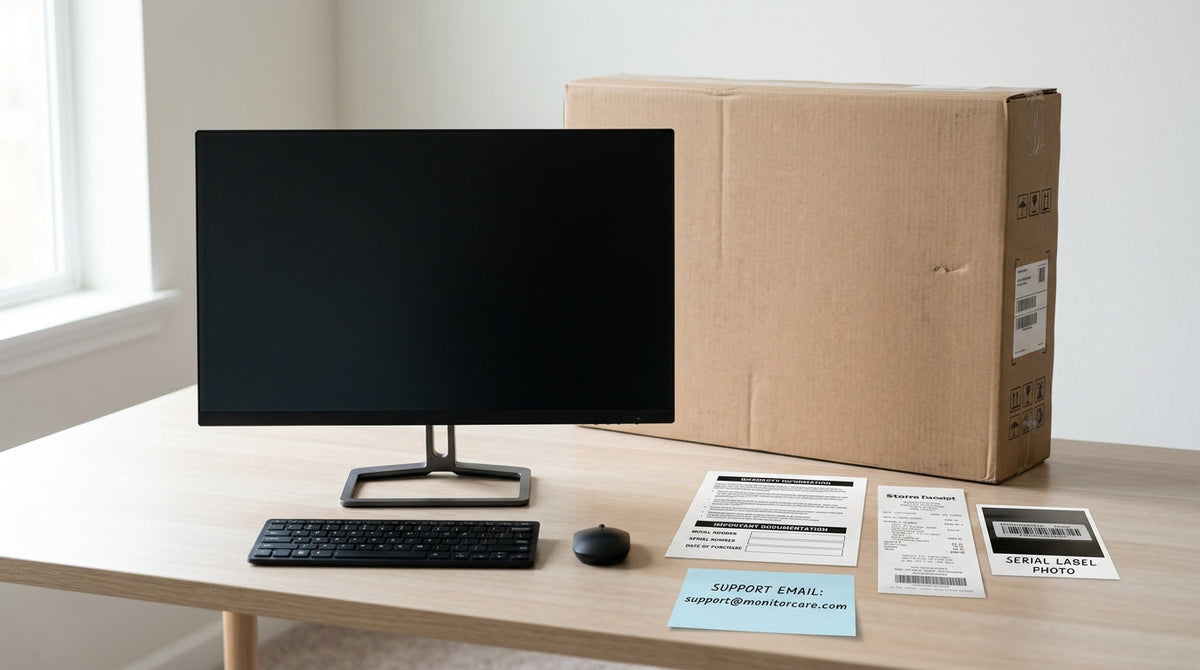
KTC Monitor Warranty and Support Verification GuideA practical guide to KTC monitor warranty coverage, claim prep, and support verification for U.S. buyers who want fewer surprises after purchase.Jun 5, 2026/9 min read
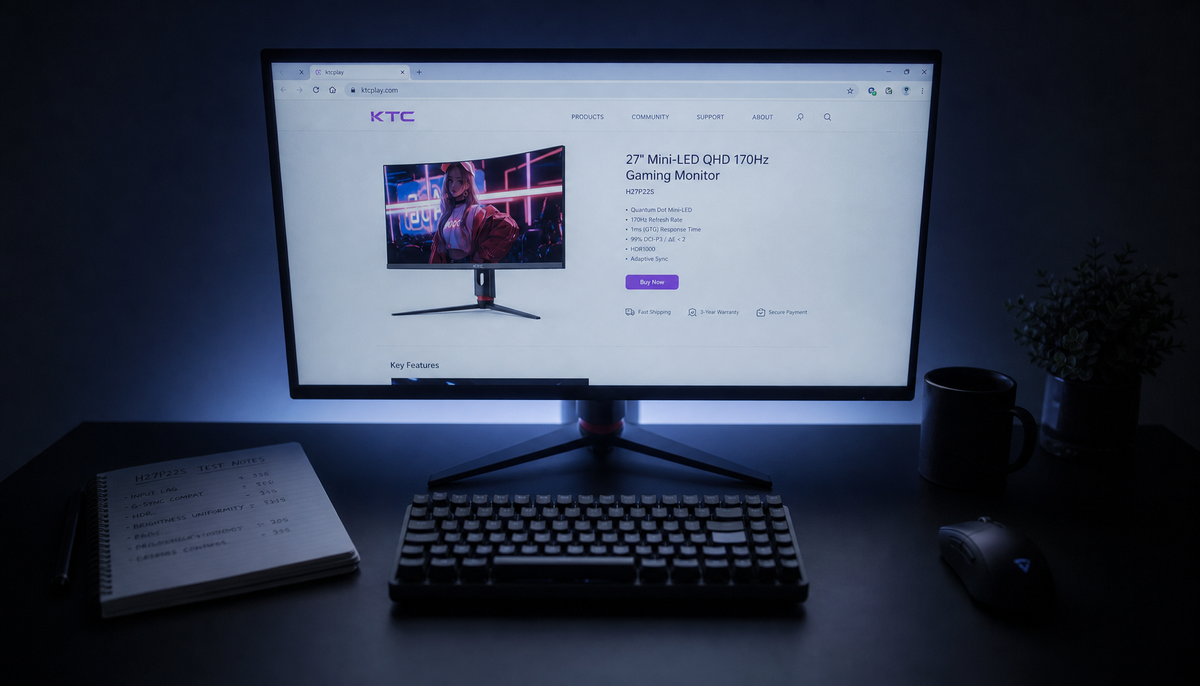
KTC Monitor Color and Dimming Tuning GuideA practical KTC monitor color banding fix starts by identifying the symptom first: SDR gradients, oversaturated color, or Mini-LED haloing. Then adjust SDR, HDR, and local dimming separately, and verify the picture before saving the preset.Jun 5, 2026/8 min read