







Featured story
Can You Run 5K or Ultrawide 5K2K Over DisplayPort 1.4?
DisplayPort 1.4 supports 5K and ultrawide 5K2K resolutions at 60 Hz. Get a stable, high-resolution image by ensuring your GPU, cable, and monitor are fully compatible.

KTC Journal
Monitor reviews, gaming guides, productivity advice, and practical display know-how from the KTC team.
DisplayPort 1.4 supports 5K and ultrawide 5K2K resolutions at 60 Hz. Get a stable, high-resolution image by ensuring your GPU, cable, and monitor are fully compatible.
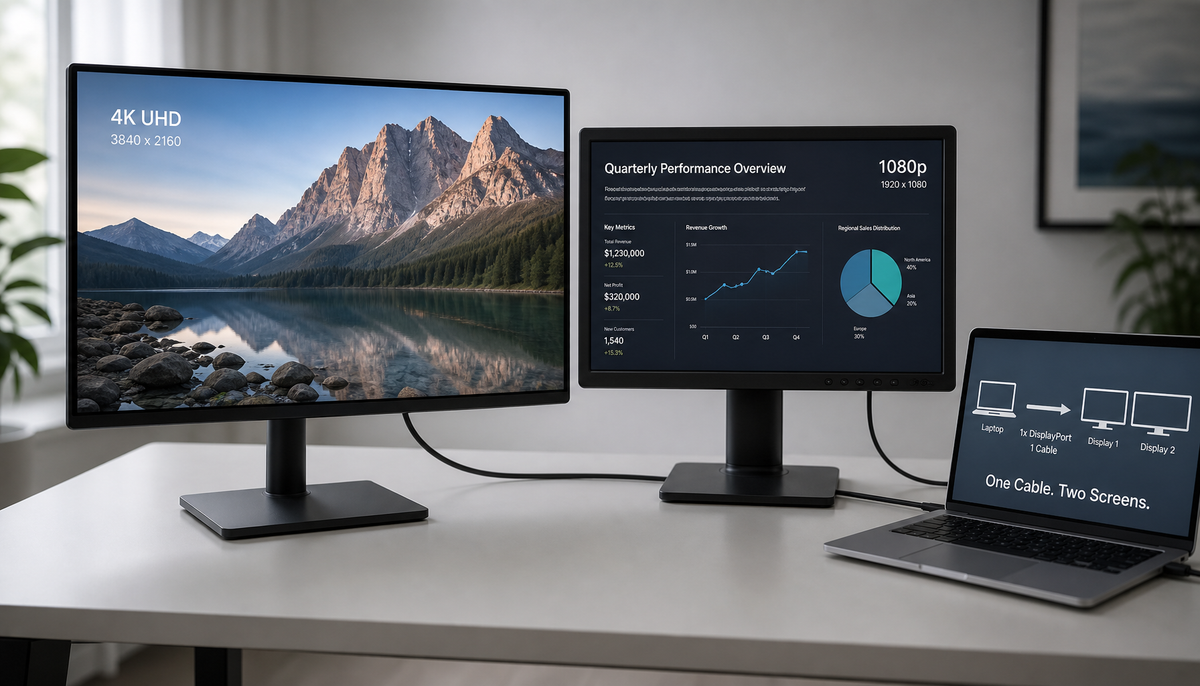
Mixing DisplayPort 1.2 and 1.4 monitors in a daisy chain is possible, but limited by bandwidth and MST. Get the correct connection order for a stable multi-display setup.
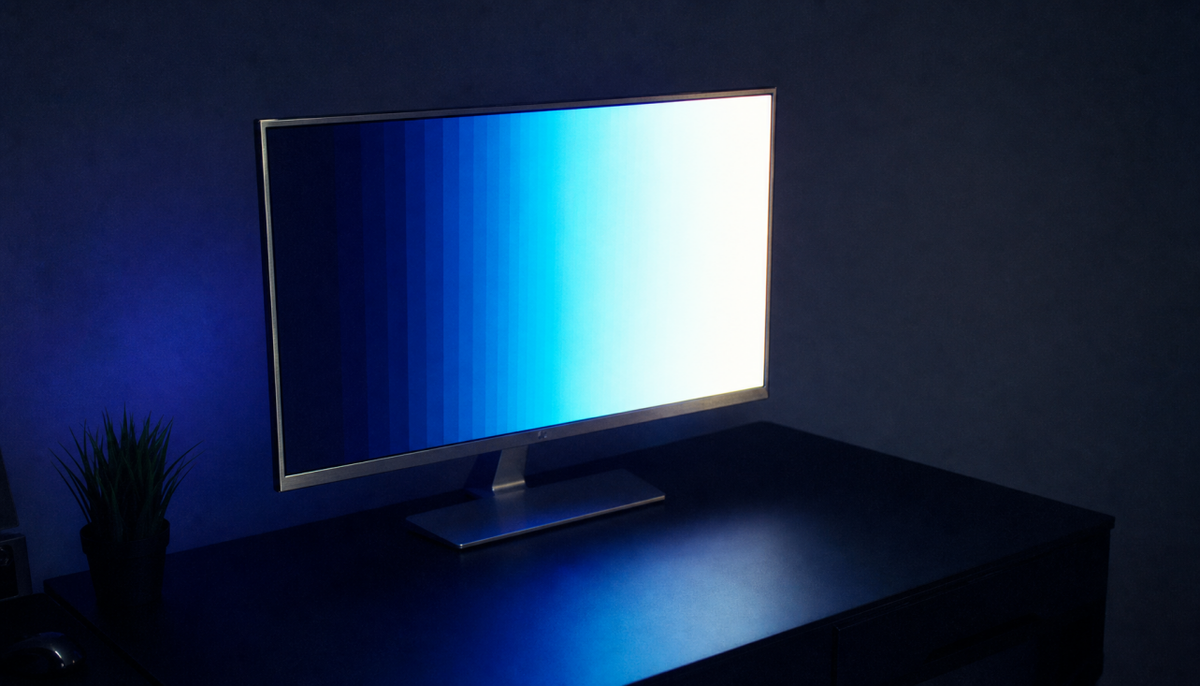
A 4K 144Hz monitor dropping to 8-bit color is a common bandwidth issue. Check your GPU, cable, and display settings to get the best balance between refresh rate and 10-bit color.
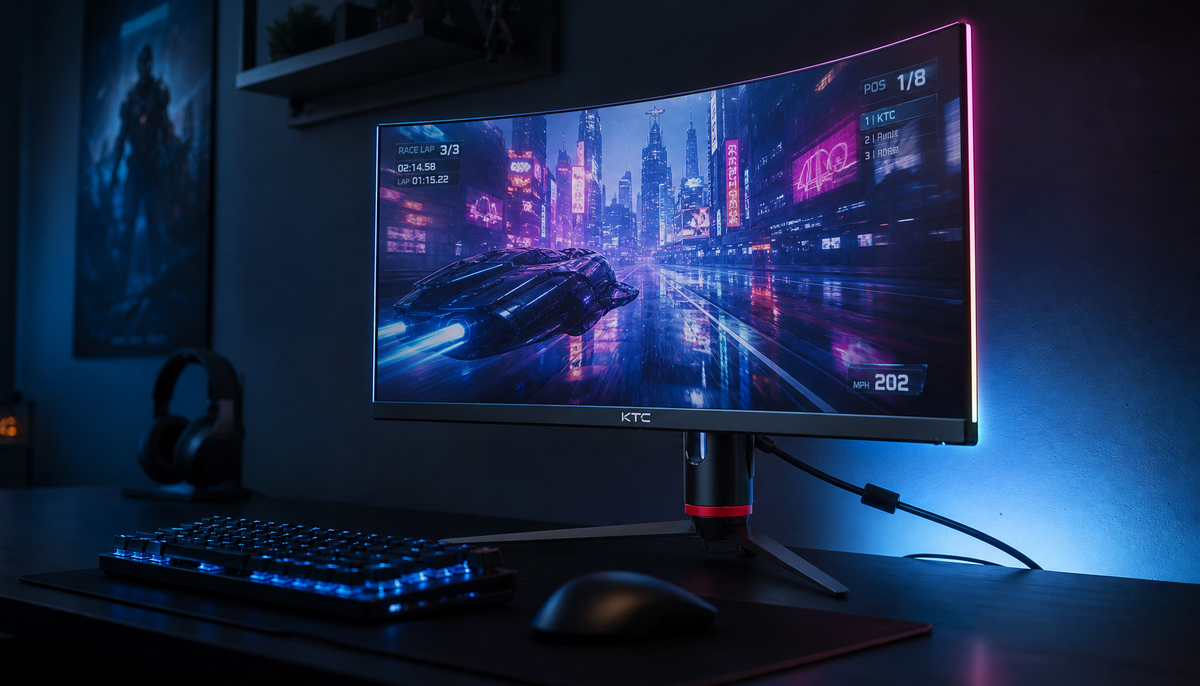
Enable DisplayPort Adaptive-Sync to stop screen tearing and stutter. Our guide shows the proper monitor, Windows, and GPU control panel settings for a smooth gaming display.
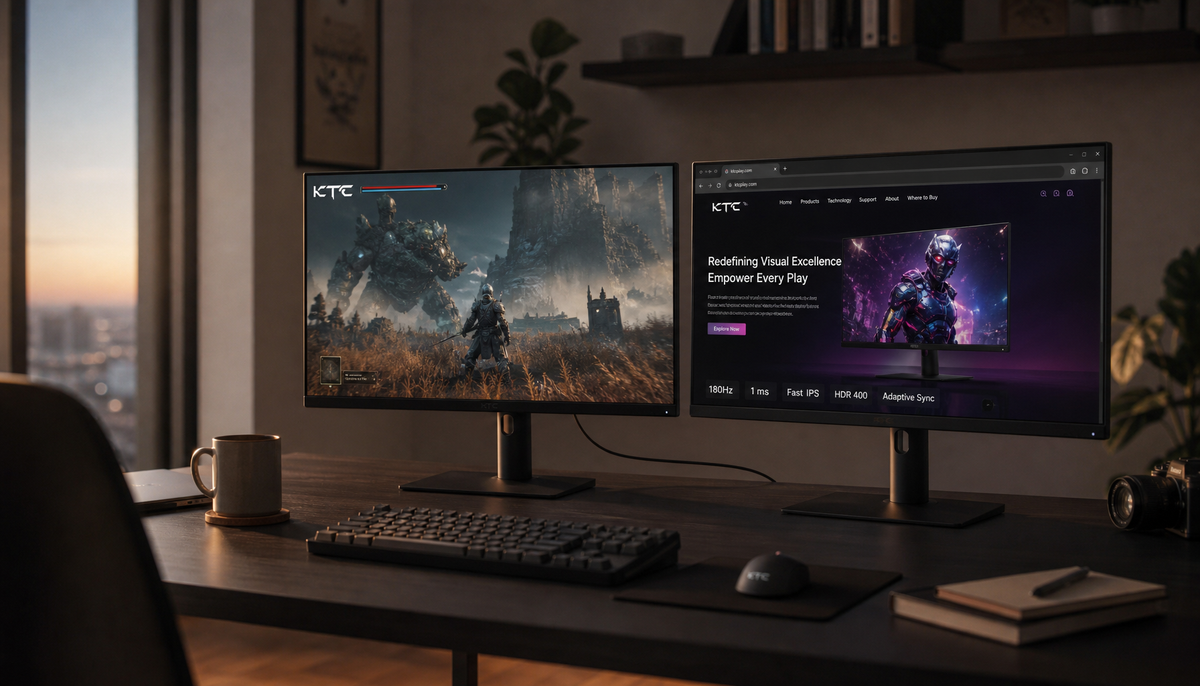
DisplayPort daisy-chain not working? A DP Out port isn't enough. Your setup needs MST support from your PC, correct monitor settings, and enough bandwidth for it to work.

Monitor loses signal in DisplayPort 1.4 HBR3 mode when the link can't train at high speeds. Address black screens and "no signal" errors with practical steps for cables, ports, and drivers.
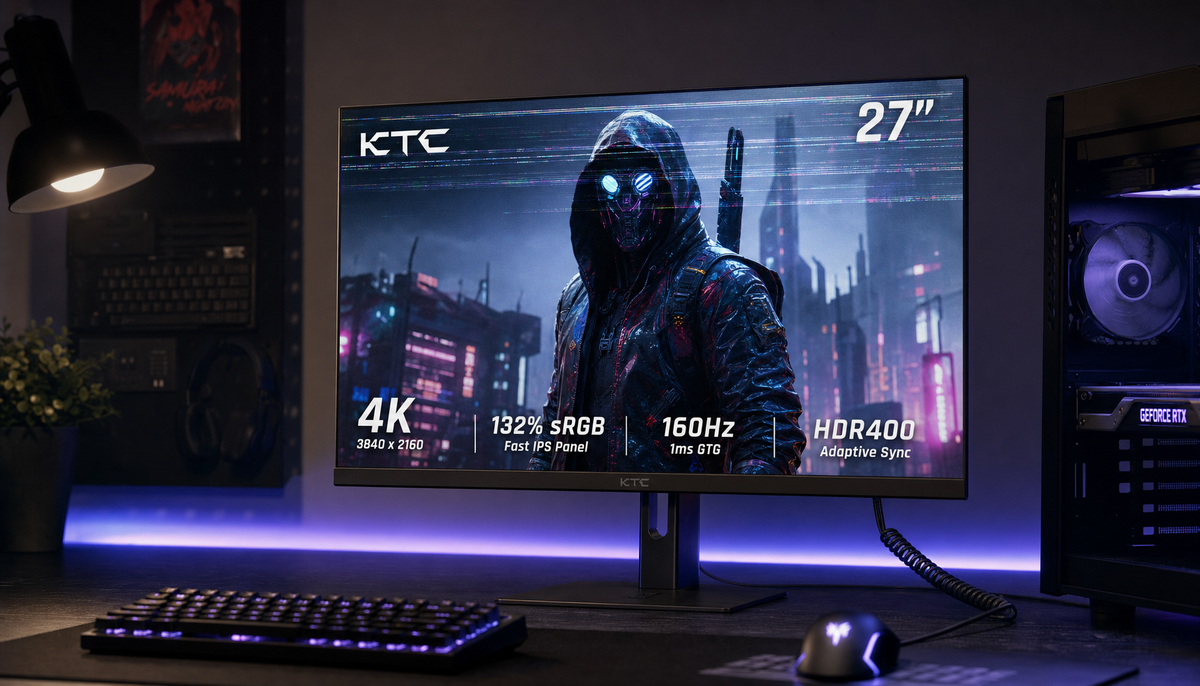
DisplayPort flicker at high refresh rates like 144Hz is often a signal chain issue. Get a stable, smooth image by testing your cable, ports, dock, or settings like HDR and VRR to isolate the weak link in your setup.