







Featured story
Why Your Monitor Developed Ghosting or Motion Blur Over Time
Monitor ghosting is a common, fixable issue. This visual smearing is often caused by overdrive, refresh rate, or cable problems. Get simple steps to diagnose and solve it.

KTC Journal
Monitor reviews, gaming guides, productivity advice, and practical display know-how from the KTC team.
Monitor ghosting is a common, fixable issue. This visual smearing is often caused by overdrive, refresh rate, or cable problems. Get simple steps to diagnose and solve it.
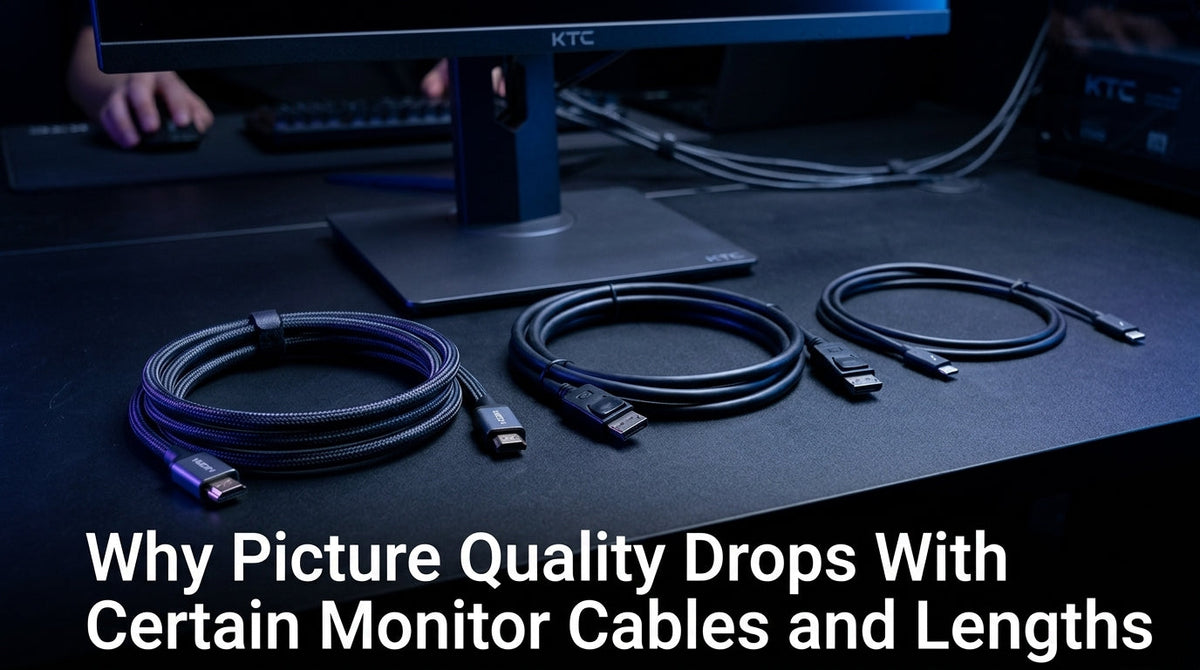
Monitor cable picture quality often drops with the wrong type or length, causing flickering, dropouts, or lost refresh rates. Get stable performance from your 4K or gaming monitor by selecting the correct HDMI, DisplayPort, or USB-C cable.
HDR looks washed out or too dark on your monitor because of hardware limits, OS settings, or tone mapping conflicts. Get clear steps to fix gray blacks and dull colors.
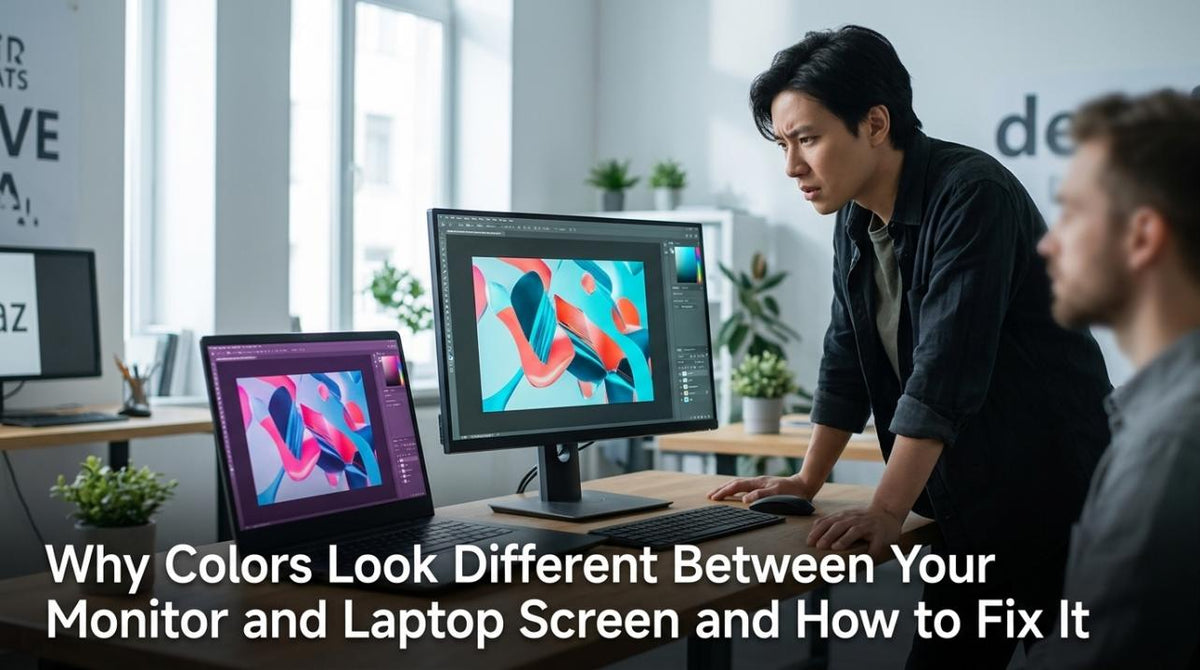
Monitor and laptop screen look different because of hardware limits, color profiles, and brightness settings. Achieve consistent color with our troubleshooting checklist and calibration tips.

Screen tearing from trading tickers slows your decision speed. A high-refresh monitor with the right specs, like 120Hz+ and adaptive sync, provides smoother motion for clearer data and faster reads.
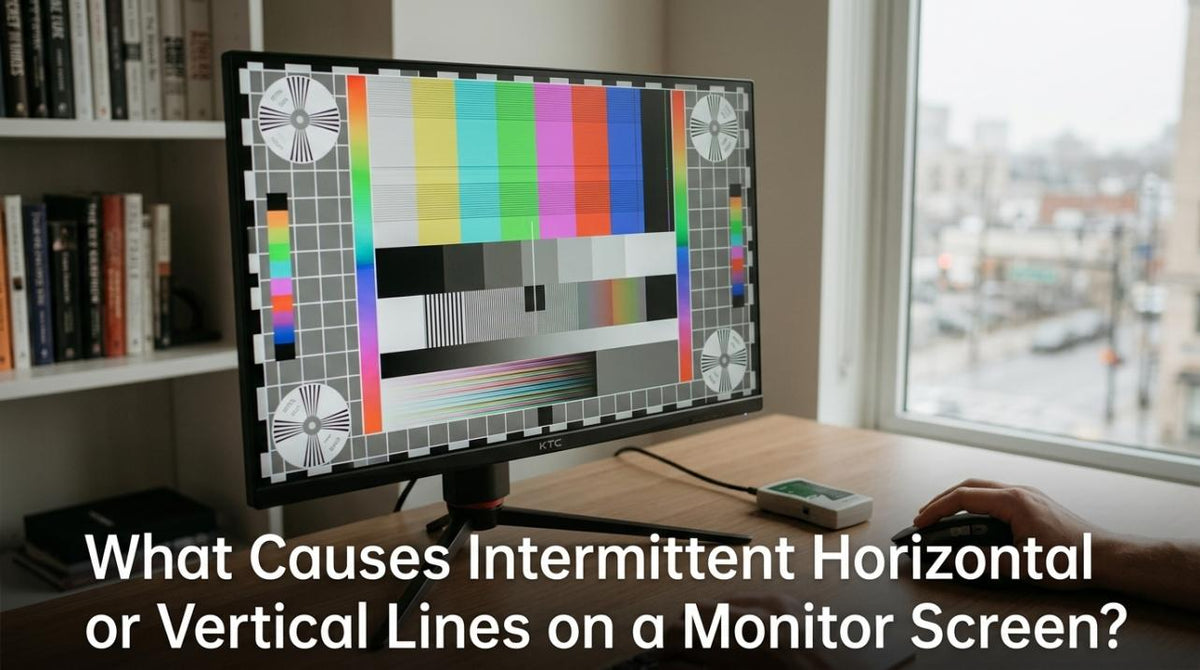
Horizontal or vertical lines on your monitor are often caused by a bad cable, port, refresh rate setting, or power issue. Get clear diagnostic steps to fix it.
Blurry text in certain apps or browser windows is often a settings issue, not a bad monitor. Get solutions for mixed-DPI scaling, ultrawide bugs, and high refresh rates.