




IPS Monitors
KTC Multiple Display for Diverse Scenarios

KTC Multiple Display for Diverse Scenarios
Filters
26 products
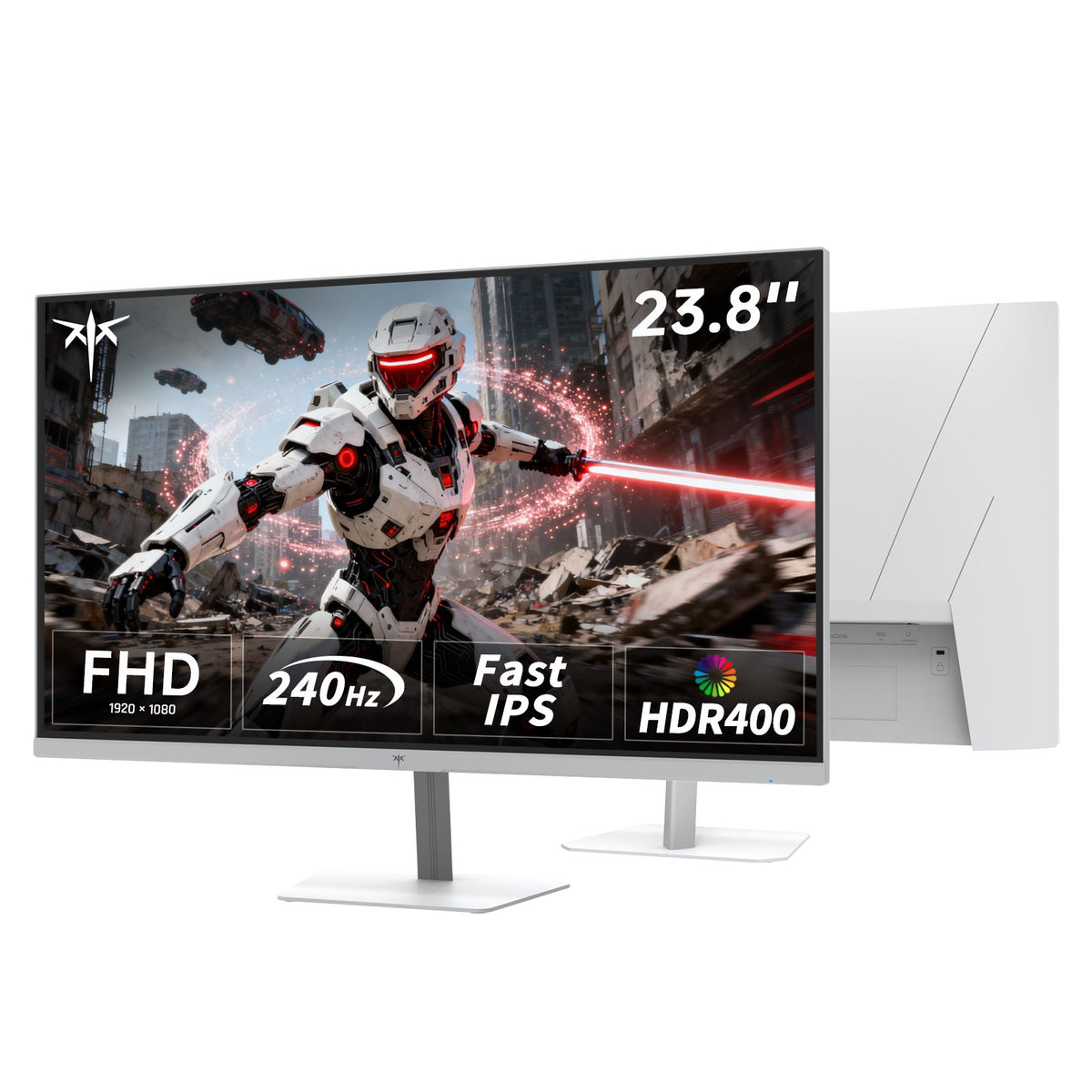
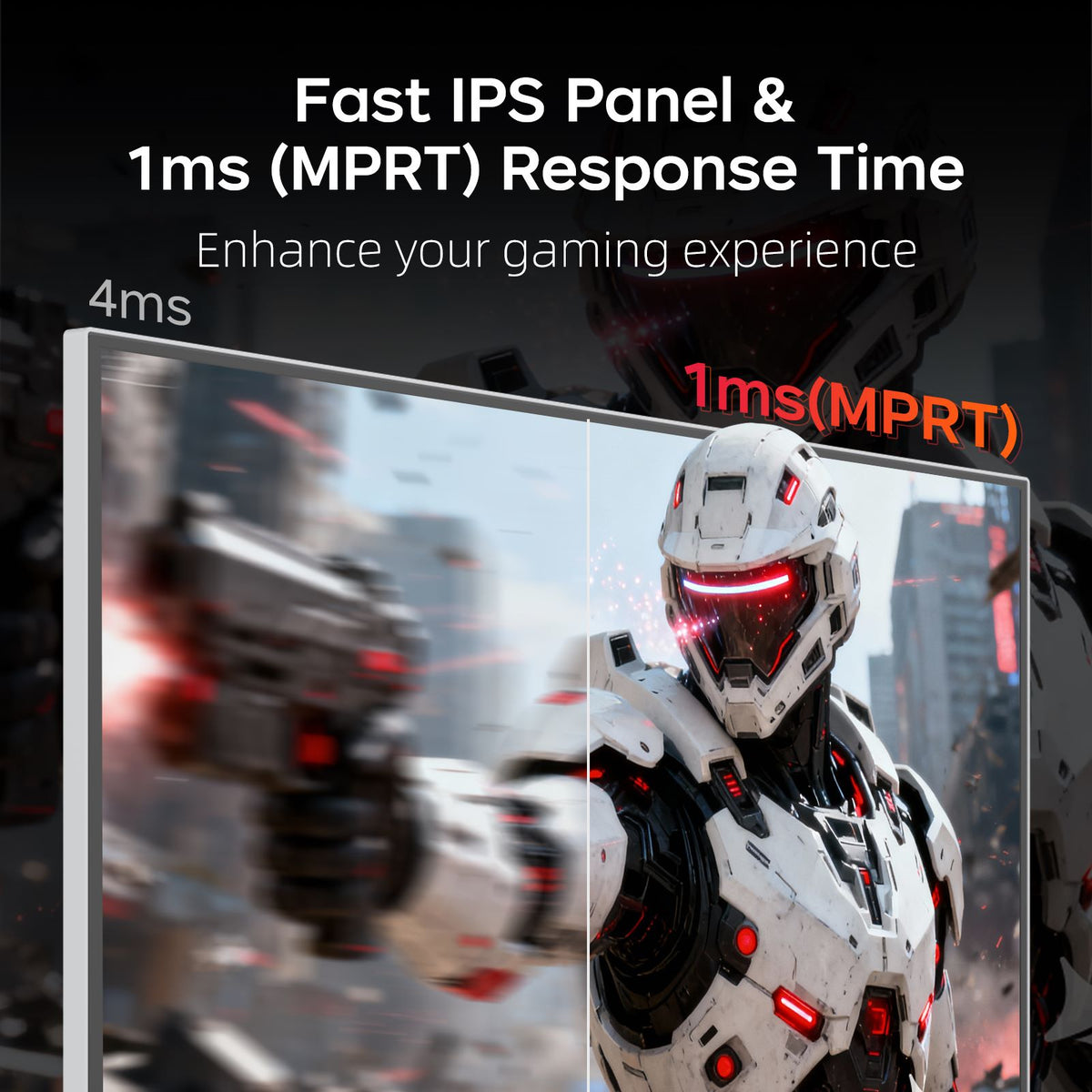
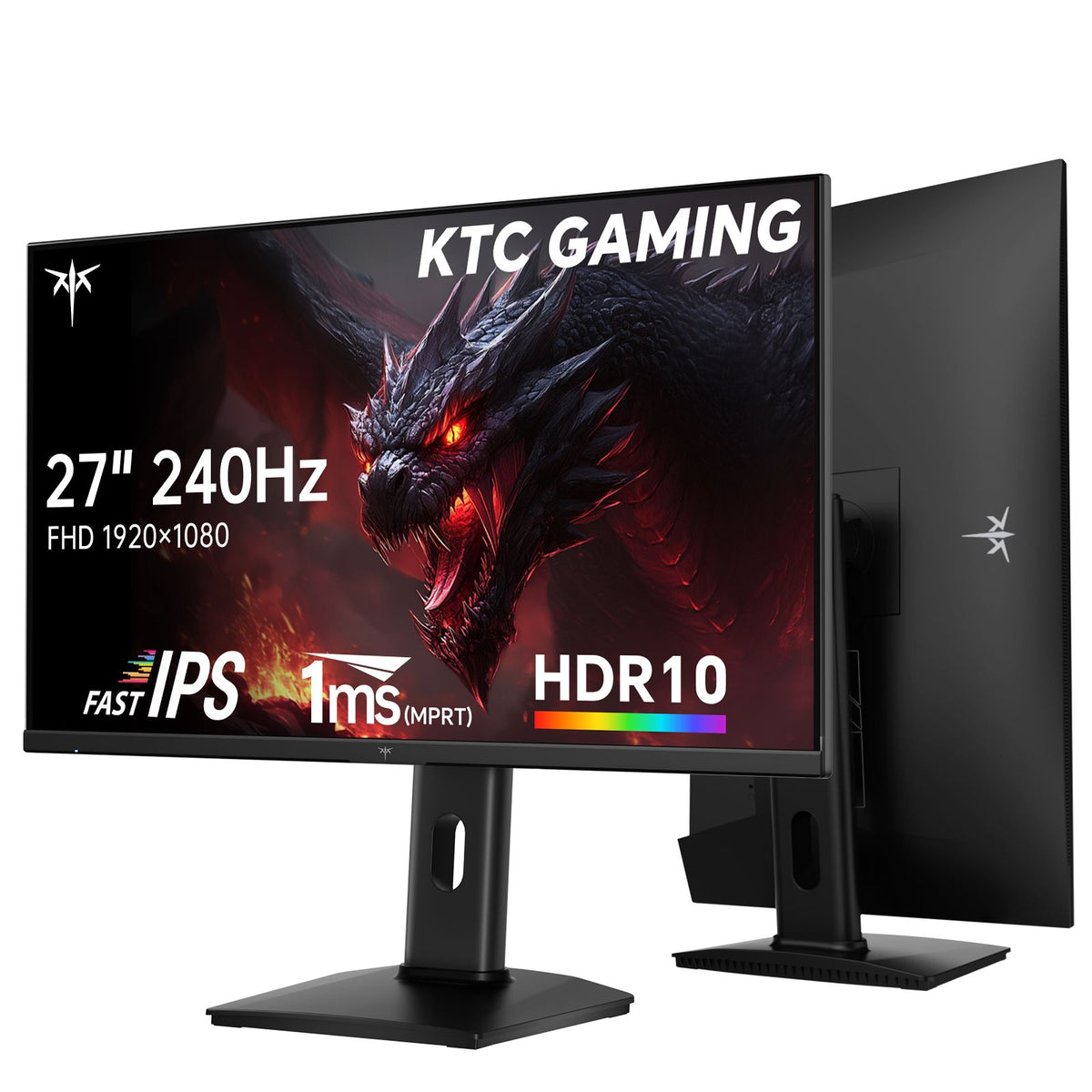
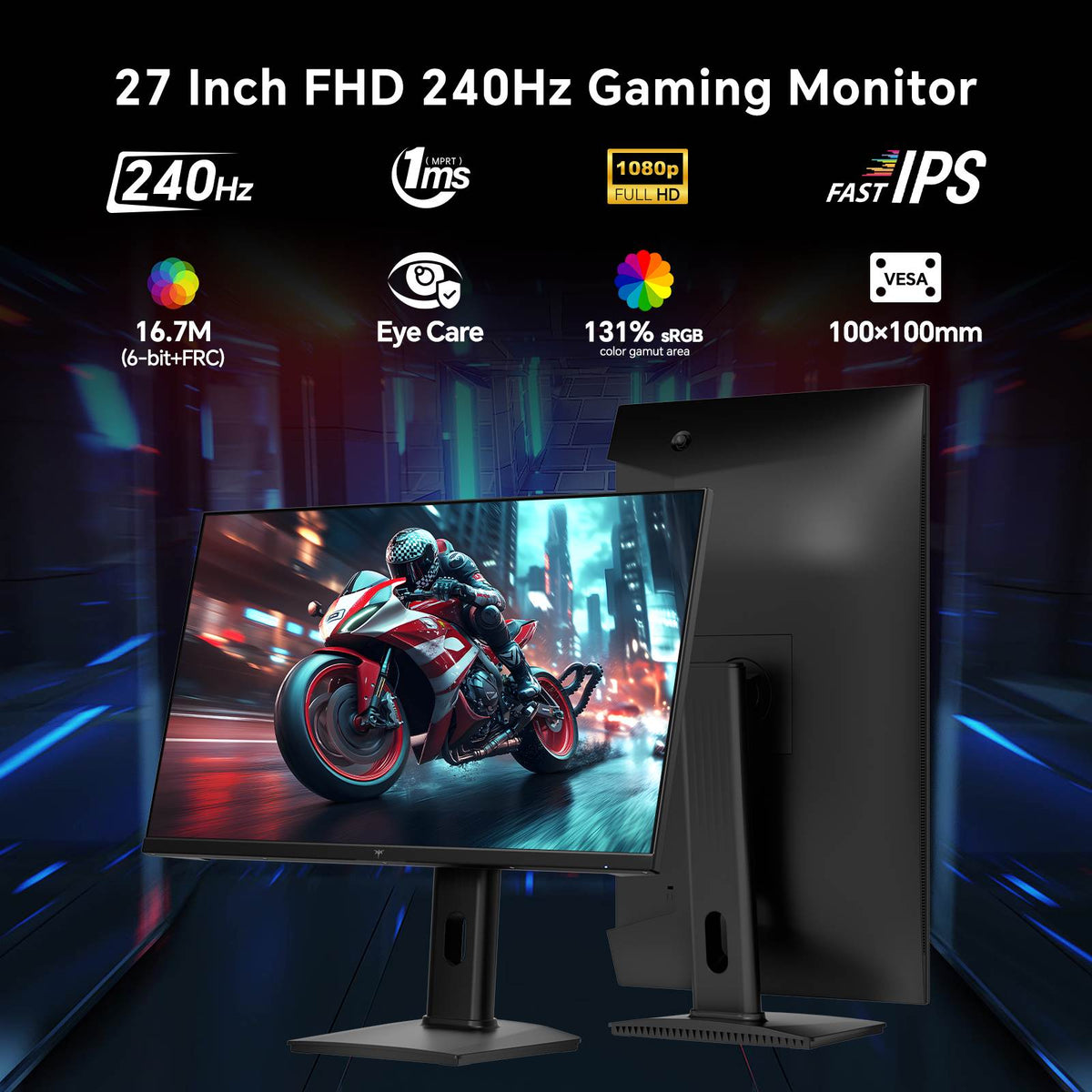
IPS (In-Plane Switching) technology arranges liquid crystals horizontally parallel to the glass substrate rather than vertically. This core structural design allows IPS panels to deliver superior color accuracy and consistent image quality across ultra-wide viewing angles. Whether you're viewing off-center or sharing your screen during multi-user collaboration, colors remain vibrant and true without washing out.
The main trade-off of standard IPS displays is native contrast. Because horizontally aligned crystals allow slightly more backlight leakage when fully closed, pitch-black dark scenes can appear dark grey in a pitch-black room compared to VA panels. Understanding this balance helps you choose whether wide-angle color precision or extreme dark-room contrast better suits your room environment and primary content.
Two distinct visual characteristics are often confused: IPS Glow is a natural, faint corner lightening visible on dark screens when viewed at an angle in dim rooms. It shifts dynamically as you change your viewing position. Backlight Bleed, by contrast, appears as fixed, static bright patches along panel edges caused by mechanical frame pressure. Learn how to diagnose your panel in our detailed IPS glow vs backlight bleed guide.
Mini LED technology solves the IPS contrast compromise without sacrificing viewing angles. By replacing standard global backlights with hundreds of full-array local dimming zones, Mini LED dim dark scenes dynamically while keeping bright highlights intense. For a multi-technology breakdown, explore our complete IPS vs VA vs OLED gaming monitors guide and our optimal viewing angle guide for setup tips.
Match the ideal panel configuration to your workflow—whether you prioritize esports speed, professional color fidelity, or local-dimming contrast:
Discover KTC IPS monitors engineered to bring consistent color accuracy, wide viewing angles, and ultra-fast motion performance to your desktop. From high-frame-rate Fast IPS esports displays to HDR Mini LED models and crisp 4K/5K office displays, build a workstation that keeps visuals vibrant from any angle.
Choose an IPS panel if you prioritize wide viewing angles, photo/video color fidelity, or multi-person viewing. Choose a VA panel if you primarily game or watch movies in dark rooms and want deeper native blacks and higher static contrast.
IPS glow is a natural optical phenomenon caused by light passing through the horizontally aligned liquid crystal layer at an angle. It is most noticeable on dark screens in dim environments and can be minimized by adjusting monitor tilt, room lighting, or distance.
Yes! Modern Fast IPS panel technology achieves sub-millisecond response times that rival traditional TN panels. With refresh rates up to 360Hz (400Hz OC), modern IPS panels eliminate ghosting while delivering superior visual quality.
Yes. On large monitors (such as 27-inch or 32-inch screens), the outer edges of the display are angled relative to your eyes even when centered. An IPS panel prevents edge-to-edge color shifting, preserving uniform image accuracy across the entire screen real estate.