

Featured storyCan You Use sRGB Mode for Gaming Without Losing Visual Impact on a Monitor?sRGB mode for gaming delivers accurate SDR color by removing oversaturation from wide-gamut monitors. This creates an authentic picture, true to the game's design.May 25, 2026/10 min read
Why Movie Mode Dims Your Monitor Even at Maximum BrightnessMovie mode dims your monitor by altering gamma, color, and contrast for dark-room viewing. Max brightness often isn't the solution; the fix is in your monitor's presets.May 25, 2026/8 min read
Why Switching from Vivid to Standard Mode Exposes Crushed Shadow Detail on MonitorsCrushed shadow detail appearing in Standard mode? Your monitor's Vivid preset was likely hiding panel or firmware limits with aggressive contrast. Get the real story.May 25, 2026/10 min read
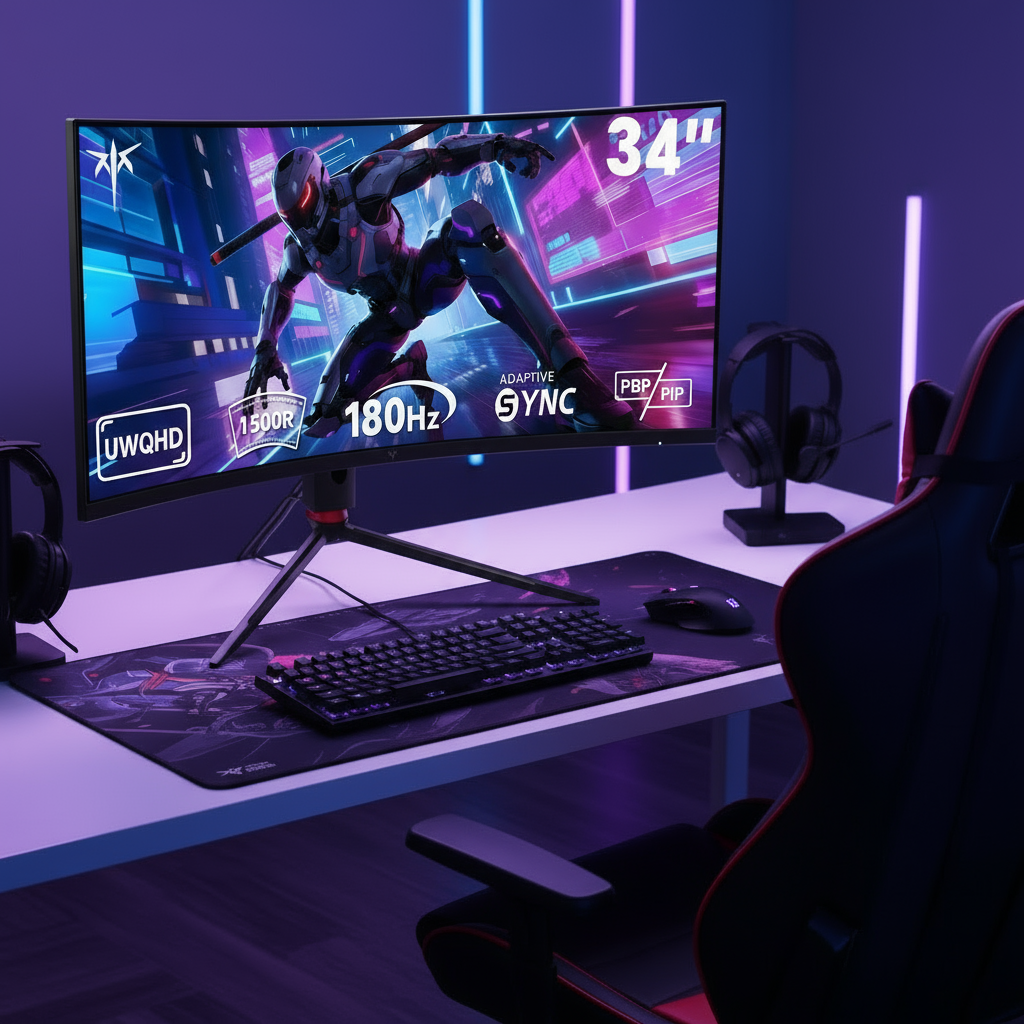
Why 1500R Feels Different on a 27-Inch Monitor vs 34-Inch UltrawideA 1500R curve feels different on a 27-inch monitor versus a 34-inch ultrawide because of screen width. Get details on how size and aspect ratio affect immersion.May 25, 2026/8 min read
Gray-to-Gray vs. Motion Clarity: What Actually Matters for Fast Gaming MonitorsMotion clarity is what truly matters for fast gaming monitors, not just the gray-to-gray (GtG) spec. A blur-free picture depends on refresh rate, pixel speed, and overdrive.May 25, 2026/10 min read
Why Display Polling Rate Matters for Competitive Gaming Beyond Refresh RateDisplay polling rate is crucial for competitive gaming, impacting responsiveness more than just refresh rate. Get guidance on how input sampling, latency, and response time create a smoother feel on any gaming monitor.May 25, 2026/9 min read
Why Some Monitors Feel Smoother Than Others at the Same Refresh RateMonitor smoothness is more than just refresh rate. Two 144Hz screens can feel different due to pixel response, overdrive tuning, and panel type. Get the facts.May 25, 2026/8 min read