Colors shift because most screens are most accurate when viewed straight on. From an angle, brightness, contrast, gamma, and RGB balance can change before the image reaches your eyes.
The Physics Behind Off-Axis Color Shift
A display is more than a flat picture. On LCD monitors, a backlight passes through liquid crystals, color filters, polarizers, and other optical layers before becoming the image you see.
When you sit off-center, that light path changes. The result can be washed-out reds, cooler whites, raised blacks, or even color inversion on weaker panels. A monitor’s viewing-angle rating describes the arc where image quality remains usable before major degradation appears.

That is why a “178°/178°” spec matters. It signals broad horizontal and vertical viewing tolerance, especially for side-by-side work, portrait displays, stacked screens, and portable monitor setups where you rarely view every panel straight on.
Panel Type Makes the Biggest Difference
TN panels are fast and inexpensive, but they are the most prone to color and contrast shifts. Tilt a TN screen vertically, and dark tones can crush, brighten, or invert quickly.
VA panels usually deliver better contrast and deeper blacks, making them compelling for movies and immersive gaming. The tradeoff is that VA can show gamma shift across the screen, so the same shade may look different at the center than at the edges.
IPS panels are the safer choice for productivity, creative work, and multi-screen desks because they keep color and brightness more stable from wide angles. OLED performs even better in many cases because each pixel emits its own light, though advanced OLED designs can still face angular color challenges due to optical structure and subpixel behavior, as shown in research on RGB OLED displays.

Why Gamers and Office Users Both Notice It
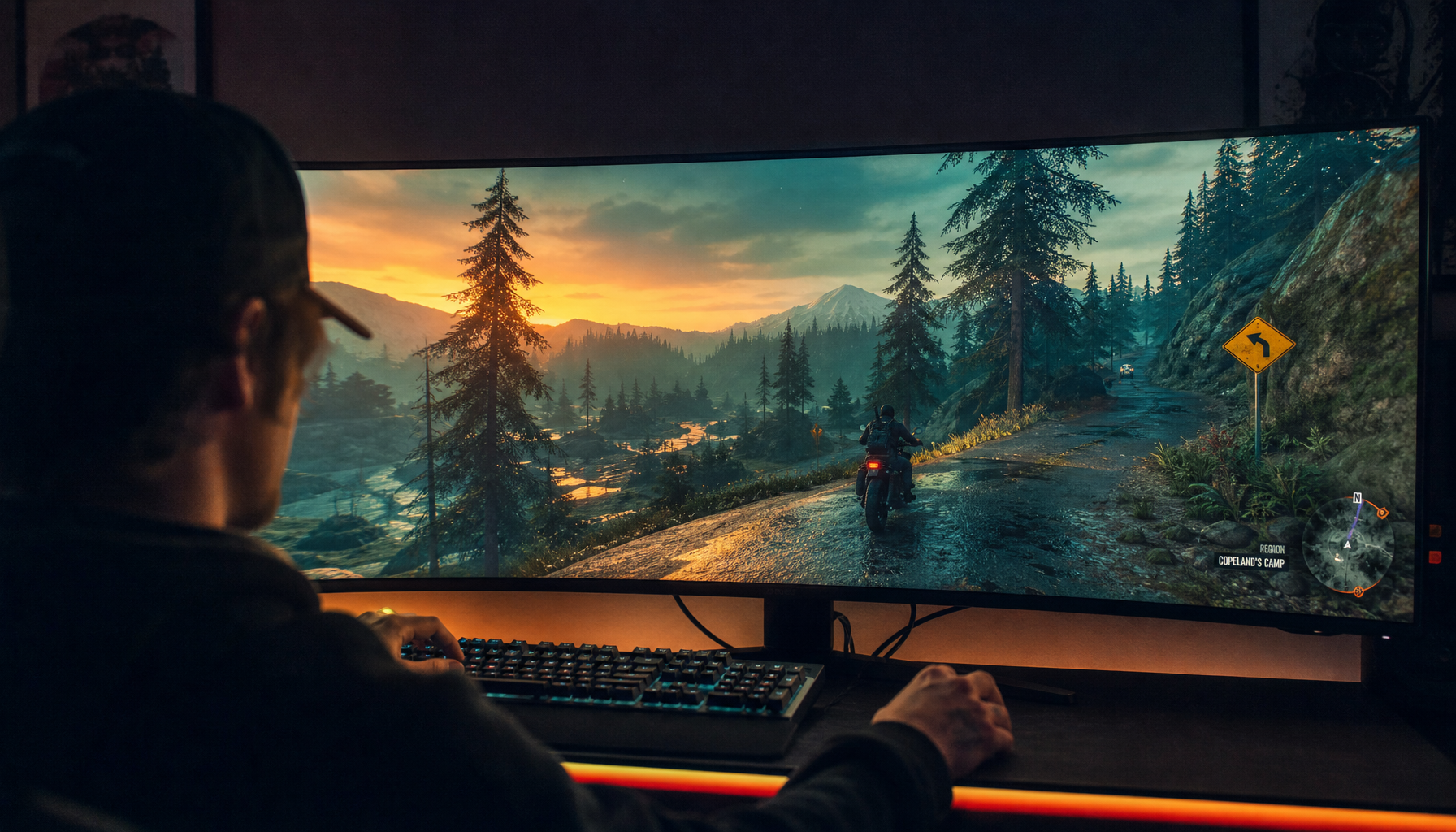
In gaming, weak viewing angles can reduce visual clarity. On a 32-inch monitor or ultrawide, the screen edges are already viewed at an angle, even when your head is centered. In dark games, off-axis contrast loss can make shadow detail harder to read.

For office work, color shift is more subtle but still distracting. A spreadsheet cell, design mockup, video timeline, or product image can look different depending on whether you lean back, stand up, or glance from a second chair.
Portable smart screens amplify the issue. Laptop extenders and travel displays often sit angled beside the main screen, so a wide-angle IPS panel is not a luxury spec; it is what keeps the workspace visually consistent.
How to Reduce Color Shift Before Replacing Your Monitor
Start with setup. Sit roughly an arm’s length from the display, keep the top bezel at or slightly below eye level, and angle the screen so your eyes meet the center comfortably.

Quick fixes that help:
- Use the monitor’s native resolution for clean scaling.
- Reduce glare from windows and overhead lights.
- Keep brightness moderate instead of maxed out.
- Calibrate color while viewing straight on.
- Choose IPS or OLED for angled multi-screen layouts.
Calibration can improve white point, gamma, and brightness consistency, but it cannot override a panel’s physical viewing-angle limits. For accurate color work, a hardware colorimeter and a stable environment matter more than guessing by eye; monitor calibration creates a display profile based on measured output.
What to Buy if Angle Stability Matters
For competitive esports on a tight budget, TN may still appeal, but expect weaker off-center image quality. For cinematic gaming in a centered seat, VA gives strong contrast and value.
For the best balance across gaming, office productivity, portable displays, and content creation, IPS is the reliable middle ground. If budget allows and burn-in risk fits your use case, OLED offers elite contrast and strong angle performance.
The practical rule is simple: the larger, wider, more collaborative, or more flexible your setup is, the more viewing-angle stability matters. A fast screen is good; a fast screen that still looks correct when you move is the display that keeps you in control.