Ultra-high refresh rates are easiest to deliver on smaller, flat, lower-resolution panels because they require less pixel throughput, simpler manufacturing, and tighter motion control. Curved and ultrawide monitors prioritize immersion and workspace, but their wider panels, higher resolutions, and more complex tuning make 360Hz, 500Hz, and beyond much harder to ship at mainstream prices.
Ever search for a 360Hz or 500Hz monitor, only to find mostly compact flat screens instead of the curved ultrawide you actually want for racing, flight sims, or a command-center desk? The demand is real: the high-refresh display market is estimated at $47.3 billion in 2025, with gaming as the largest application segment. This article explains the technical and buying tradeoffs so you can choose speed, width, or immersion with fewer regrets.
The Core Tradeoff: Speed Versus Screen Load
A monitor’s refresh rate is the number of times per second it updates the image, and a higher rate can make motion look smoother when the PC can feed enough frames to the display. That distinction matters because refresh rate is not the same as frame rate: the monitor refreshes, while the GPU renders.
Ultra-high-refresh monitors cluster around 24-inch to 27-inch flat formats because they move fewer pixels. A 25-inch 1080p esports monitor at 500Hz has to update about 2.07 million pixels per frame. A 34-inch 3440 x 1440 ultrawide at the same refresh rate would push about 4.95 million pixels per frame, more than double the image data before accounting for scaling, overdrive behavior, HDR processing, and cable bandwidth.

That is why 500Hz esports displays usually sit in standard 16:9 sizes, while many excellent curved ultrawides land at 144Hz, 165Hz, 180Hz, or 240Hz. They are not behind; they are optimizing for a different kind of performance: peripheral vision, workspace, image quality, and immersion.
Why Curved Panels Are Harder to Push to Extreme Refresh Rates

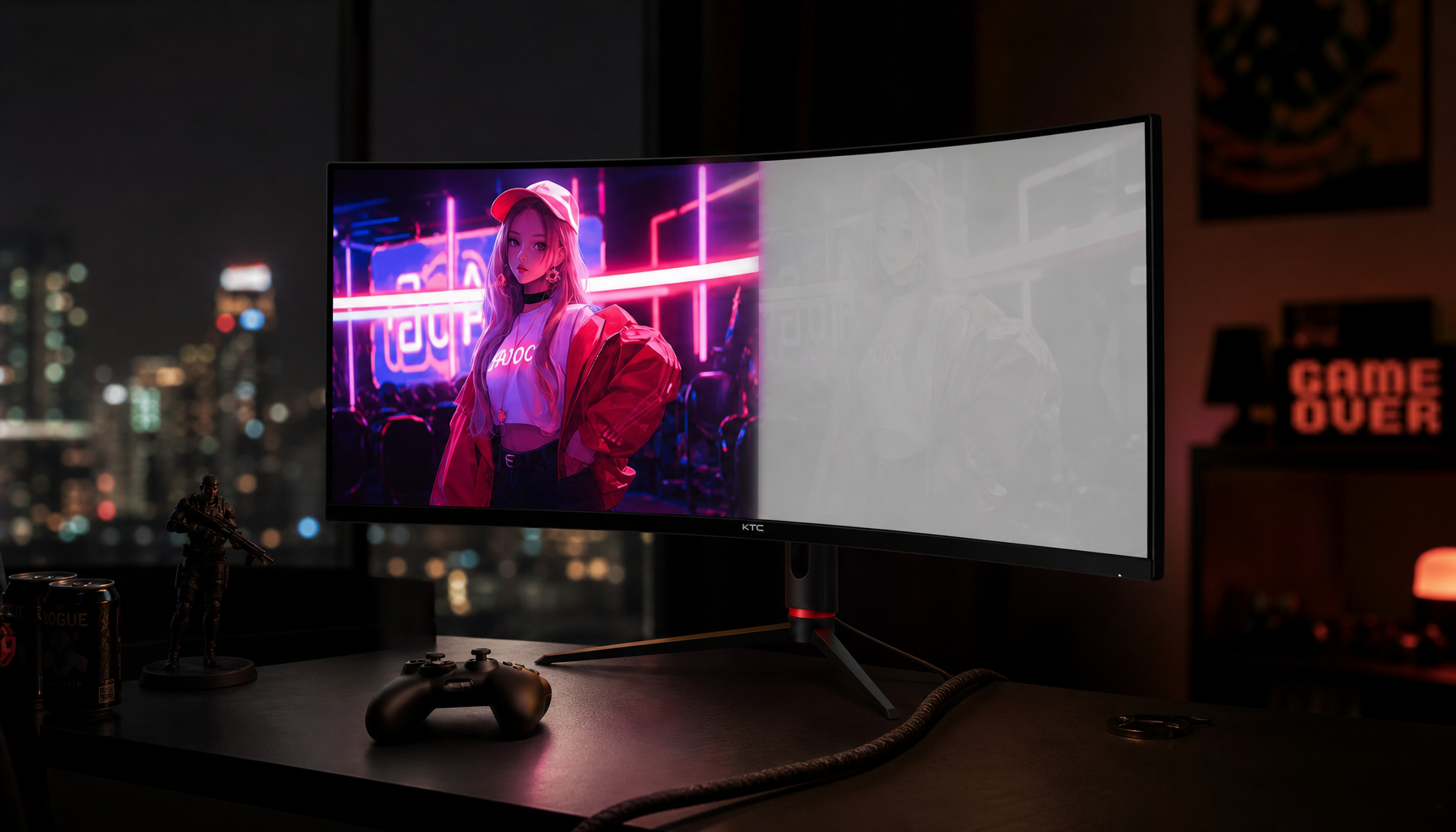
Curvature adds mechanical and optical complexity. A curved monitor is defined by a radius such as 1000R, 1500R, or 1800R, where the lower number means a stronger curve; curved gaming monitors also often use wider 21:9 or 32:9 formats rather than standard 16:9.
That wider, bent panel has to maintain uniform brightness, color, pixel response, and viewing comfort from center to edge. At 144Hz, that is already a serious tuning job. At 360Hz or 500Hz, every pixel transition has less time to complete, so response-time flaws become more visible as smearing, overshoot, inverse ghosting, or uneven motion clarity.
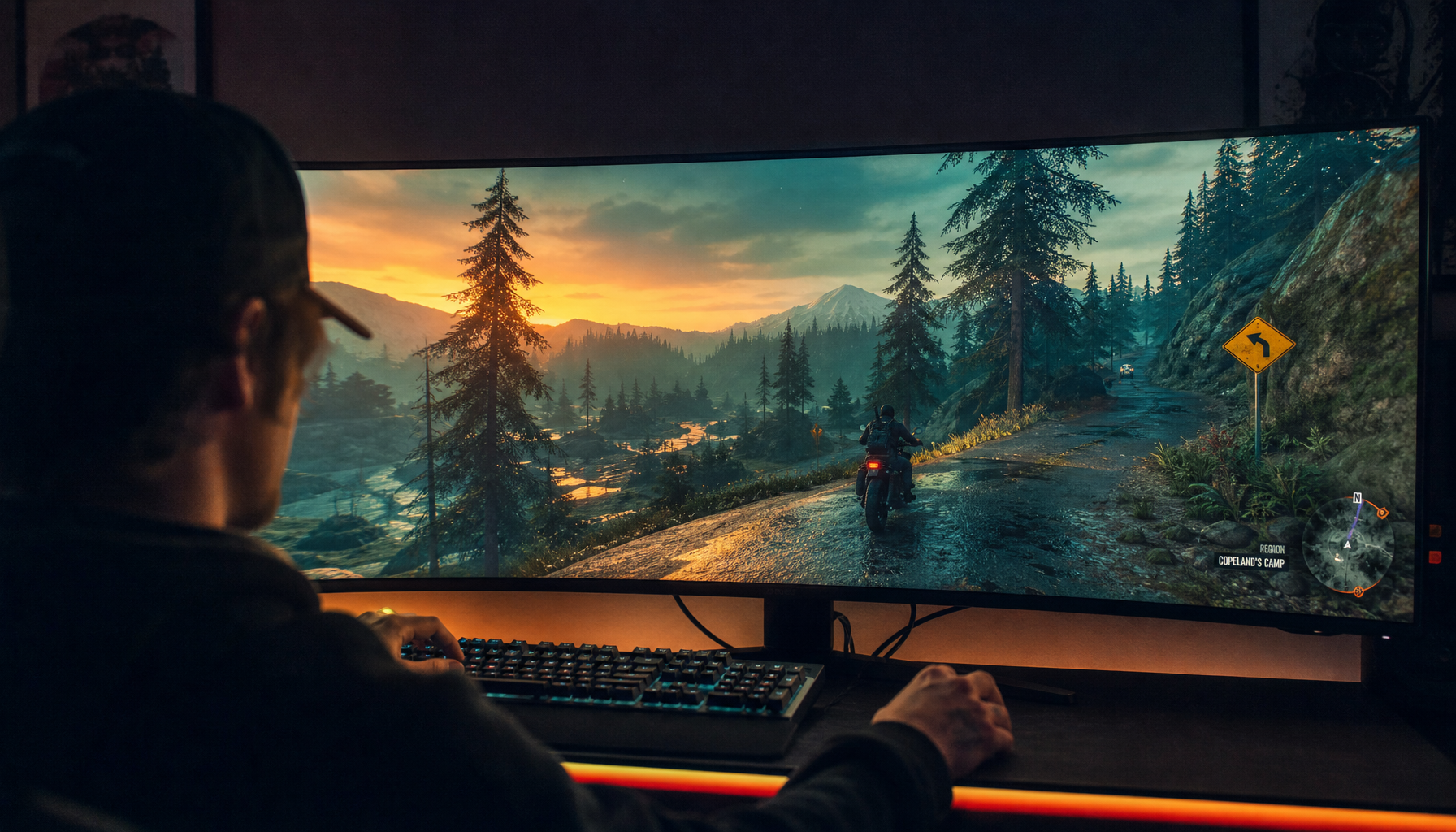
In hands-on monitor evaluation, this is where spec sheets become less reliable than real motion testing. A curved VA ultrawide can look fantastic in a dark RPG or flight simulator because of its contrast and wraparound field of view, yet the same panel may show trailing in fast shooters. A flat esports IPS or OLED panel may feel sharper in rapid target tracking because its whole design is built around lower latency and faster transitions.
Ultrawide Resolution Multiplies the Bandwidth Problem
Ultrawide monitors commonly use 21:9 or 32:9 aspect ratios, with popular resolutions such as 3440 x 1440 and 5120 x 1440. A 32:9 monitor at 5120 x 1440 is close to two QHD displays side by side, and ultrawide monitors are valued because they provide more horizontal workspace for gaming, productivity, and creative timelines.
That extra width is exactly what makes extreme refresh difficult. A 5120 x 1440 display contains about 7.37 million pixels per frame. At 240Hz, that is already a massive stream of image data. At 500Hz, it becomes a niche engineering challenge requiring premium panel electronics, high-bandwidth connections, strong GPU output, and serious heat and power control.
The cable matters too. Research notes consistently point to HDMI 2.1 and DisplayPort-class bandwidth as requirements for high-refresh UHD and ultrawide displays. If a monitor has to reduce color depth, use compression, lower resolution, or disable features to hit a headline refresh rate, the real-world experience may not match the marketing number.

Why Manufacturers Build Flat Esports First
Monitor companies follow use cases, not just wish lists. Competitive players tend to prefer smaller 16:9 screens because the full image stays within central vision, desk placement is simpler, and high frame rates are more achievable. A 144Hz or 165Hz display is a modern gaming baseline, while high refresh rate monitors beyond 240Hz deliver subtler but measurable benefits for serious esports users.
That makes flat 24-inch and 27-inch panels the natural launchpad for 360Hz, 480Hz, 500Hz, 540Hz, and 610Hz designs. The target buyer plays shooters, values latency above cinematic scale, and is more likely to lower resolution or graphics settings to reach the monitor’s ceiling.
Curved ultrawide buyers usually have a different priority stack. They want racing mirrors in peripheral view, flight-sim horizons, wide editing timelines, more spreadsheet columns, or a single-screen replacement for dual monitors. For them, 165Hz or 240Hz can be the better balanced choice if it preserves resolution, HDR behavior, color quality, and everyday usability.

The Current Sweet Spots Are Different by Use Case
The best format depends on what you actually do at the desk. Independent ultrawide testing highlights 49-inch 32:9 OLED gaming models at 240Hz and productivity-focused ultrawides at 120Hz to 165Hz, which shows how the category has advanced without fully merging with extreme esports refresh tiers; the best options still tend to balance size, resolution, ports, and panel quality instead of chasing 500Hz.
Primary Use |
Better Fit |
Practical Reason |
Competitive shooters |
24-inch or 27-inch flat 16:9 at 240Hz+ |
Easier to drive at high FPS, easier to scan, lower latency focus |
Racing and flight sims |
34-inch to 49-inch curved ultrawide at 144Hz to 240Hz |
Wider field of view matters more than extreme refresh |
Office productivity |
34-inch to 49-inch ultrawide at 100Hz to 165Hz |
More workspace and smoother scrolling without GPU overkill |
Creative work and mixed gaming |
34-inch 3440 x 1440 or 40-inch 5K2K at 120Hz to 240Hz |
Strong balance of detail, timeline space, and motion clarity |
Current recommendations follow the same pattern: ultra-high-refresh esports picks skew toward smaller flat panels, while curved gaming picks emphasize 34-inch OLED image quality and immersion at lower refresh rates than the fastest esports monitors. That split is not a failure of curved displays; it is a rational division between reaction-speed hardware and immersion hardware.
The GPU Must Match the Monitor
A 500Hz monitor only pays off when your system can produce very high frame rates. If your game runs at 110 FPS, a 144Hz or 165Hz display can still feel much better than 60Hz, but a 500Hz panel will spend most of its capability unused. Your operating system also exposes only the refresh modes supported by the display, GPU, cable, and current resolution, and changing refresh rate can involve tradeoffs in smoothness, battery life, and available modes.
For a quick reality check, compare your average FPS in the games you play most. If your competitive shooter averages 280 FPS at 1080p, a 240Hz or 360Hz flat monitor makes sense. If your flight simulator averages 80 to 140 FPS at high settings, a curved ultrawide at 144Hz or 165Hz will likely deliver a more meaningful upgrade than a smaller 500Hz screen.

This is also why VGA, older HDMI ports, and under-specced adapters are deal breakers for modern high-refresh ultrawide setups. Even if the monitor is capable, the signal chain may not be.
Pros and Cons of Waiting for Extreme-Refresh Ultrawides
The upside of waiting is obvious: a future curved ultrawide at 360Hz or higher could deliver panoramic immersion with esports-grade motion. The market is moving in that direction, with OLED and MicroLED growth suggesting better response times, contrast, and premium-panel capability over time.
The downside is cost and compromise. High-refresh displays already require stronger GPUs, better ports, more power, and more cooling. Add ultrawide resolution and curvature, and the price climbs while availability narrows. Some older games also fail to support 21:9 or 32:9 cleanly, so a superfast ultrawide can still show black bars, stretched menus, or awkward HUD placement.
For most buyers today, the smarter move is to buy for your real workload rather than a future spec sheet. If you play tactical shooters, choose flat speed. If you live in flight simulators, racing sims, open-world games, video timelines, or large spreadsheets, choose curved width with a strong but realistic refresh rate.
How to Buy Without Overpaying
Start with the game or work you do most, then match the monitor to that behavior. General ultrawide guidance and KTC-style buying advice converge on the same practical point: 34-inch 3440 x 1440 is a lower-regret starting point for most desks, while 49-inch 5120 x 1440 is best for wide desks, fixed seating, cockpit rigs, and heavy multitasking.
For mixed gaming and productivity, a 34-inch curved ultrawide at 144Hz to 180Hz is often the value-performance zone. For premium immersion, 240Hz OLED ultrawides are compelling if your GPU can drive them and you accept OLED care considerations. For esports, a flat 1080p or 1440p monitor at 240Hz, 360Hz, or higher remains the direct path to lower latency.
The rarest and most expensive choice is the one that tries to maximize everything at once: huge, curved, ultrawide, high resolution, HDR-capable, color-accurate, and ultra-high refresh. Once you see how each spec adds load, the market starts to make sense.
FAQ
Are curved monitors bad for competitive gaming?
No, but they are not always optimal. A curved ultrawide can improve immersion and peripheral awareness, yet many competitive players prefer smaller flat 16:9 displays because targets, UI, and crosshair focus stay closer to the center of vision.
Is 240Hz enough for an ultrawide monitor?
For most users, yes. A 240Hz ultrawide is already very fast, especially when paired with OLED or a well-tuned panel. The bigger question is whether your GPU can sustain frame rates near that level at ultrawide resolution.
Why are 500Hz monitors usually 1080p?
Because 1080p has far fewer pixels to refresh than ultrawide or 4K resolutions. Lower pixel load makes it easier to reach extreme refresh rates with cleaner motion, lower latency, and more realistic GPU requirements.
Should office users care about refresh rate?
Yes, but not in the same way esports players do. A 100Hz to 165Hz office or productivity ultrawide can make scrolling, window movement, and long sessions feel smoother, while extreme refresh rates usually deliver little extra value for documents, spreadsheets, and video calls.
Ultra-high-refresh curved ultrawides are rare because they sit at the hardest intersection of panel size, pixel count, curvature, bandwidth, heat, cost, and GPU demand. Buy the monitor that strengthens your main experience: flat speed for competition, curved width for immersion and productivity, and a balanced refresh rate when you need one screen to do both.