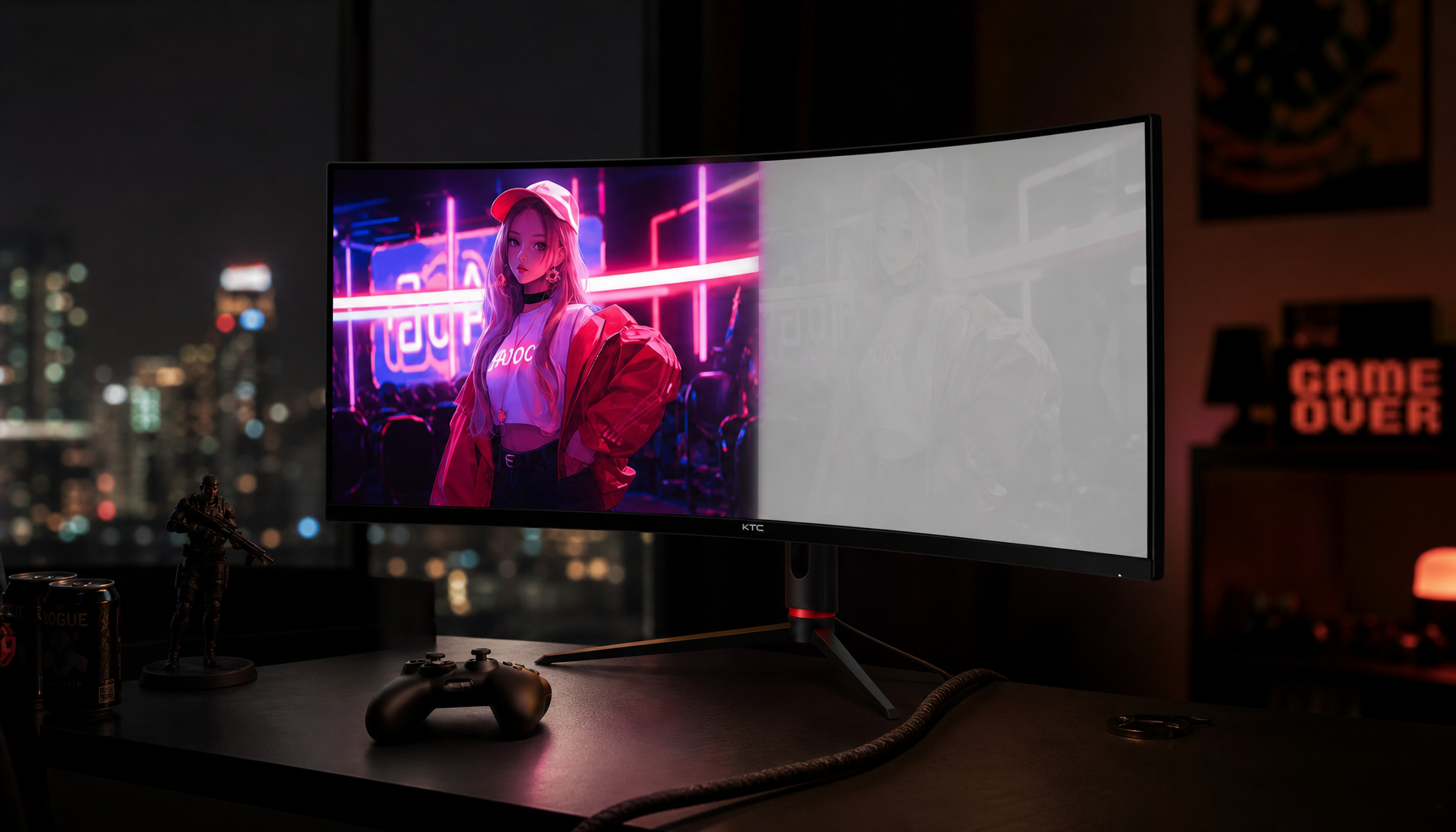
Mini LED can look better than OLED in bright HDR games because it often sustains higher scene brightness, while OLED still wins on black depth, pixel response, and halo-free contrast.
Does your OLED look stunning in a cave scene, then strangely restrained when a game opens into snow, desert, sky, or neon-lit city streets? In repeatable HDR setup checks, the most useful difference is not the logo on the box but whether the display can keep bright scenes bright without crushing detail. Here is how to judge Mini LED versus OLED by what you actually see in games.
The Short Answer: HDR Is Not Only About Perfect Blacks
OLED’s advantage is simple and powerful: each pixel controls its own light, so black areas can go truly black without blooming. That makes space scenes, horror games, night races, and high-contrast UI elements look exceptionally clean. For many players, that is the most premium HDR signature.
Mini LED takes a different route. It is still an LCD, but with many small backlight zones that can brighten and dim behind the panel. A 2021 display-technology review frames Mini LED LCD, OLED, and Micro LED as different tradeoff sets rather than one universal winner, with Mini LED positioned as a practical high-brightness technology built on mature LCD manufacturing Mini LED LCD, OLED, and Micro LED tradeoffs.
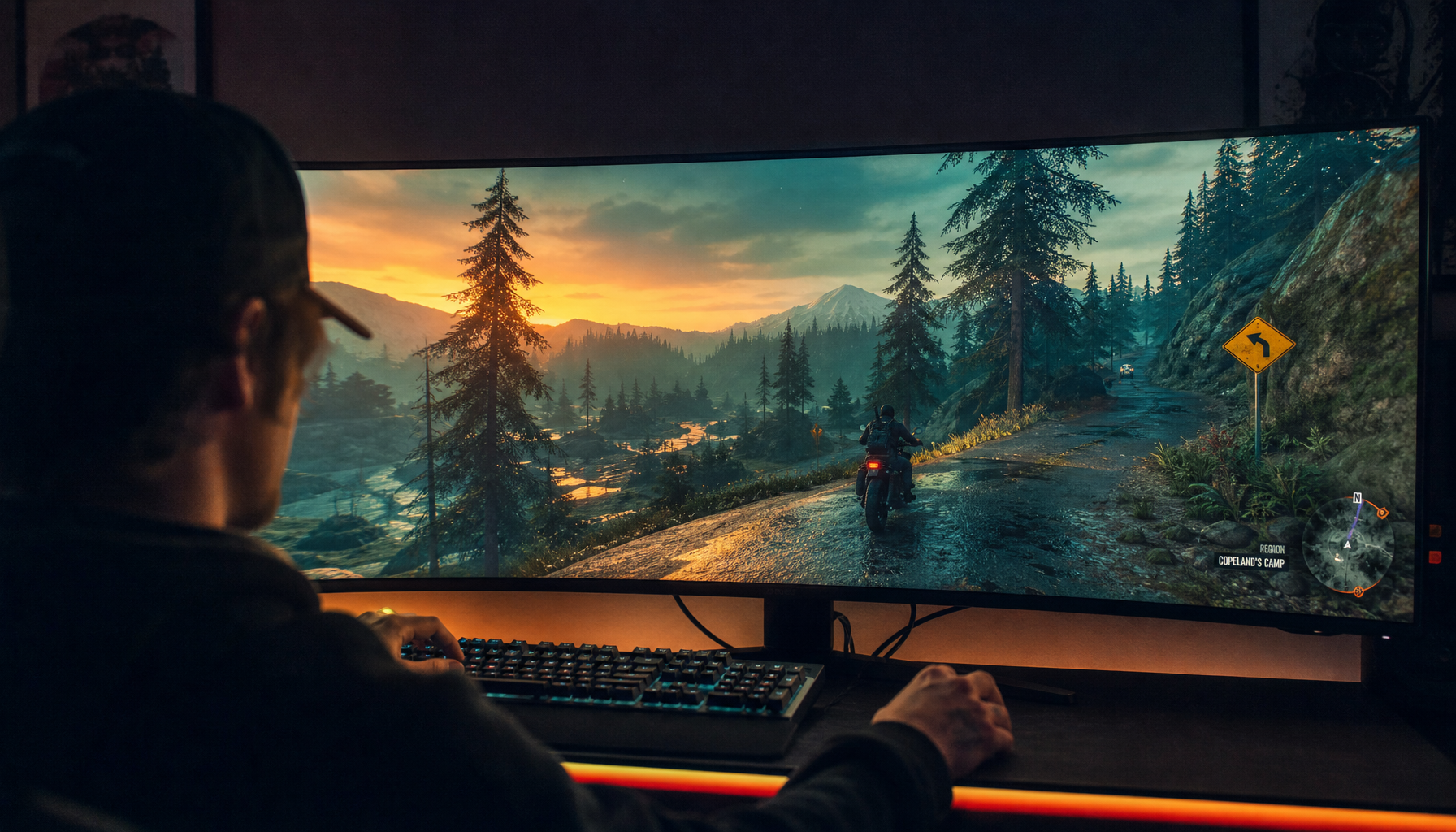
That is why gamers sometimes prefer Mini LED HDR in real play. A bright outdoor map, sunlit cockpit, snowy battlefield, or full-screen explosion can demand more sustained luminance than an OLED monitor is comfortable holding. OLED may preserve perfect blacks, but Mini LED may deliver the stronger daylight punch.
Why Mini LED Can Look Brighter in Real HDR Games
HDR game scenes are not just tiny sparks on a black background. They include broad bright skies, white HUDs, glowing fog, muzzle flashes, clouds, sand, snow, and reflective roads. If a display hits a high peak only in a very small window but drops when the bright area grows, the HDR image can feel flatter than expected.
Independent monitor testing explains that strong HDR depends on high contrast, deep blacks, high brightness, wide color gamut, and effective local dimming or OLED-level black control, while noting that Mini LED monitors can get much brighter than OLED but may show haloing depending on dimming quality strong HDR depends on high contrast. That brightness advantage matters most in games where the whole frame carries light, not just a small highlight.
A practical example is an open-world RPG at sunset. On OLED, the black tree line and shadowed ruins may look cleaner. On Mini LED, the sunlit clouds, bright stone, and reflective armor may hold more energy across the frame. If you play in a room with daylight or overhead lighting, that extra sustained brightness can also help preserve the HDR effect against ambient light.

OLED Still Wins the Dark-Room Contrast Fight
OLED is not being beaten across the board. It is often still the reference feel for dark-room immersion because it avoids the key Mini LED weakness: blooming. Blooming happens when a bright object lights up a local dimming zone and creates a visible glow around it. Subtitles, stars, small lamps, white crosshairs, and bright HUD elements over black backgrounds can expose it.

HDR monitor recommendations often lean heavily on OLED because deep black levels, wide color gamut, and strong sustained highlight handling can create excellent HDR when the panel is well implemented deep black levels and wide color gamut. That matches what many players see in cinematic games: OLED makes dark scenes feel precise, dense, and immediate.
The tradeoff is scene brightness behavior. OLED panels manage heat and longevity by limiting how bright large bright areas can remain. That is not a flaw in the gaming sense; it is a design constraint. If you mostly play horror, space sims, stealth games, or night-heavy racing, OLED’s black control may matter more than Mini LED’s higher full-scene punch.
Tone Mapping Can Make Mini LED Feel More Aggressive
Some reports that Mini LED looks better are really tone-mapping reports. Tone mapping is how the system compresses HDR content into the brightness range your monitor can actually display. If a game targets 1,000 nits and your monitor behaves closer to 450 to 600 nits, the graphics hardware, operating system, game, and monitor all influence whether highlights are preserved, clipped, or dimmed.

KTC’s tone-mapping explainer notes that HDR presets can change peak brightness behavior, black levels, local dimming, saturation, and latency, so Game HDR, Cinema HDR, certified modes, and non-certified HDR10 modes can look meaningfully different HDR presets can change peak brightness. This is a major reason two gamers can compare OLED and Mini LED and reach opposite conclusions.
A Mini LED monitor in a punchy Game HDR mode may look brighter and more exciting than an OLED in a conservative accurate mode. Flip the presets and calibrate both displays properly, and the gap can shrink or change direction. For competitive shooters, that extra midtone lift can also help visibility, even if it is not the most accurate HDR presentation.
HDR Setup Can Decide the Winner Before the Game Starts
A misconfigured OLED can look washed out. A misconfigured Mini LED can look gray, blooming-heavy, or clipped. Before judging panel technology, confirm the signal path.

Display certification setup guidance recommends checking system HDR, selecting the correct HDR-capable display, enabling HDR games and apps, verifying graphics drivers, and confirming HDR mode in the monitor’s on-screen menu checking system HDR. A simple sanity check is to compare a white SDR window against an HDR test pattern; HDR should show a visibly different peak white if it is working correctly.
Operating-system documentation also notes that the system uses monitor color information and content metadata for tone mapping before the final desktop image is composed monitor color information and content metadata. That matters because your monitor’s certified mode, advanced HDR mode, HDR10 mode, and brightness caps can change how much output you actually get.
For a clean test, enable HDR only for HDR gaming, run the system HDR calibration tool, set the game’s HDR peak brightness to match the monitor’s real behavior, and compare the same scene at the same time of day in-game. Do not compare an OLED in desktop HDR with a Mini LED in an optimized game preset and call it a panel verdict.
Mini LED Versus OLED for Different Gamers
Gaming Priority |
Mini LED Advantage |
OLED Advantage |
Bright open-world HDR |
Higher sustained brightness can make skies, snow, and daylight scenes hit harder |
May dim larger bright scenes depending on panel behavior |
Dark-room cinematic play |
Good models can look dramatic, but blooming may appear |
Pixel-level blacks create cleaner contrast with no haloing |
Competitive motion |
Strong LCDs can be fast, but response varies by panel |
Near-instant pixel response is a major strength |
Bright room gaming |
More brightness helps fight ambient light |
Some OLED blacks can look raised in brighter rooms |
Long desktop use |
No OLED burn-in concern, often better for static work |
Excellent image quality, but static UI care still matters |
Current gaming monitor recommendations show the market reflecting this split, with Mini LED models appearing in 27-inch 1440p and 4K categories while OLED remains prominent for high-refresh and premium image-quality picks Mini LED models and OLED picks. The smart choice is not “Mini LED or OLED forever.” It is matching the display behavior to your games, room, and tolerance for artifacts.
Practical Buying Advice
Choose Mini LED if you play bright HDR games, use the monitor in a lit room, want strong full-screen brightness, or also need a reliable productivity display with static windows, spreadsheets, timelines, and browser tabs. Look for a meaningful local dimming system, strong HDR certification, good reviews of blooming control, and enough display bandwidth for your target resolution and refresh rate.

Choose OLED if you want the cleanest dark-scene contrast, fastest pixel response, rich color, and the most direct sense of depth in cinematic games. Current monitor coverage still treats OLED as a premium gaming technology because of fast response, strong contrast, deep blacks, and vivid color, while also calling out cost and burn-in risk as tradeoffs fast response and strong contrast.
The most reliable test is still your own content. Load a dark cave, a bright snow map, a neon city at night, and a daylight outdoor scene. If Mini LED only wins in the bright scenes and OLED wins in the dark ones, both displays are behaving as expected.
FAQ
Does HDR Lower FPS?
HDR usually has little to no direct frame-rate impact at the same game settings. The practical concern is more often display bandwidth, because HDR commonly uses higher color depth, but the rendering workload is not comparable to turning on ray tracing HDR commonly uses higher color depth.
Is DisplayHDR 400 Enough for Gaming?
It can confirm basic HDR signal support, but it should not be treated as a guarantee of impressive HDR. Certification tiers exist to separate different capability levels, and higher tiers generally demand stronger brightness, color, and dimming behavior.
Should I Leave HDR On All Day?
For most PC users, no. SDR desktop work often looks more consistent in SDR, while HDR is best saved for games, movies, and apps built for it. That also makes it easier to judge whether HDR is improving the experience instead of merely changing the desktop tone curve.
Mini LED can outperform OLED in the moments where HDR needs sustained brightness more than perfect black. OLED remains the cleaner, faster, more precise choice for dark-room contrast. The best HDR monitor is the one whose strengths match the games you actually play and the room you play them in.