

Metamerism is why a color that seems matched on your monitor and on paper under one light can drift apart under another. The right display and workflow can reduce that gap, but they cannot remove it completely.
You edit a photo on a bright ultrawide, order a test print, and the blue water that looked clean on-screen turns purple or flat on paper. A disciplined setup can narrow that mismatch enough for reliable proofs, fewer reprints, and smarter display purchases. You’ll see what the monitor can fix, what room light breaks, and which display features matter when print accuracy is part of the job.
Why a Calibrated Monitor Can Still Disagree With a Print
Screens emit light; prints reflect it
RGB displays and CMYK prints are built on different color models, so a monitor can show colors a print process cannot reproduce. A design organization notes that RGB can represent more than 16 million colors, while CMYK output lands closer to about 16,000, which is a practical reason wide-gamut monitors often look richer than the final print.
A visual match is not a spectral match
Metamerism happens when different spectra create the same visual response, which is why digital imaging and printing usually aim for perceptual matches instead of identical physical color. That works well enough on-screen, but print matching is harder because paper color depends on both the ink’s reflectance and the light hitting it.
The match can break when the light changes
Illuminant metameric failure is the common print problem where a match under one light fails under another. In real workflows, that is why a proof can look right at the desk and then shift under fluorescent office lamps, mixed retail lighting, or daylight near a window.

Which Display Features Matter Most for Print-Oriented Buyers
Accuracy beats spectacle
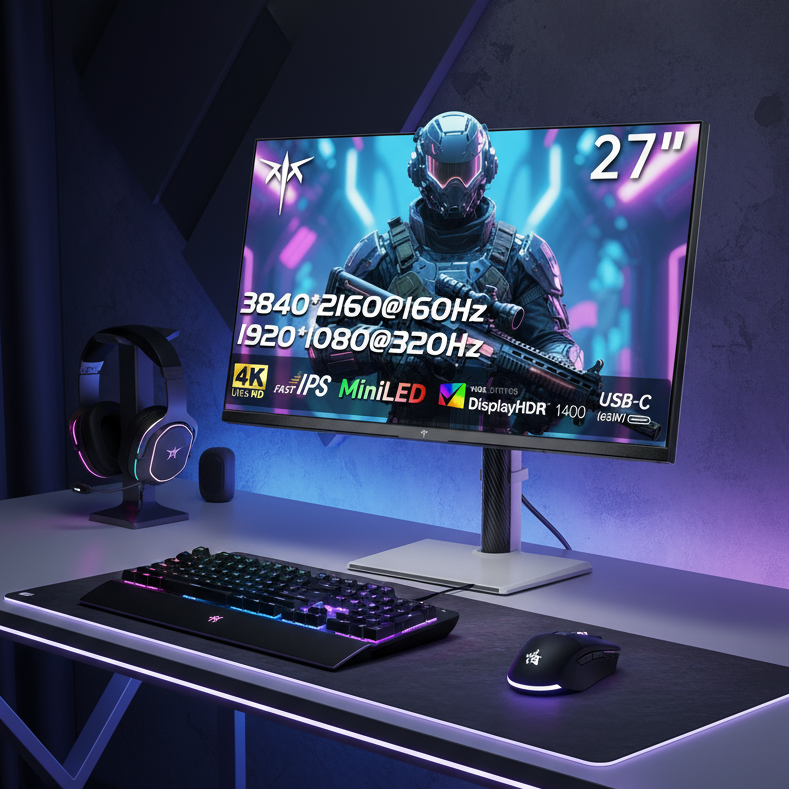
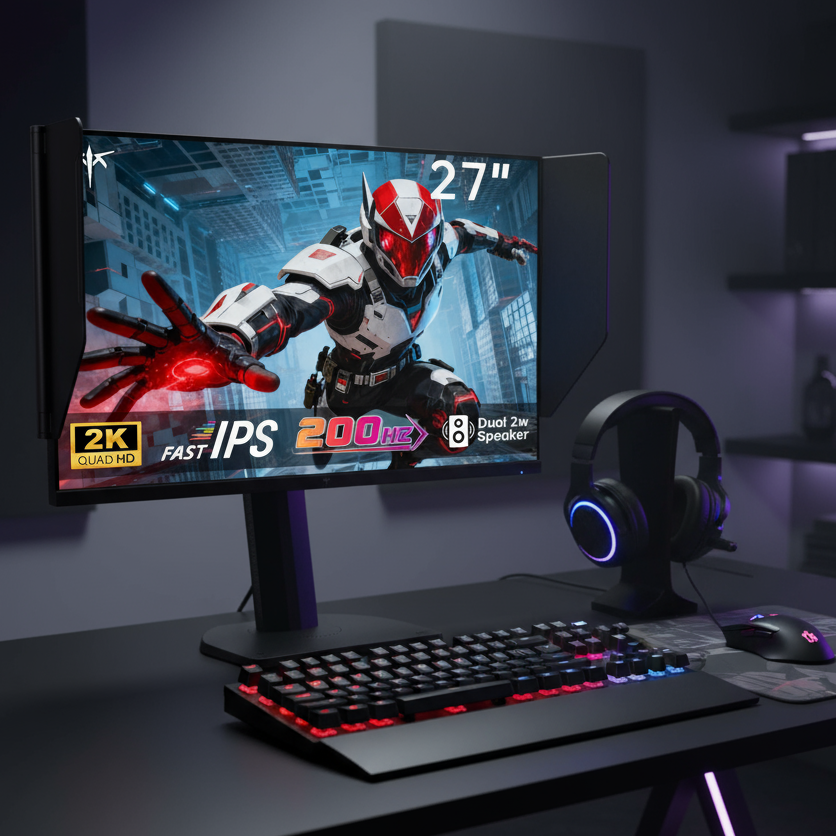
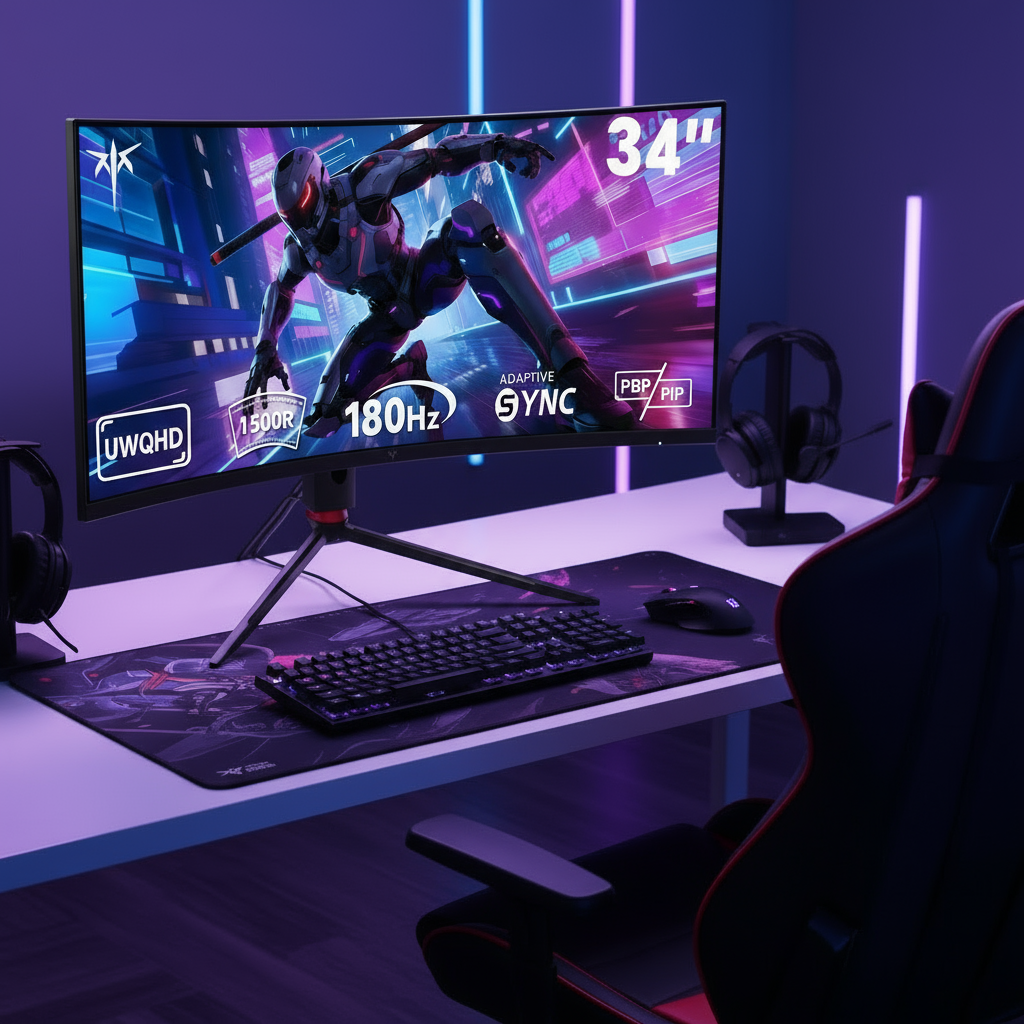
Consumer monitors are often tuned for brightness, contrast, and saturation rather than critical color evaluation. That matters for gaming monitors in particular: high refresh rate is useful for motion clarity, but it does not predict print accuracy. For print-oriented work, panel consistency, stable brightness, accurate white point, and predictable profiling matter more than 240 Hz or HDR marketing.
Calibration support is the real upgrade
Monitor calibration with a colorimeter aligns the display to a common standard, and the practical routine is simple: let the screen warm up for about 15 to 30 minutes, run the measurement pass, and recalibrate about monthly. That source also notes the process can take roughly 6 minutes, and some monitors can store corrections in their internal look-up tables, which is more dependable than relying only on OS sliders.

Display Type |
Best Use in a Print Workflow |
What Helps Color Matching |
Main Caution |
Mixed play and edit setup |
Good if it profiles cleanly and you keep brightness controlled |
Punchy factory modes can mislead print edits |
|
Color-focused 27-inch monitor |
Dedicated photo or design station |
Easier white-point, brightness, and gamut control |
Usually costs more than gaming-first models |
Ultrawide monitor |
Side-by-side editing, soft proofing, layout work |
More workspace for proofs, palettes, and reference windows |
Edge uniformity matters more on larger panels |
Travel review screen or client preview |
Useful for rough edits and approvals |
Hardest environment to keep consistent for final print judgment |
Wide gamut helps only when the workflow is managed
ICC profiles keep monitors, printers, and specific papers aligned around the same intent. A wide-gamut display is helpful because it shows more of the printable range and preview space, but it also makes soft proofing more important because you can easily edit into colors the printer or paper cannot hold.
Lighting Can Undo a Good Display Setup
Match the monitor to the viewing condition
Monitor calibration only makes sense relative to the light used to judge the print. If you evaluate prints in D50 proofing light, target the display to that workflow; if you mostly compare against daylight-like viewing, a D65-aligned setup may be more practical. The key is consistency, not chasing a single magic preset.
Room light changes what your eyes think is neutral
Prints can shift dramatically between fluorescent light and natural sunlight, which is why a blue area may look purplish indoors and correct outside. The same problem affects monitor judgment: wall color, window light, glare, and surrounding brightness all change how your eyes adapt before you ever compare screen to paper.
Portable screens magnify this problem
Consistent editing in the same room under stable light improves monitor-to-print alignment. Portable monitors are convenient for field work and travel, but they are usually the weakest choice for final print sign-off because the display, ambient light, and print-viewing light are all changing at once.
Workflow Changes That Reduce Surprises
Soft proof before you blame the panel
Test prints, proofs, and ICC-based device profiles catch mismatches early. In a print-aware workflow, the monitor is not the final authority; it is a preview device that becomes much more useful when the file is soft-proofed against the printer, ink set, and paper you will actually use.

Prep the file for print, not just for the screen
Print graphics should be about 300 PPI at final size, with 240 PPI as a practical floor. A beautiful 4K monitor will not rescue a low-resolution file, and artificially upscaling weak art still tends to print soft or pixelated. For print-ready graphics, many designers either convert to CMYK or at least check CMYK behavior early so curves and other corrections reflect the printer’s gamut limits.
Some mismatch remains even in a disciplined workflow
A large metamerism dataset found 3,604 color matches that were identical under D50/2 but spectrally different. That is the hard limit: calibration, soft proofing, and careful display choice reduce risk, but they cannot guarantee that every match will hold under every lamp, paper, and viewer.
How to Buy a Monitor When Print Accuracy Matters
Buy for controllability, not just specs
Serious visual evaluation depends on a controlled workflow, not a consumer screen in a bright room. If print matching is part of your work, prioritize monitors with predictable calibration behavior, even brightness, and enough screen area to compare the image, soft proof, and tool panels without constant zooming. That often makes a well-behaved standard or ultrawide display a better buy than a faster but less stable gaming panel.
Real-world mismatches usually expose workflow weak points
A photographer using a monitor from a brand with a printer from a brand saw ocean water look greenish on-screen and blue in print. The built-in operating system calibration tool did not solve it, which is a useful reminder that OS-level tweaks are not substitutes for a measured monitor profile, correct printer settings, and controlled proof lighting.
Overbuying the display does not fix unstable print viewing
A printer owner on a platform could match prints to the monitor in one workspace but not elsewhere. That is the practical lesson for gaming monitor, ultrawide, and portable monitor shoppers alike: once the monitor is competent and calibrated, the next gains usually come from lighting control, paper-specific profiles, and proofing discipline rather than ever flashier panel specs.
FAQ
Q: Can a gaming monitor be accurate enough for print work?
A: Yes, if it calibrates well and you use it under controlled light, but a display tuned for brightness and saturation is not automatically a good proofing screen. Treat refresh rate as a separate buying decision from print accuracy.
Q: Why do blues, grays, and dark tones seem to shift so often?
A: Metameric matches are especially common in near-neutral, whitish, and dark colors, so those areas are more likely to hold together under one condition and separate under another.
Q: Should I judge prints under the same light where they will actually be seen?
A: Yes. Proofing under controlled light and then checking the print in its real-use lighting is the practical way to catch illuminant-related shifts before approving the final output.
Practical Next Steps
A controlled process is what makes a monitor useful for print prediction, not any single spec line on the box. The goal is not a magical screen-to-paper identity everywhere; it is a repeatable, small gap under known conditions.
- Warm the monitor for 15 to 30 minutes before critical edits.
- Calibrate with a colorimeter and refresh the profile about every 2 to 4 weeks, or at least monthly.
- Keep room light stable and evaluate prints under the same proofing light each time.
- Soft proof with the correct printer and paper ICC profile before final edits.
- Keep print files at about 300 PPI at final size and avoid trusting saturated out-of-gamut colors just because the display can show them.
- Use a portable monitor for review or travel work, not final print sign-off, unless you can fully control the environment.
References
- A design organization: How to Achieve Consistent Color When Designing for Print
- An encyclopedia platform: Metamerism (color)
- Metamerism, The Underlying Problem of Colour Matching
- Why Do My Printed Photos Look Different? Monitor Calibration
- Metamerism and Color Accuracy in Your Prints
- Visually Evaluating Image Quality
- Color Accuracy in Printing
- A blog: Is Metamerism a Big Issue in Print?
- How Can I Get Print Colors to Match Colors on Monitor More Closely?
- Metamerism and Color Management