







Featured story
Mini-LED Local Dimming Tuning for HDR Gaming
A practical guide to Mini-LED local dimming for HDR gaming, with setup steps, scenario-based tuning, and a simple way to keep highlight punch without making halos worse.

KTC Journal
Monitor reviews, gaming guides, productivity advice, and practical display know-how from the KTC team.
A practical guide to Mini-LED local dimming for HDR gaming, with setup steps, scenario-based tuning, and a simple way to keep highlight punch without making halos worse.
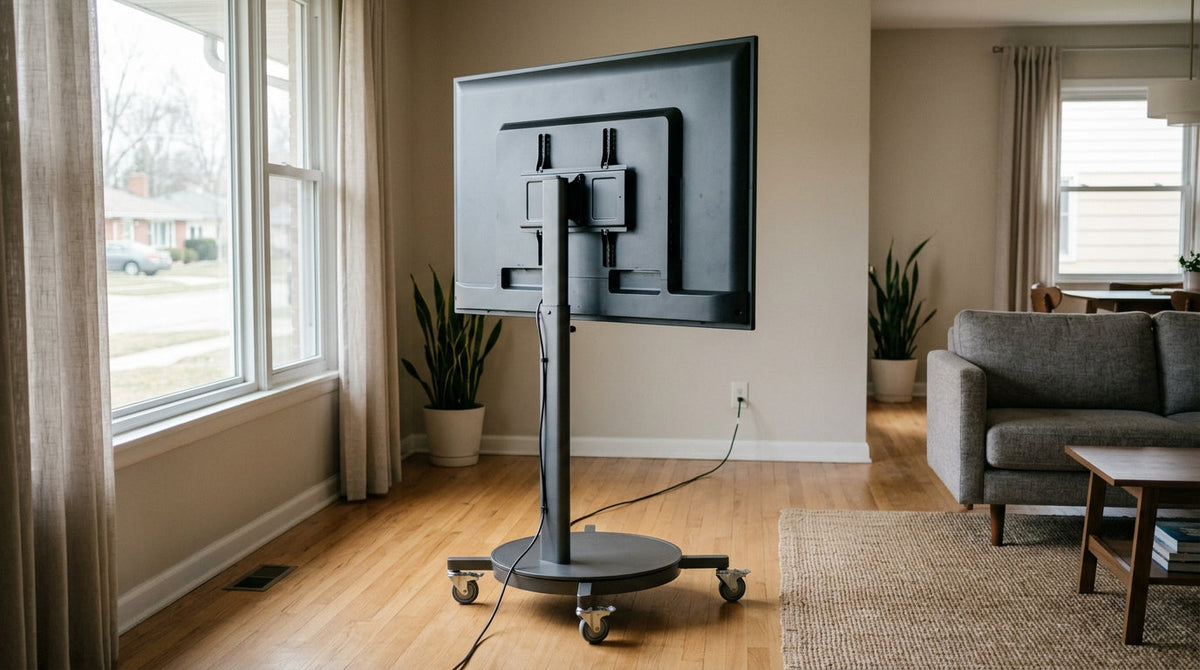
A practical guide to rolling smart display stability tips, with room-by-room placement checks, cable management advice, and final safety checks for safer home use.
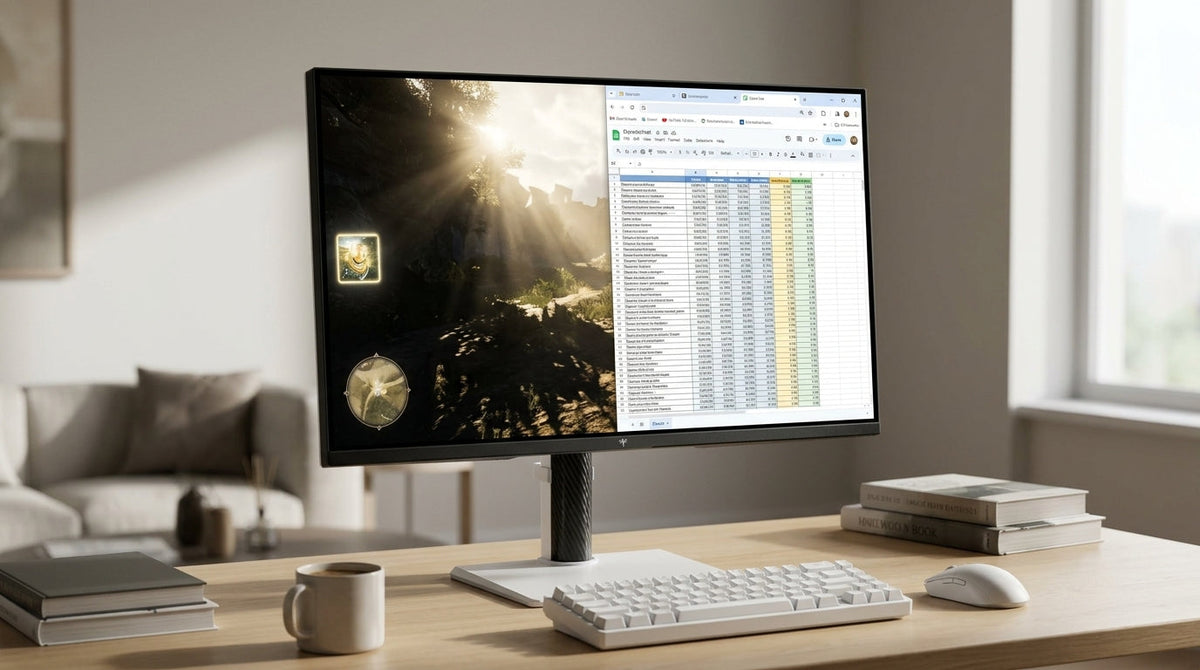
A practical mixed-use guide to Mini-LED local dimming: what causes blooming, which dimming strength fits each use case, and how to test settings without losing HDR impact.
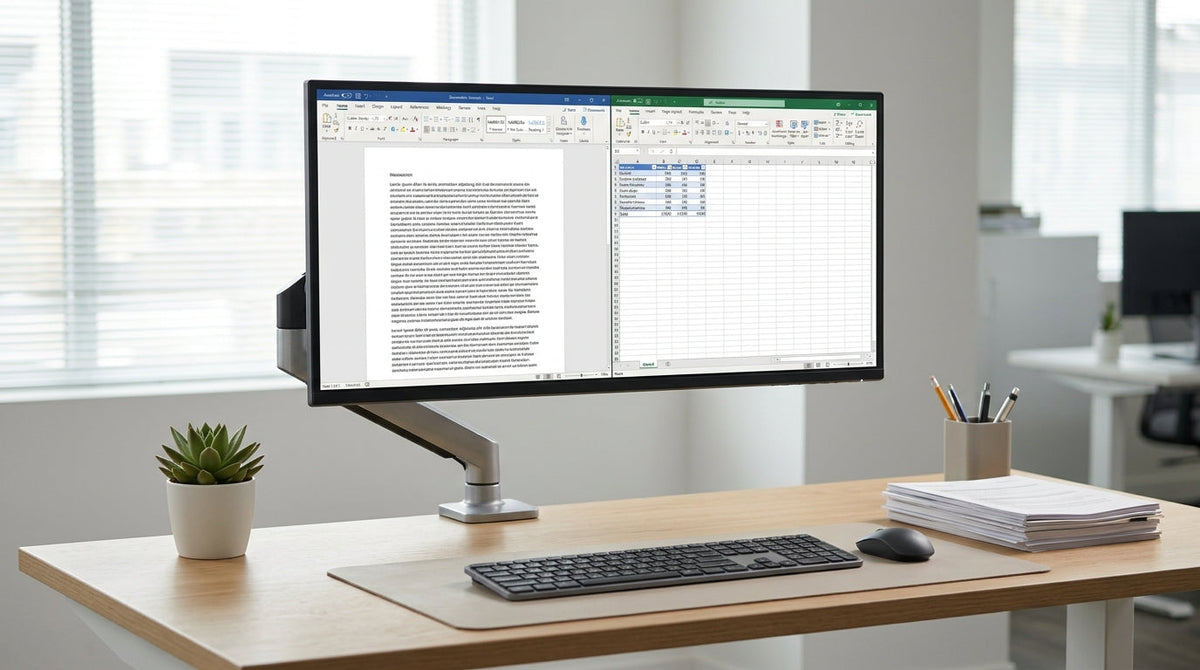
Practical KTC monitor text clarity office settings for sharper spreadsheets, code, and documents. Learn the safest OSD and Windows tweaks, then match them to IPS, HVA, and Mini-LED setups.
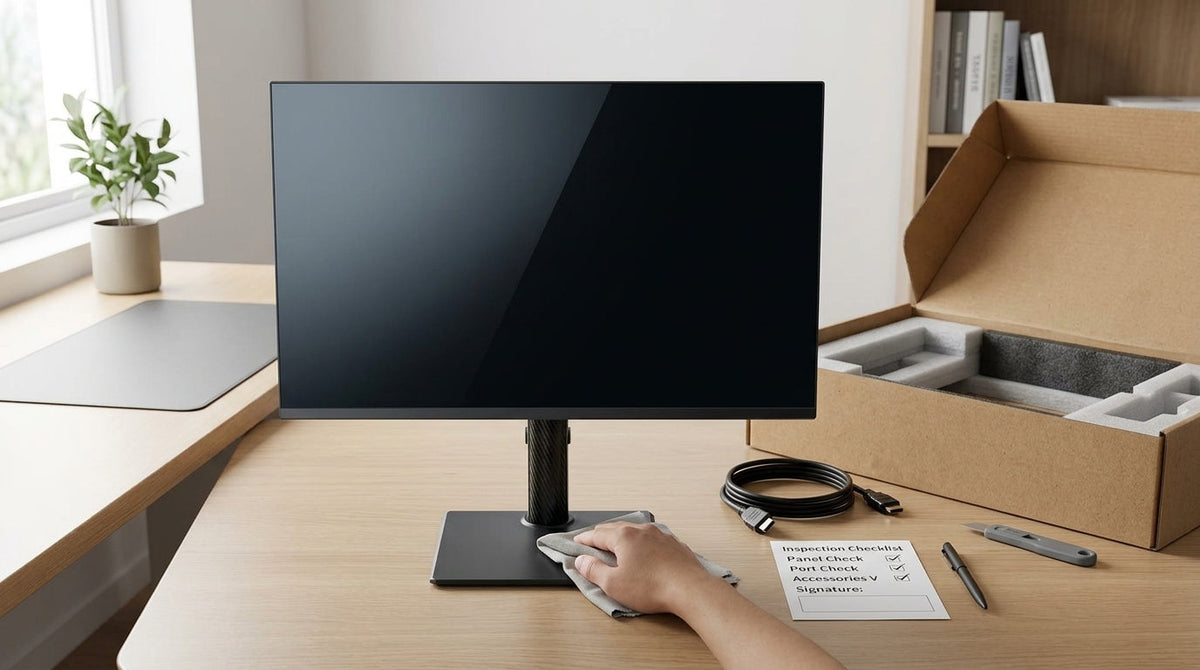
A practical arrival-day checklist for checking an OEM monitor for visible uniformity issues, dead pixels, and backlight problems without lab tools.
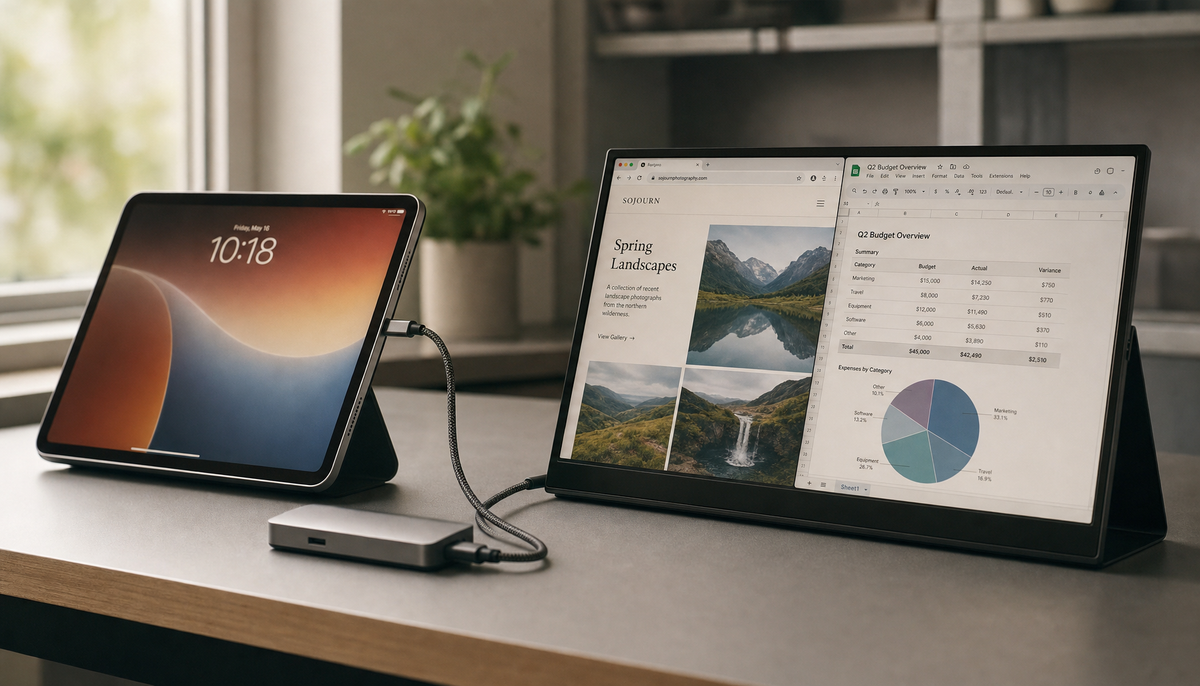
A portable touchscreen monitor with a tablet creates a dual-screen setup. While video output is simple via USB-C, touch input isn't guaranteed. Get the facts on compatibility.

One-sided neck pain from your monitor is often caused by a screen placed off-center, forcing sustained neck rotation. A properly centered display at the correct height and distance offers a simple fix for this common ergonomic issue.