







Featured story
USB-C KVM Monitor Setup for MacBook and Gaming PC
A USB-C KVM monitor can clean up a MacBook and gaming PC desk, but only if the monitor, cables, and source devices all support the right video, data, and charging paths.

KTC Journal
Monitor reviews, gaming guides, productivity advice, and practical display know-how from the KTC team.
A USB-C KVM monitor can clean up a MacBook and gaming PC desk, but only if the monitor, cables, and source devices all support the right video, data, and charging paths.
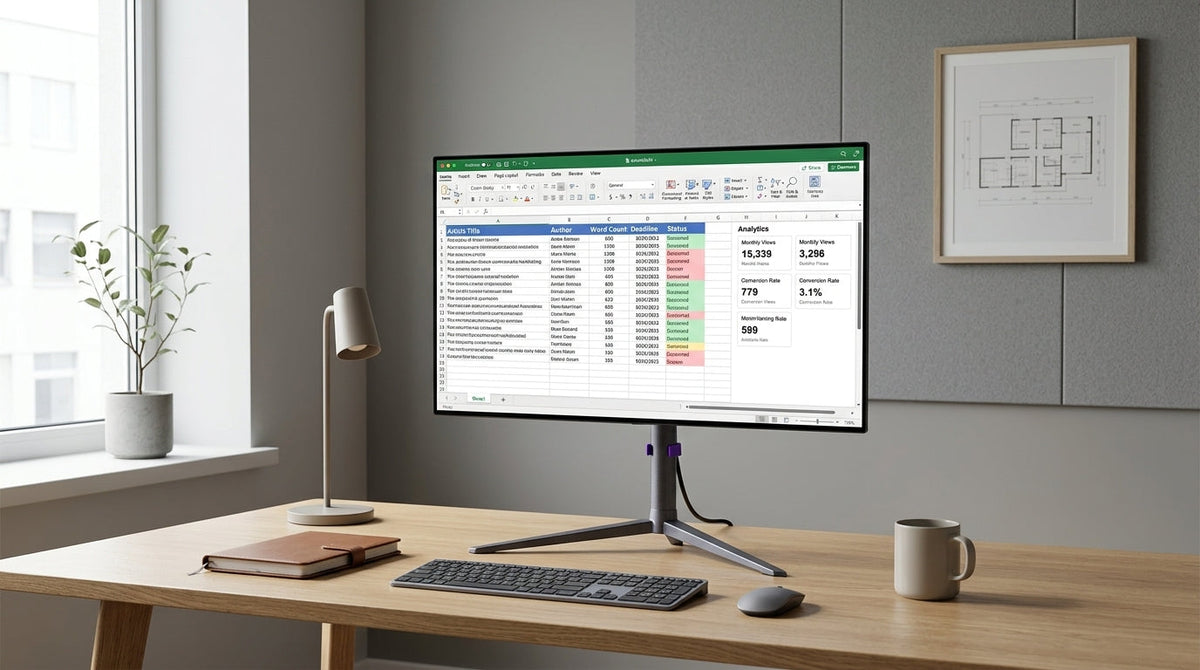
A practical guide for office workers who want an OLED monitor without constant burn-in anxiety. It covers brightness, sleep settings, text clarity, mixed-use presets, and when Mini-LED is the calmer choice.
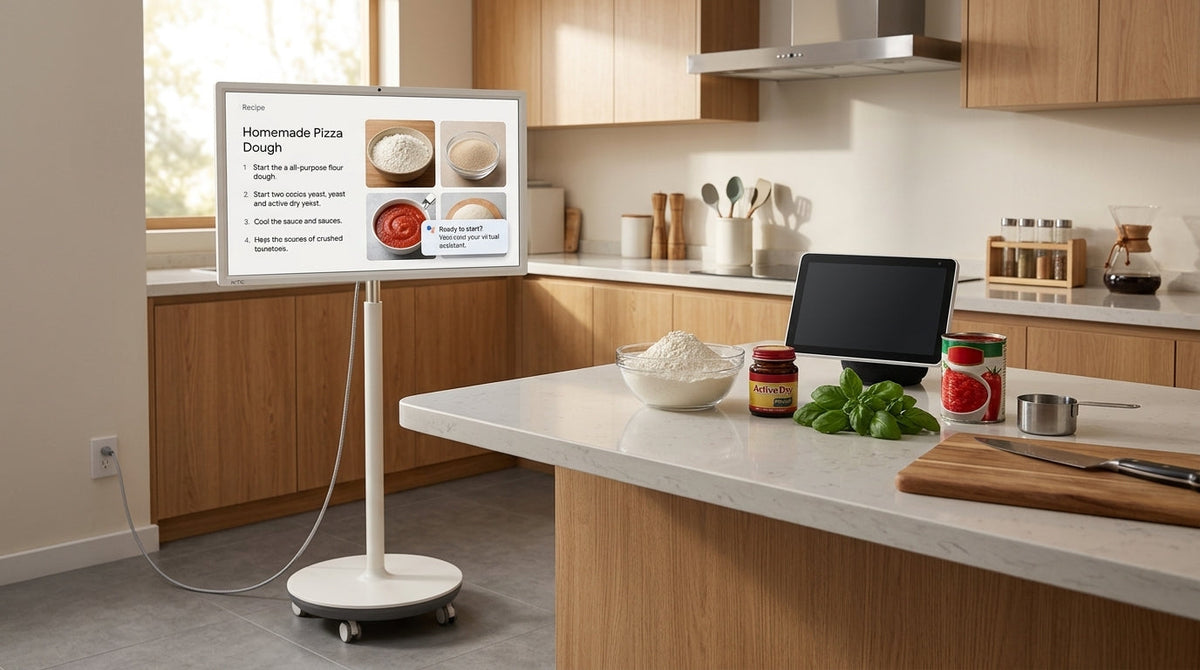
A practical guide to MegPad battery life for kitchen, family, and light work use, with scenario-based expectations, runtime tradeoffs, and a simple buyer checklist.
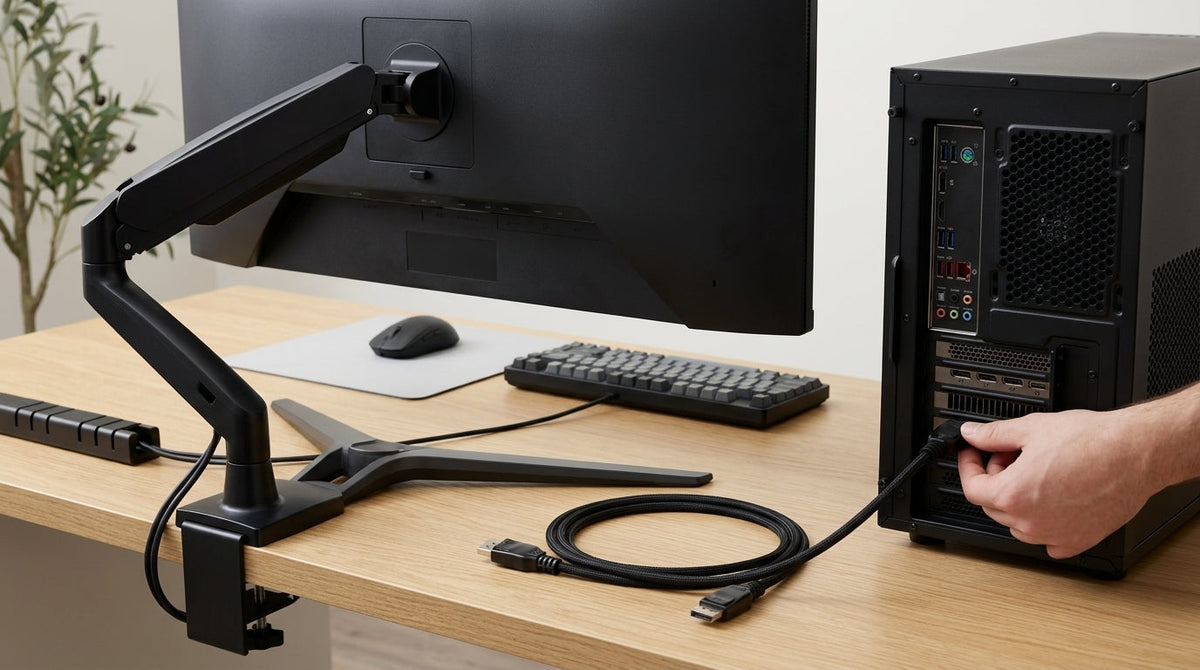
A practical UHBR20 connectivity guide for high-refresh monitors. It explains what to check on the GPU, cable, and monitor before you buy or unbox.
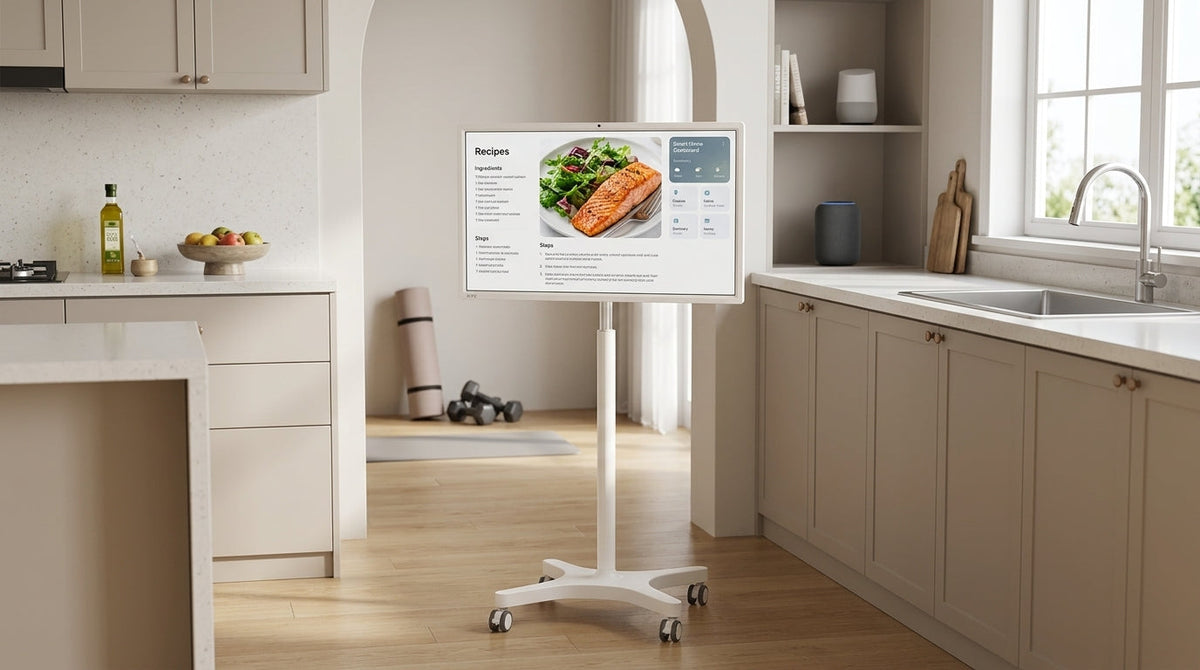
MegPad battery life changes more by workload than by the battery headline alone. This guide breaks runtime into light, mixed, and heavy use so shoppers can judge kitchen, fitness, streaming, and room-to-room sessions more realistically.

A neutral guide to KTC monitor firmware update reliability, including how to verify the right file, what firmware can realistically change, and when to contact support.

Calibration can make a value monitor much more usable for creators, but it cannot turn a limited panel into a color-critical display. This guide shows a practical setup flow, the main budget tradeoffs, and when to keep tuning versus step up.