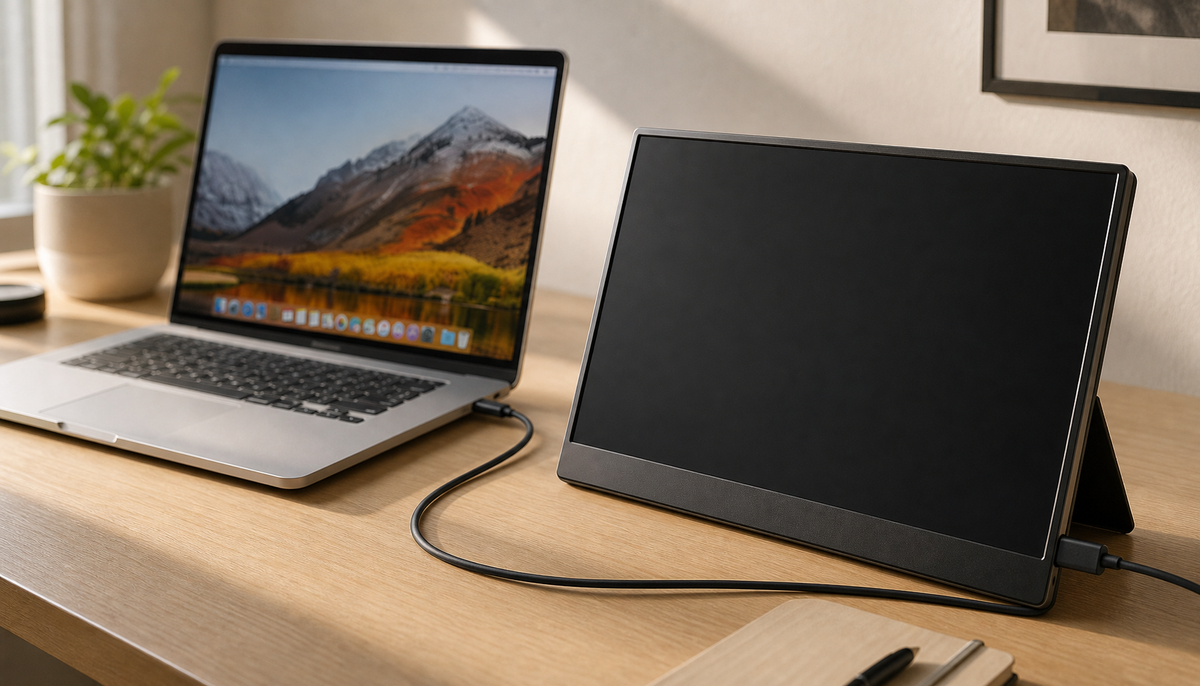
Featured storyKTC Monitor Arrival Quality ChecklistA practical first-week inspection guide for KTC monitor buyers who want to confirm arrival condition, check basic stability, and verify policy details before the return window tightens.Jun 9, 2026/9 min read
Smart Display Privacy Settings for Shared SpacesA practical guide to smart display privacy settings for shared spaces, focused on reducing account carryover, notification leakage, voice exposure, and cleanup between users.Jun 9, 2026/9 min read
Rolling Smart Display Black Screen and Input FixesA rolling smart display black screen is often a power, input, cable, or source-device mismatch, not an immediate hardware failure. This guide walks through the fastest checks first, then shows when placement or support becomes the next step.Jun 9, 2026/7 min read
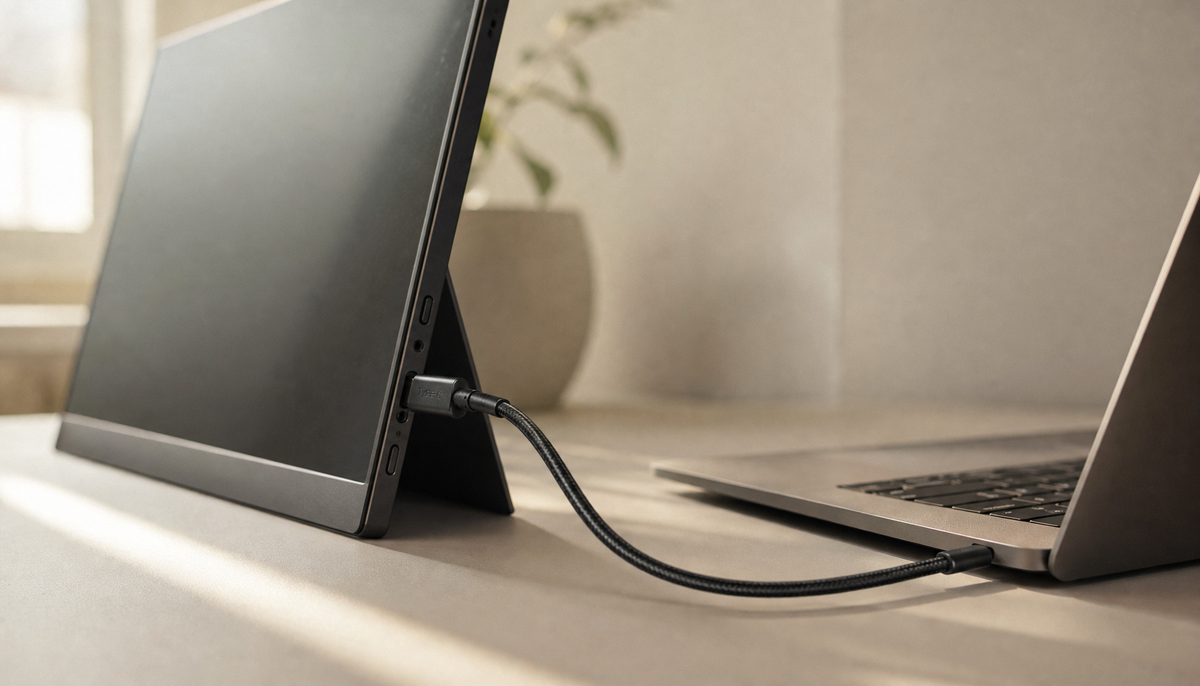
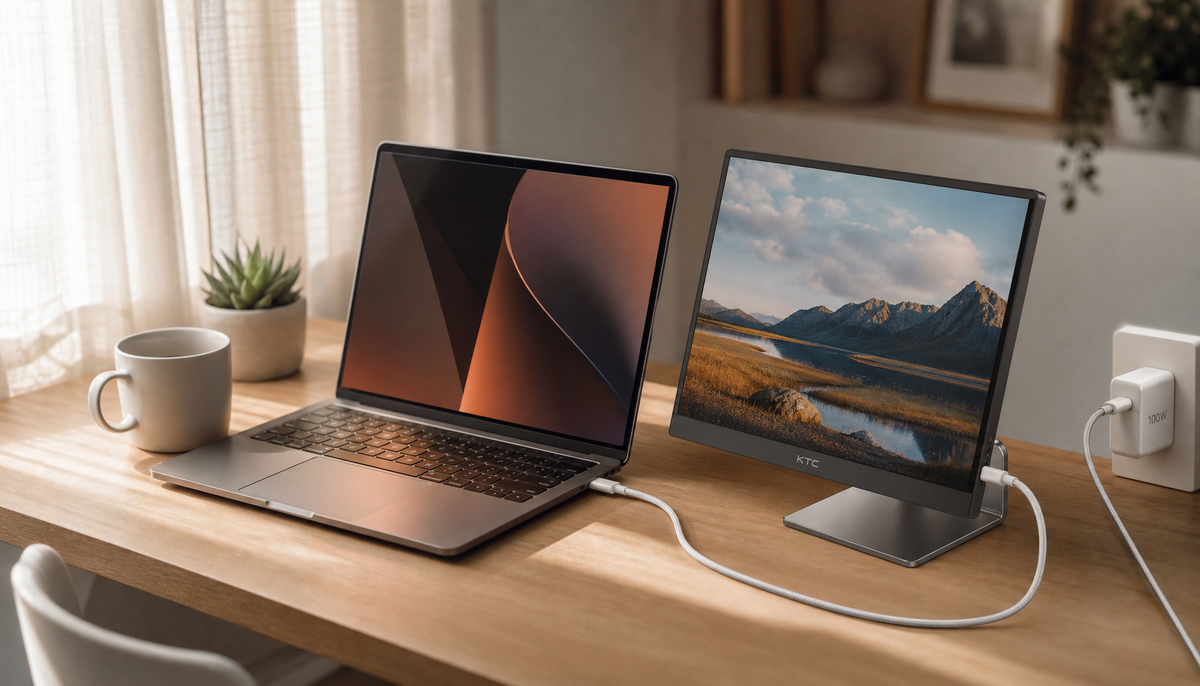
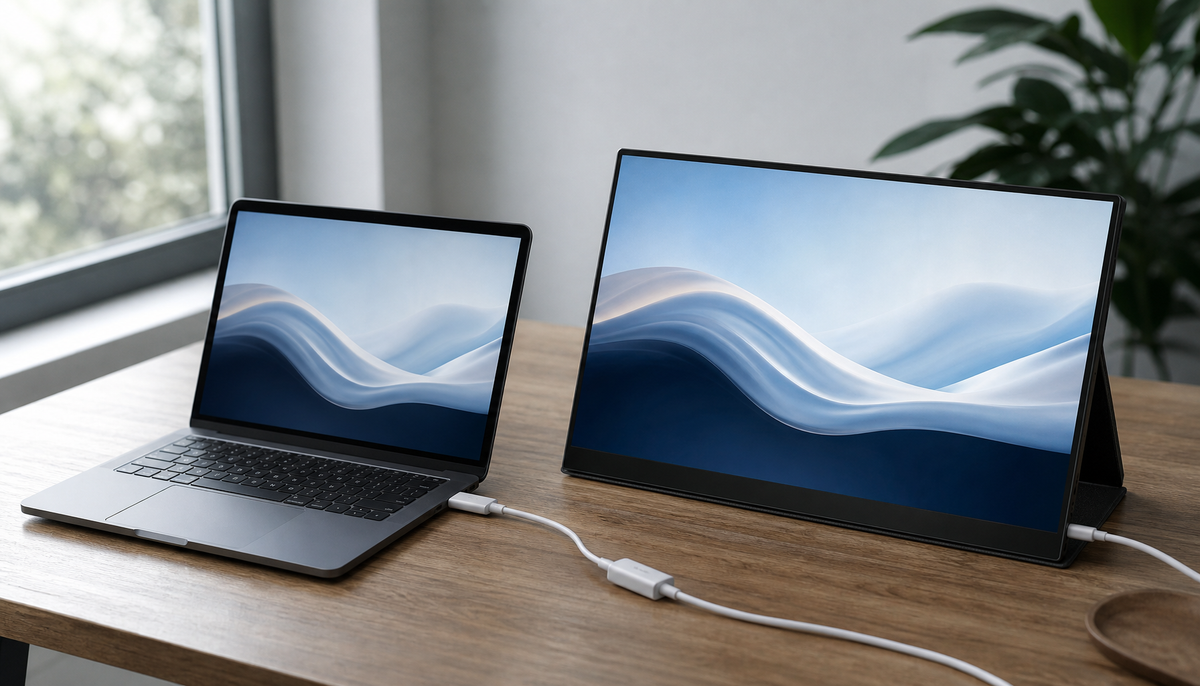
USB-C Monitor Power Delivery Setup GuideA practical guide to USB-C monitor power delivery, cable requirements, and MacBook versus Windows setup checks so you can verify fit before buying or connecting a single-cable desk setup.Jun 9, 2026/12 min read
KTC Support and Warranty RealityKTC support and warranty reality is usually less about one promise and more about the path your case takes: coverage terms, proof, timing, and the evidence you send first. This guide explains the practical flow, what support usually covers, how returns are usually handled, what to prepare before contacting support, and when escalation is reasonable.Jun 9, 2026/9 min read
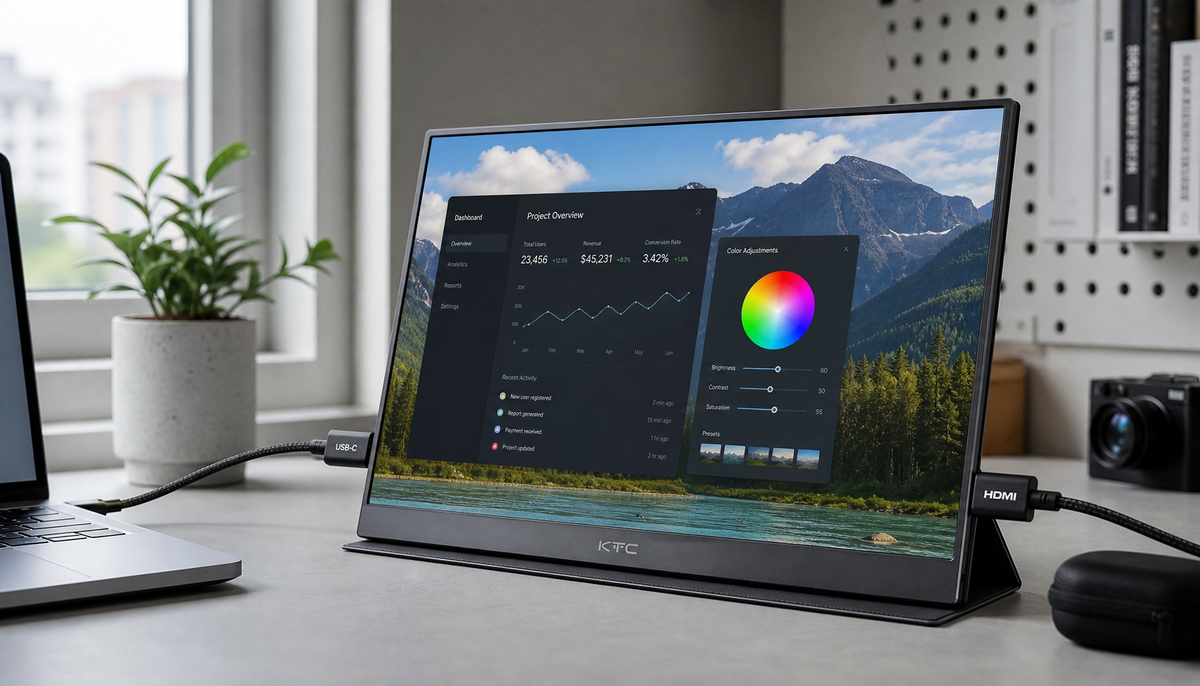
KTC Mini-LED Calibration Settings for CreatorsA practical guide to KTC monitor calibration settings for creators who want more neutral SDR color, steadier HDR behavior, and a sensible no-tool setup path.Jun 9, 2026/8 min read
MegPad First-Time Setup and App GuideA neutral first-time MegPad setup guide for new owners, gift recipients, and US shoppers. It covers what to check before power-on, Wi-Fi, app installation, controller pairing, and common first-use fixes.Jun 9, 2026/7 min read