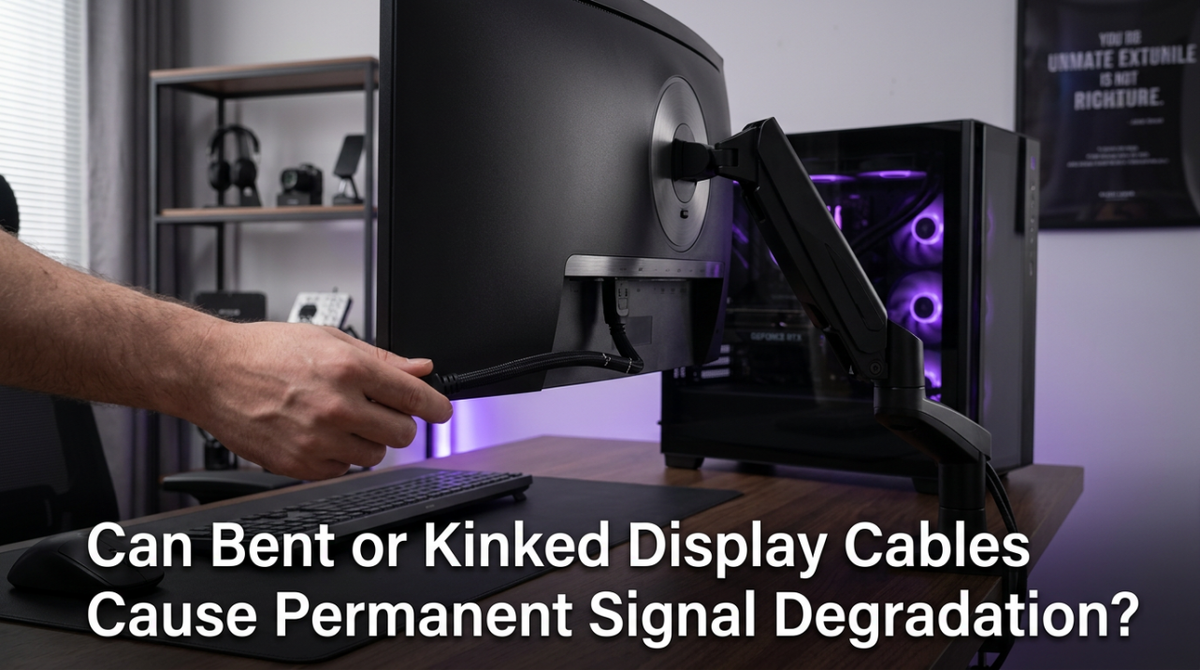
Featured storyCan Bent or Kinked Display Cables Cause Permanent Signal Degradation?A bent display cable can cause permanent damage, leading to signal degradation. Sharp kinks may result in flicker, black screens, or connection dropouts on your monitor.May 20, 2026/3 min read
Why Cheap Display Cables Fail After a Few Months of UseCheap display cables fail from poor construction, causing flickering and signal drops. For 4K or high-refresh monitors, a certified cable is key for a stable picture.May 20, 2026/4 min read
Why Longer Display Cables Cause Sparkles, Snow, or No Signal at 4K and AboveLong display cables failing at 4K? High-resolution video pushes more data, causing sparkles, snow, or a black screen. Get tips to fix signal issues for a stable connection.May 20, 2026/3 min read
USB-C Display Charging: Why Your Laptop Battery Drains Even When Connected to a MonitorUSB-C monitor charging issues can drain your laptop's battery. This guide details why, from mismatched Power Delivery (PD) to bad cables, and shows you how to fix it.May 20, 2026/10 min read
Why USB-C to USB-C Display Connections Sometimes Flicker or Drop SignalUSB-C display flicker is often caused by an unstable connection. This issue can stem from the cable, port, power delivery, or bandwidth overload. Get a stable picture by checking your cable's rating, bypassing docks, and lowering your refresh rate.May 20, 2026/3 min read
USB-C Display Connectivity on Tablets and Smartphones: What Works and What Doesn’tUSB-C display connectivity for your tablet or phone isn't guaranteed. This guide details what works, from DP Alt Mode to the right cables, for a reliable monitor setup.May 20, 2026/10 min read
USB-C Power Delivery Negotiation: Why Your Display Charges Your Laptop at Only 60W Instead of 90WUSB-C Power Delivery negotiation can limit a 90W monitor to a 60W charge. This guide shows how to diagnose the bottleneck caused by the display, cable, or laptop.May 20, 2026/9 min read