Featured storyWhat’s Causing Input Lag on My Secondary Monitor When Gaming on the Primary?Input lag on a secondary monitor during gaming is often from mixed refresh rates, GPU saturation, or browser acceleration. Get quick fixes for stutter and delay.May 22, 2026/4 min read
What Happens to Your Display Preset When You Wake Your Monitor from Sleep Mode?Your display preset changing after sleep mode is a common signal or driver issue. Get solutions to keep your custom gaming and work settings locked in for a consistent picture.May 22, 2026/4 min read
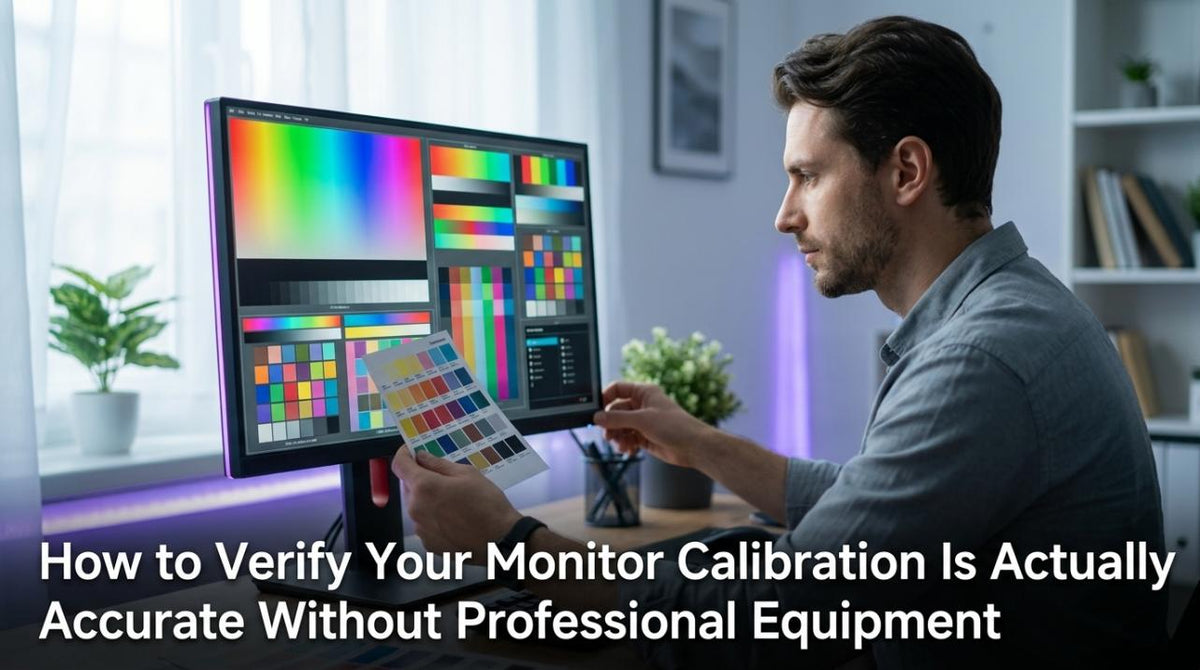
How to Verify Your Monitor Calibration Is Actually Accurate Without Professional EquipmentVerify your monitor calibration is accurate without professional equipment. This 15-minute guide shows you how to check black detail, white detail, and neutral grays for trustworthy color in gaming and photo editing.May 22, 2026/11 min read
Why Do Calibration Test Patterns Look Different on My Monitor Than on My Phone?Calibration test patterns show differently on monitors and phones because of their unique hardware, color profiles, and gamma curves. Get consistent results by using your monitor as a stable reference.May 22, 2026/4 min read
How Often Should You Recalibrate Your Monitor to Maintain Color Accuracy?Recalibrate your monitor monthly for professional color work. For gaming or office use, every 2-3 months is enough to maintain accuracy and correct for natural color drift.May 22, 2026/4 min read
How to Calibrate a Monitor for Both Photo Editing and Gaming on the Same DisplayCalibrate a monitor for photo editing and gaming by creating two profiles. This guide shows how to set an accurate photo baseline, then tune a gaming mode for performance.May 22, 2026/9 min read
Why Does My Monitor Look Different After Calibration Than Before?Your monitor looks different after calibration because it's corrected for accurate color and brightness. This new standard may seem dimmer or warmer but is more true-to-life.May 22, 2026/4 min read