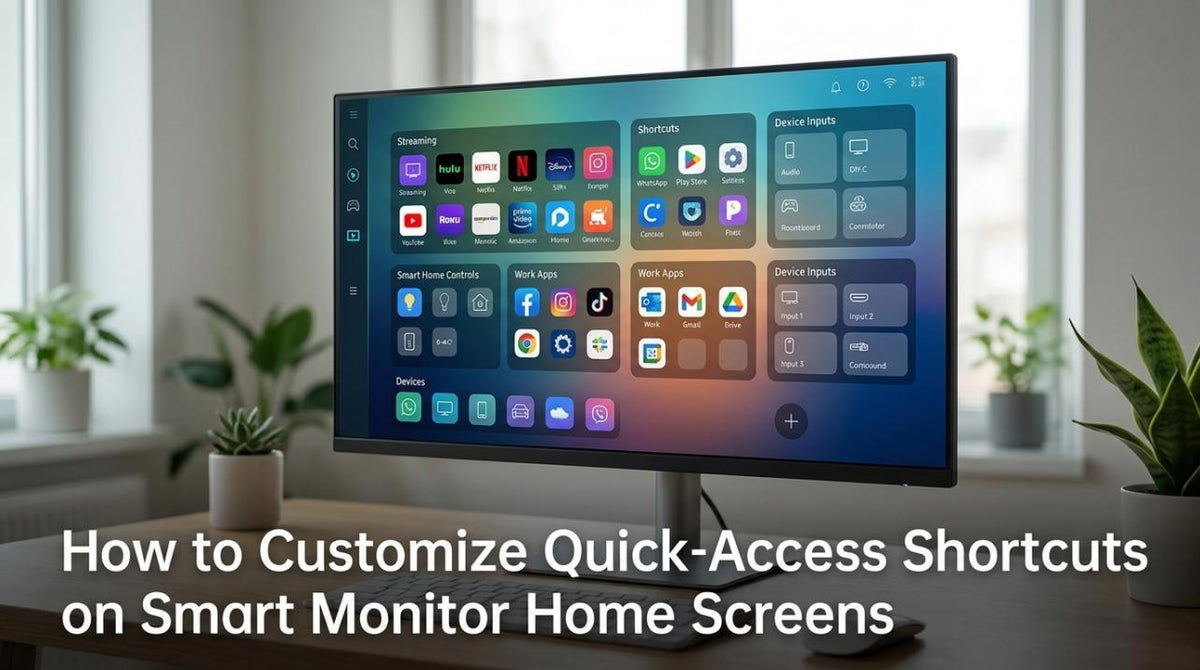
Featured storyHow to Customize Quick-Access Shortcuts on Smart Monitor Home ScreensSmart monitor shortcuts save time by providing one-tap access to inputs, apps, and controls. Set up your home screen for gaming, work, or dashboard use with these steps.May 22, 2026/8 min read
How Much Display Latency Is Acceptable for Terminal Work and Real-Time Debugging on Modern Monitors?Acceptable display latency for terminal work and debugging depends on your workflow. While 10-30ms input lag is fine for coding, 120Hz+ offers smoother real-time debugging.May 22, 2026/8 min read
What Happens When a Smart Monitor Stops Receiving Security Patches?Smart monitor security is a major risk after updates stop. Its apps, camera, and wireless features become vulnerabilities. Get practical advice for securing your device.May 22, 2026/9 min read
Can You Sideload Apps on Smart Monitors With Restricted App Stores?Sideloading apps on smart monitors is often unreliable. Restricted stores and certification can block installs. A standard monitor with an external device is a safer choice.May 22, 2026/9 min read
How to Disable Auto-Updates on Smart Displays That Interrupt Your ViewingDisable auto-updates on smart displays to stop annoying reboots and black screens during gaming or movies. Get control by switching to manual or scheduled installs.May 22, 2026/9 min read
The Microfiber Cloth Mistake That Scratches Your Monitor: Fabric Care for Safe Screen CleaningMicrofiber cloth scratches on your monitor are caused by trapped dirt and improper washing. Get the correct method for safe, streak-free cleaning on any display type.May 22, 2026/7 min read
How to Clean HDR Mini LED Monitors Without Hurting Local Dimming or HDR Picture QualityClean your HDR Mini LED monitor safely without affecting local dimming or picture quality. Get a pristine, streak-free screen with our guide on using microfiber cloths and distilled water, while avoiding common mistakes that cause damage.May 22, 2026/10 min read