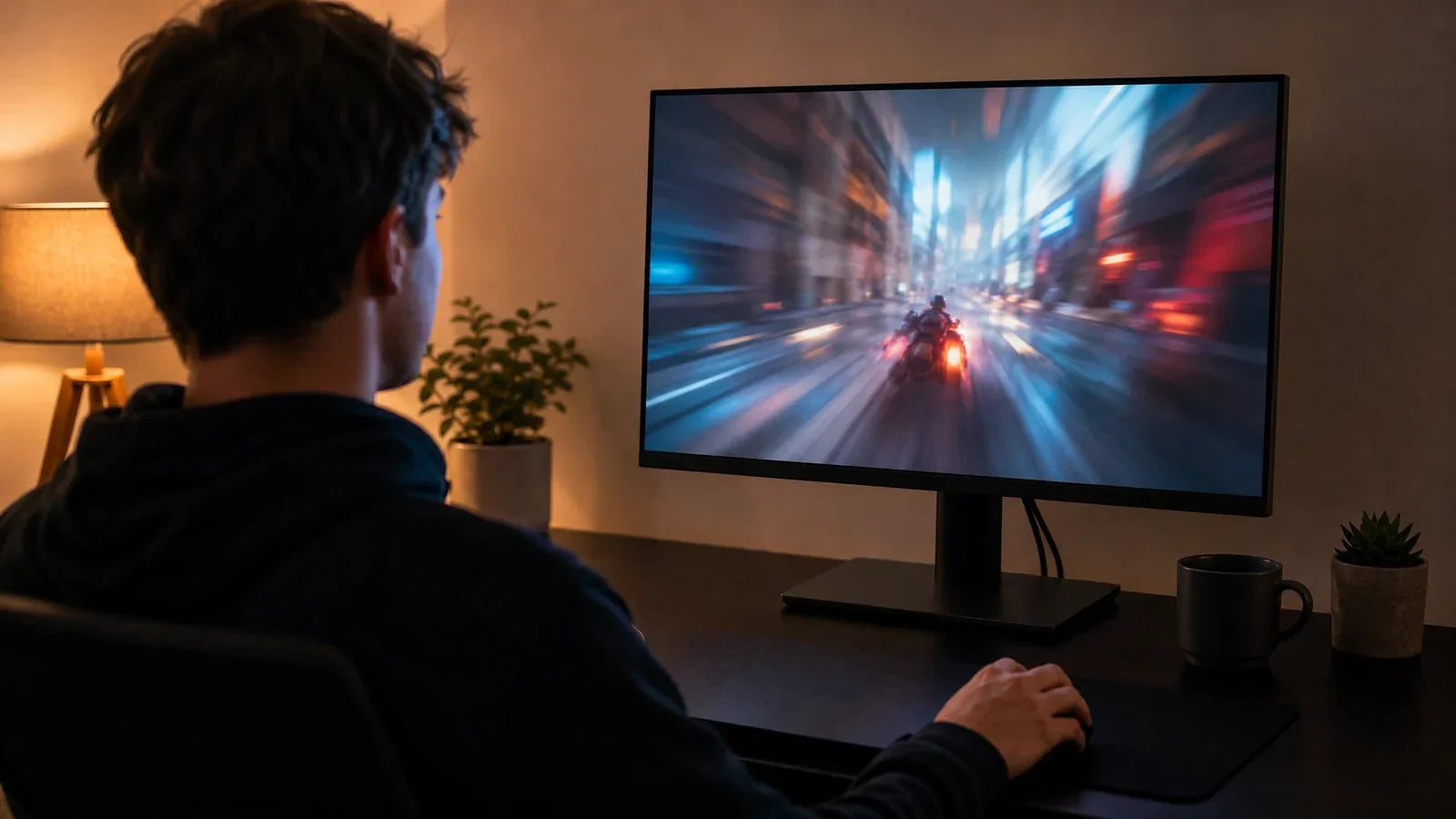
As the calendar turns towards November, the hype surrounding “Black Friday Deals” becomes almost uncontainable. For gamers who use PC as their preferred platform, this is perhaps the one occasion that beckons with the call to “finally” get yourself that better gaming display. The lure of massive discounts and doorbuster specials becomes almost irresistible. But in this ocean of flashing ads and “limited-time” offers, the one question that becomes pertinent and essential to answer is whether “Black Friday” is really the best time to make the purchase, or if it’s just a minefield waiting to be triggered.

Why Do You Need an Upgrade?
Even before you consider checking out Black Friday gaming monitor deals, the first step should be evaluating the display you are currently using. The key to carrying out an effective upgrade is to identify a problem that needs to be solved rather than succumbing to the temptation to buy something newer that has caught your fancy just because it is priced to sell.
Identify Your Current Monitor's Limitations
What is it specifically that prevents you from enjoying your current gaming display? You might still be stuck with a 60Hz display and be experiencing terrible tearing in your games. The 1080p display might be blurry on the 27-inch display that you are using, with terrible color reproduction. Identifying these shortcomings that you might be facing in your current display gives purpose to your search.
Define Your Performance Goals for a New Display
Now that you understand the problem you want to solve, you can set your solution parameters. What are you trying to gain with a new monitor? Do you compete in esports and want the best possible refresh rate to gain every split-second edge? Or perhaps you are an immersive gamer who likes one-player adventures and is wowed by the best possible visual quality that only a higher-resolution display with true HDR color can provide? Establishing such a goal will ensure that you resist buying that tempting new monitor that offers more than you need. For instance, a Mini LED monitor can deliver the stunning contrast and brightness needed for an exceptional HDR experience.
The Obvious Wins of Black Friday Shopping
There's a reason why Black Friday is so popular: when approached correctly, it offers genuine opportunities to save a significant amount of money and get more for your budget.
Unpack Genuine Price Drops and Discounts
The biggest draw of Black Friday is the potential for substantial price reductions. Reputable manufacturers and major retailers often use this period to clear out inventory of current-year or last-gen models, offering them at their lowest prices of the year. For a well-researched buyer, this can mean getting a high-performance monitor that was out of reach just a few months earlier, saving you hundreds of dollars on a legitimate upgrade.
Find Value in Bundles and Exclusive Deals
Beyond simple price cuts, Black Friday is also a time for unique offers. Retailers may create bundles that package a popular gaming monitor with a new mouse, keyboard, or headset for a single, reduced price. While you should always check the value of each individual item, these bundles can be an excellent deal if you need the extra peripherals. Some retailers also offer "doorbuster" models that, while sometimes risky, can be an incredible value if you’ve done your homework.
The Hidden Risks of Holiday Sales Events
Though there are many benefits to shopping on Black Friday, there are also many marketing tricks aimed at making you feel as if you need to buy something quickly. Awareness is the key to staying clear of buyer’s remorse.
How to Spot Misleading Discounts and Old Stock
Not all discounts are bargains. One trick that's often seen is that the original price is inflated in the weeks before the sale. That makes the percentage-off look more impressive than it actually is. You also want to be careful about buying something that's deeply discounted and that's no longer current technology. A good deal on something that's three years old might actually be something that lacks the latest technology, such as Adaptive Sync or updated ports.
Look Beyond the Price Tag for a True Upgrade
A gamer should never fall prey to the following mistakes during Black Friday. The first is to consider price as the only basis for buying. A lower-cost monitor won't be beneficial if it means lower performance.
Why Specs Like Refresh Rate and Response Time Matter More
When it comes to gaming, there are two most essential parameters that need to be taken into consideration—refresh rate (measured in Hz) and response time (measured in ms). The refresh rate has a direct impact on the smoothness of images during gameplay. A 1080p display with 240Hz refresh rate will be more useful to a competing gamer than a 4K display with a refresh rate of 60Hz. The pricing will certainly not reveal that; one needs to look beyond that.

Match a Monitor's Features to Your Favorite Games
Various games require various features. If you are more into action-packed games such as Valorant and Apex Legends, refresh rate and response time are absolutely essential to you. If you are more into games such as Baldur's Gate 3 and Starfield that are cinematic RPGs with impressive visuals, then factors such as display resolution, display technology (to ensure superior color accuracy), and HDR display are more significant to you. A true upgrade will therefore correlate with your needs.
Is This the Year to Go for a 4K Gaming Monitor?
The lure of 4K gaming monitors on Black Friday shopping has rarely been more tempting; however, proceeding with such extreme display technology demands evaluating an entire gaming setup.
A 4K display has four times the pixels that are found in a 1080p display. To display all these pixels without lagging, one needs incredibly powerful graphics. You won't be able to run many games with normal graphics settings if you want to use the 4K display with a mid-range GPU; that is, if you want to be able to use a 4K display without buying the most powerful graphics that money can buy. You'll end up with an attractive display that has an unattractively lagging game.
But if you already have a top-tier, flagship GPU, a 4K monitor finally lets you see games as the developers intended. The sharp detail and visual clarity in cinematic, single-player games become stunning, offering a true visual upgrade that no other resolution can match.
In most cases, gamers are presented with the option to choose between two types of good monitors rather than selecting between one good one and one that is poor. The most fundamental element to consider here is that you are presented with either the option to possess a 1440p display with an incredibly high refresh rate (165 Hz+) or 4K with a refresh rate (60 Hz-120 Hz), depending on your budget. Your choice should align with the performance goals you set earlier. For those who want both speed and detail, look for dual-mode displays. These can switch between native 4K and a 1080p resolution at a super-high refresh rate (240Hz+), offering flexible performance.

Your Strategic Guide to Finding the Best Deal
The key to success during Black Friday is to be proactive with strategic planning. Do not wait until the day of the sale to consider making your purchase.
Begin your search in late October or November. You’ll want to watch reviews from credible sites to find models that are just right for you. You want to have that list to focus on, rather than weed through models that are outside your needs. In other words, the list is your most powerful tool. It allows you to ignore the noise and focus only on the deals that matter to you.
Build wish lists on popular shopping sites for your desired monitors. This will immediately notify you as soon as the sale begins. You can also use browser extensions that track past prices. This will ensure that there is really “a deal” to be found during Black Friday, or it’s just the sale price from the past few months, and that you jump on a truly valuable offer.
Conclusion
So, is Black Friday the right time to upgrade your gaming monitor? The answer is a resounding yes—but only for the prepared buyer. It is a day of genuine opportunity, but it’s surrounded by distractions and marketing pressure. By identifying your needs, understanding the specs that matter, being aware of the risks, and executing a smart research plan, you can confidently navigate the sales. This approach will ensure you end the day not just with a cheap monitor, but with a true, meaningful upgrade.